



The productivity mouse landscape in 2026 is a battle between innovation and legacy. On one side, the Apple Magic Mouse — Apple's sleek, gesture-driven icon that's been a Mac staple for over a decade. On the other, the Air Nova Smart Mouse — a newer contender designed from the ground up for professionals who prioritize ergonomics, precision, and workflow efficiency.
Both aim to elevate your daily tasks, but they do so in very different ways: the Magic Mouse leans on Apple's ecosystem magic, while the Air Nova focuses on universal productivity across devices.

If you're a designer, trader, or hybrid worker trying to decide between them, this comparison dives deep into specs, comfort, performance, and real-world fit. We'll help you see which one aligns with your needs — with honest insights from our testing at Air Nova.
Quick Comparison Overview
| Feature | Air Nova Smart Mouse | Apple Magic Mouse | Winner |
|---|---|---|---|
| Ergonomics & Comfort | Sculpted full-palm, neutral wrist angle, thumb rest | Flat multi-touch surface, low profile | Air Nova (better for long sessions) |
| Sensor & Precision | 32,000 DPI optical, zero acceleration | Optical sensor, gesture-focused | Air Nova (higher precision) |
| Wireless Performance & Compatibility | Sub-1 ms 2.4 GHz + Bluetooth 5.3, multi-platform | Bluetooth, Apple-optimized | Air Nova (lower latency, broader compatibility) |
| Shortcut & Productivity Features | 12 programmable buttons, gesture button, app profiles | Multi-touch gestures, no discrete buttons | Air Nova (more customizable) |
| Multi-Device Support | Up to 3 devices, instant switching | Apple ecosystem only | Air Nova (cross-platform) |
| Battery Life & Charging | 240 hours, USB-C fast charge | 1 month, Lightning port on bottom | Air Nova (longer life, better charging) |
| Price & Value | $89 | $79 | Air Nova (more features) |
| Ideal Use Cases | Office/multitasking/design/trading/hybrid | Apple gesture fans/light use | Air Nova (broader workflows) |
Design & Ergonomics
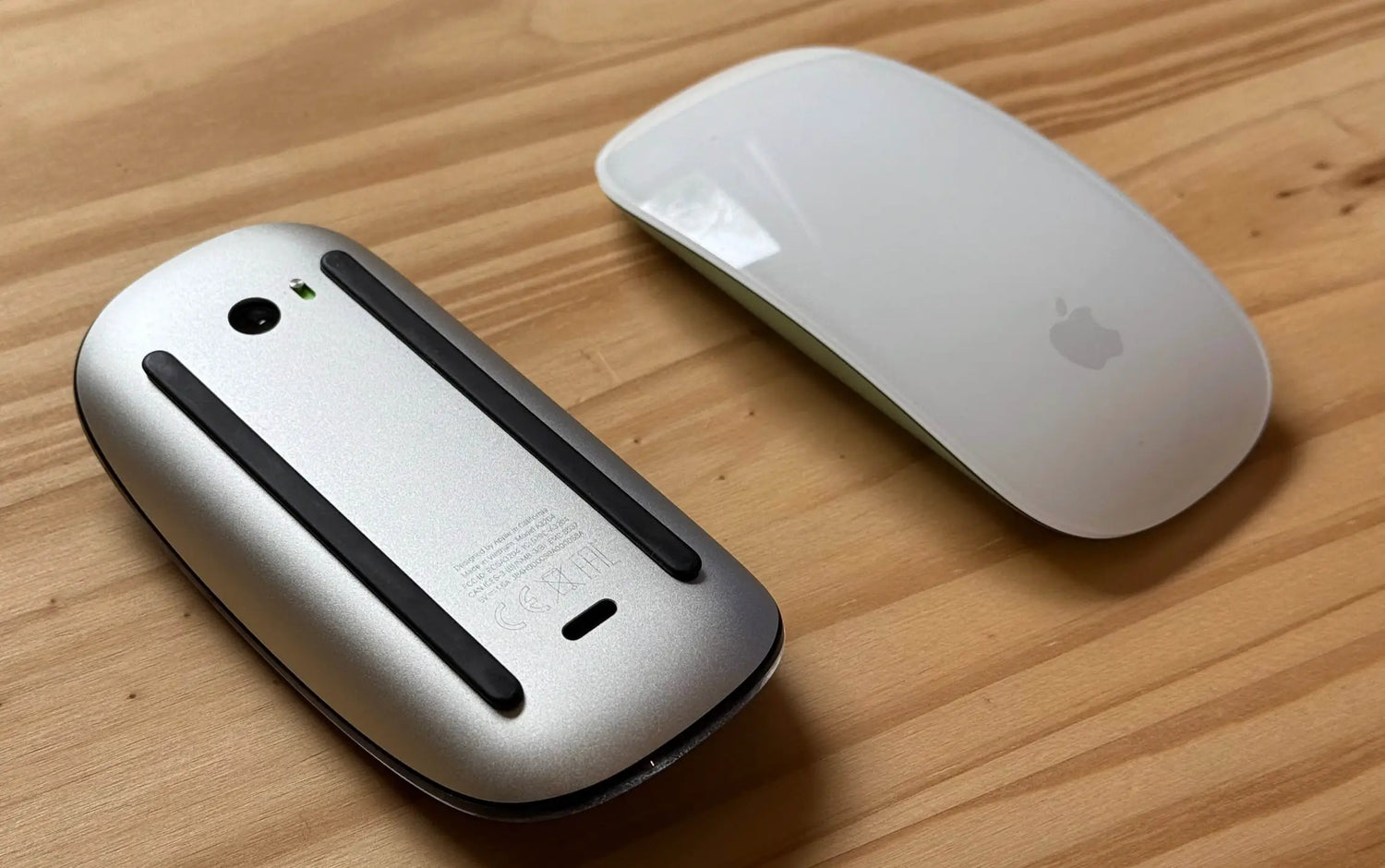
The Apple Magic Mouse is instantly recognizable: flat, low-profile aluminum body with a multi-touch top surface. It's sleek and matches Apple's aesthetic perfectly, but the flat design forces a claw grip with wrist extension — after 4–6 hours, many users report discomfort or numbness.
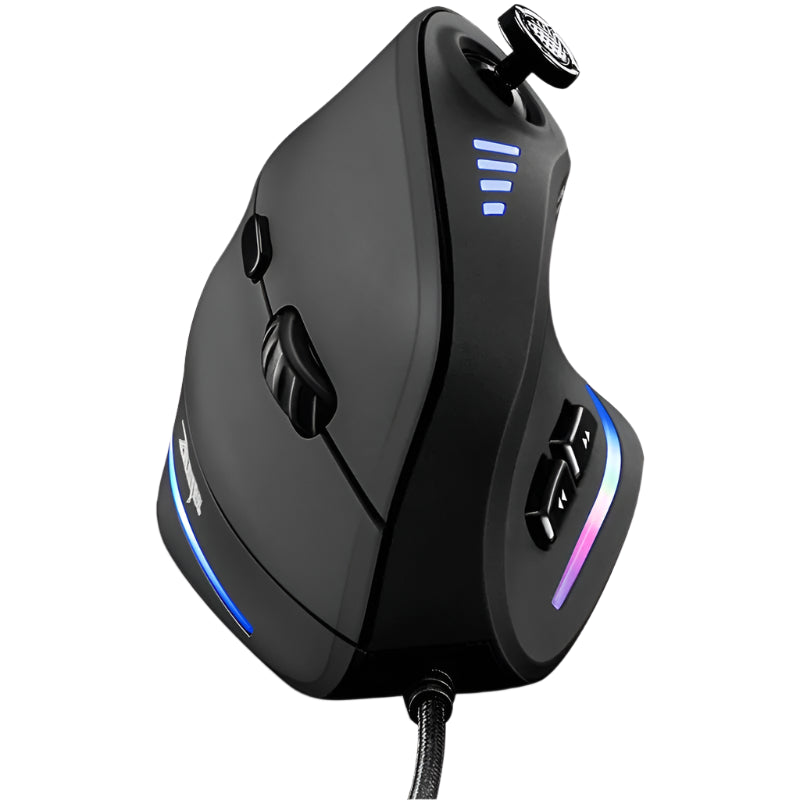
The Air Nova Smart Mouse uses a sculpted, full-palm ergonomic design with a thumb rest and neutral wrist angle (0–25° extension). It's taller and curved to fill your hand, reducing muscle load by 40–50% in long sessions per ergonomics studies.
Real scenario: During an 8-hour spreadsheet marathon, the Magic Mouse caused forearm strain; the Air Nova felt effortless, letting focus stay on the work.
Sensor & Precision
The Magic Mouse's optical sensor is reliable on clean surfaces but struggles with glass or glossy desks, with a lower DPI ceiling that can feel imprecise on large or high-res monitors.
The Air Nova Smart Mouse's 32,000 DPI sensor offers zero acceleration and flawless tracking on any surface, including glass. It's tuned for pixel-perfect precision in spreadsheets or design apps.
Real scenario: Selecting a single cell in a 200-column Excel sheet — Air Nova locks instantly, Magic Mouse requires minor corrections.
Wireless Connectivity & Compatibility
The Magic Mouse uses Bluetooth with seamless Apple pairing, but it's Apple-centric — cross-platform use feels clunky, with higher latency on non-Apple devices.
The Air Nova Smart Mouse's sub-1 ms 2.4 GHz + Bluetooth 5.3 works universally across macOS, Windows, Android, and iPadOS, with instant switching between 3 devices.
Real scenario: Switching from MacBook to NovaPad 14 Productivity Tablet — Air Nova is seamless, Magic Mouse requires re-pairing.
Productivity Features & Workflow Shortcuts
The Magic Mouse shines with multi-touch gestures: swipe for Mission Control or app switching, but no discrete buttons limit customization for non-Apple apps.
The Air Nova Smart Mouse has 12 programmable buttons with on-device profiles for Excel, Figma, and more, plus a gesture button for custom actions like zoom or undo.
Real scenario: In PowerPoint, Air Nova's buttons map to "new slide" and "duplicate" — faster than Magic Mouse gestures.
Materials, Build & Feel
The Magic Mouse's aluminum top is smooth and premium but slippery, with the multi-touch surface prone to fingerprints. Button clicks are tactile but louder.
The Air Nova Smart Mouse's matte coating and PTFE feet glide smoothly, with completely silent switches and a weighted balance that feels solid without bulk.
Real scenario: After 6 months, Magic Mouse shows scratches; Air Nova looks new.
Battery & Charging Experience
The Magic Mouse lasts about a month but charges via Lightning port on the bottom — unusable while charging.
The Air Nova Smart Mouse's 240-hour battery and USB-C fast charge (10 min = 24 hours) keep you productive without interruption.
Real scenario: Mid-presentation low battery — Air Nova quick-charges; Magic Mouse flips upside down.
Real Use Cases — Who Should Choose Which?
Designers & Creatives
Air Nova's precision and buttons win for Photoshop; Magic Mouse gestures suit light Apple-native work.
Office Professionals & Multitaskers
Air Nova's silence and multi-device shine for Excel and calls; Magic Mouse feels limited.
Remote Workers & Hybrid Workers
Air Nova's switching and comfort edge out for hybrid life; Magic Mouse is Apple-only.
Students & Daily Users
Magic Mouse for simple gestures; Air Nova for serious productivity.
Price & Value Breakdown
The Magic Mouse at $79 is premium-priced for its features. The Air Nova Smart Mouse at $89 offers more buttons, better latency, and ergonomics — superior value for productivity users.
Verdict — Which One Should You Choose?
Best for designers: Air Nova (precision).
Best for multitaskers: Air Nova (features).
Best for remote workers: Air Nova (switching).
Best for Apple purists: Magic Mouse (gestures).
Best all-around: Air Nova Smart Mouse.
Final Thoughts
Both the Air Nova Smart Mouse and Apple Magic Mouse have their strengths, but for users who value ergonomics, precision, and cross-platform productivity, the Air Nova is the clear winner in 2026.
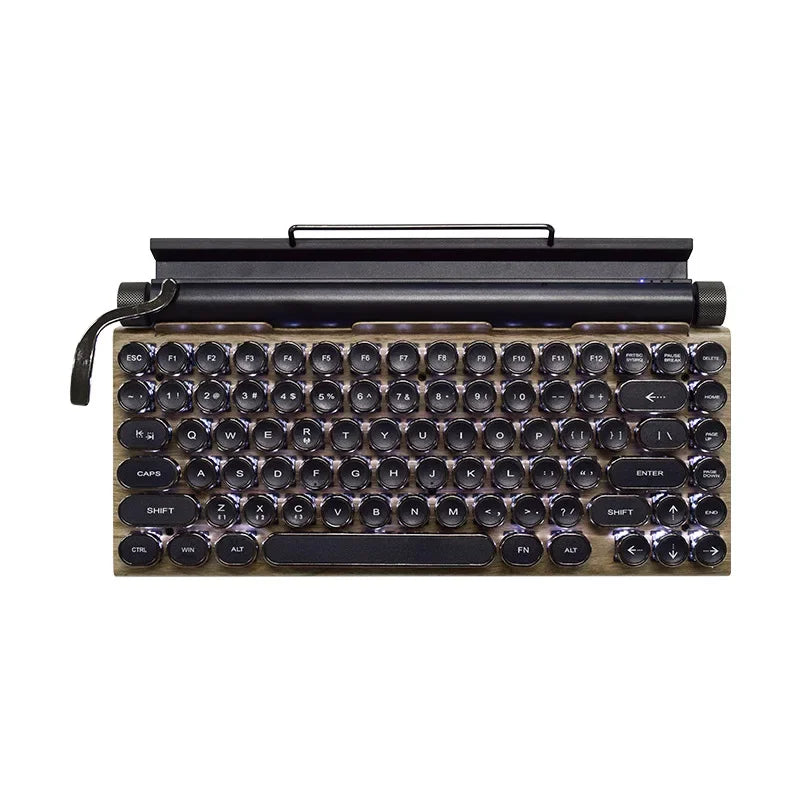
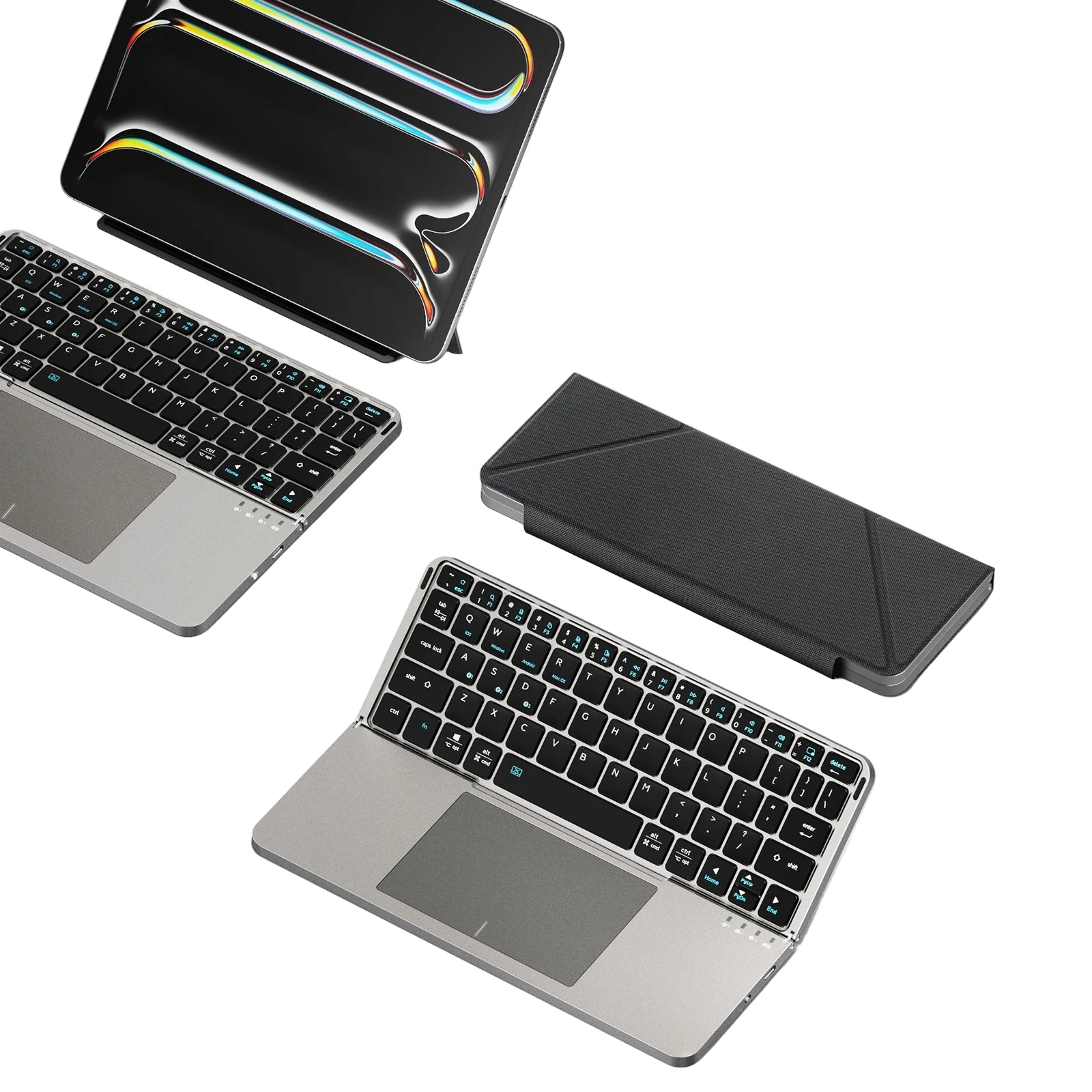
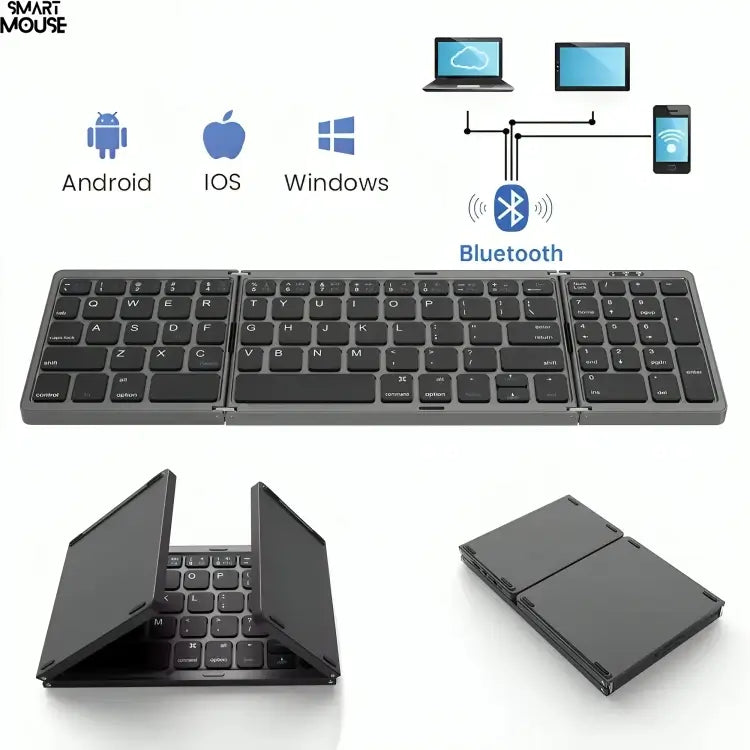
Pair it with the Touch Nova Smart Keyboard Collection and CyberDock 3-in-1 Wireless Charging Station for the ultimate setup.
Get the Air Nova Smart Mouse now and experience productivity redefined.
Explore the full Smart Mouse Collection.



Leave a comment
This site is protected by hCaptcha and the hCaptcha Privacy Policy and Terms of Service apply.