
Finding the best left hand mouse in 2026 means prioritizing comfort and functionality tailored to left-handed users. Standard mice force awkward adaptations that lead to discomfort during extended sessions, but dedicated left-handed options address this directly.
Whether you're navigating spreadsheets, editing designs, or competing in games, a well-designed left handed mouse enhances precision and reduces strain. With advancements in ergonomics, wireless technology, and customizable features, the market now offers more choices than ever for left-handed productivity and play.
Left-handed users often overlook how a mismatched mouse impacts daily tasks. For work, it can slow down efficiency in tools like Excel or Adobe suites. In gaming, it affects aim and reaction times. Everyday use benefits from seamless scrolling and clicking without constant adjustments. Ergonomic designs, especially vertical ones, promote a neutral wrist position, making long hours more sustainable. As we explore options, focus on what fits your setup and habits for the best experience.
In 2026, the emphasis is on specialized mice that cater specifically to left-handers, moving beyond ambidextrous compromises. These devices incorporate thoughtful button layouts and shapes that feel intuitive, boosting overall satisfaction and performance.
Why Left-Handed Users Need a Dedicated Mouse
Left-handed users frequently encounter challenges with standard right-hand mice, which dominate the market. The primary issue is the asymmetrical design: buttons and contours optimized for right-handed grips force left-handers into unnatural positions. This leads to awkward thumb reaches for side buttons, often resulting in accidental clicks or missed inputs during critical moments.
Posture suffers too. Using a right-hand mouse on the left side can twist the wrist outward, straining tendons over time. In office setups, where users handle documents or emails for hours, this misalignment contributes to discomfort in the forearm and shoulder. Imagine drafting reports or managing calendars—constant adjustments disrupt flow and focus.
For desk arrangements, a right-hand mouse placed on the left crowds the keyboard, limiting space for note-taking or multitasking. In creative work like graphic design, precise cursor control is essential, but an ill-fitting mouse hampers accuracy, leading to frustration and rework.
Gaming intensifies these problems. During intense sessions in FPS titles or MOBAs, quick reflexes are key, but a mismatched mouse can delay actions. Left-handers might remap keys awkwardly, affecting immersion and performance. Real-world examples include marathon raiding in MMOs, where sustained comfort is crucial, or competitive matches where every millisecond counts. A dedicated left handed mouse resolves these by mirroring the ergonomics, allowing natural hand placement and better control.
What to Look for in the Best Left Hand Mouse
Selecting the best left hand mouse requires evaluating features that align with left-handed needs. Focus on elements that enhance usability without compromise.
Ergonomic Shape & Grip
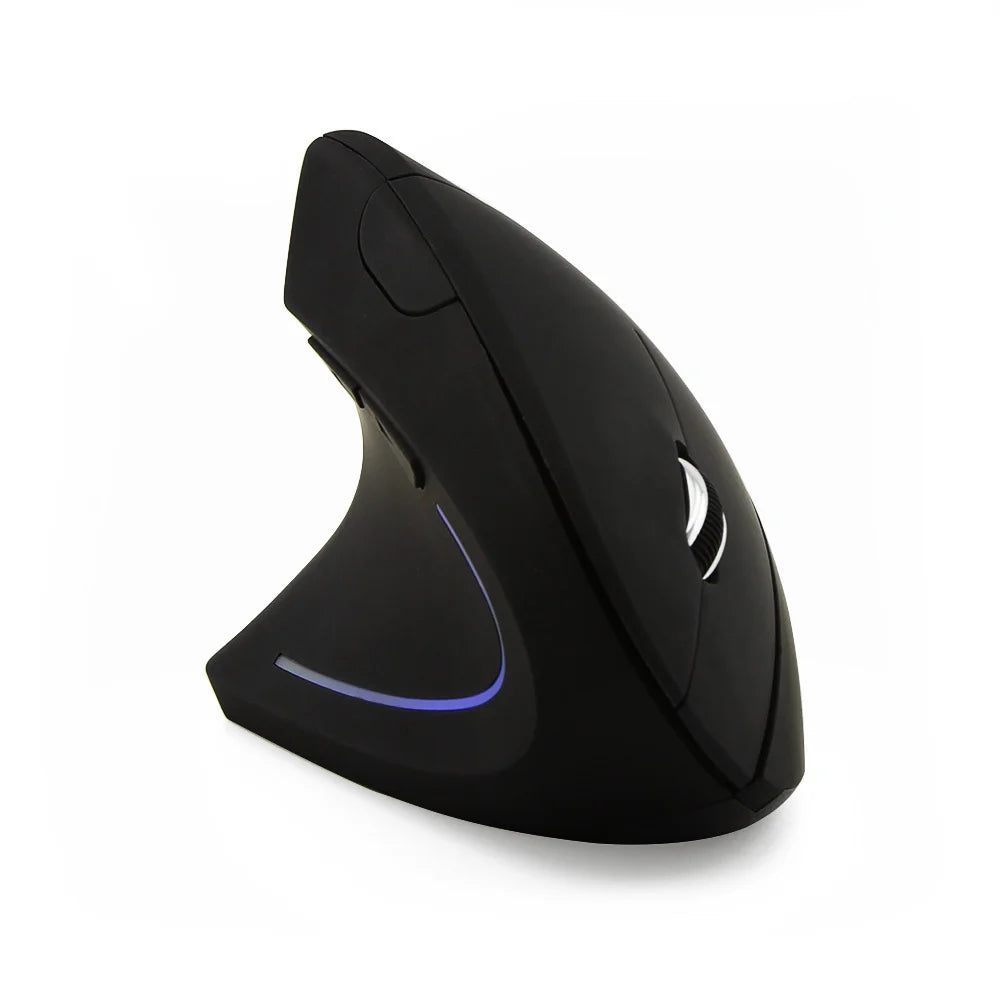
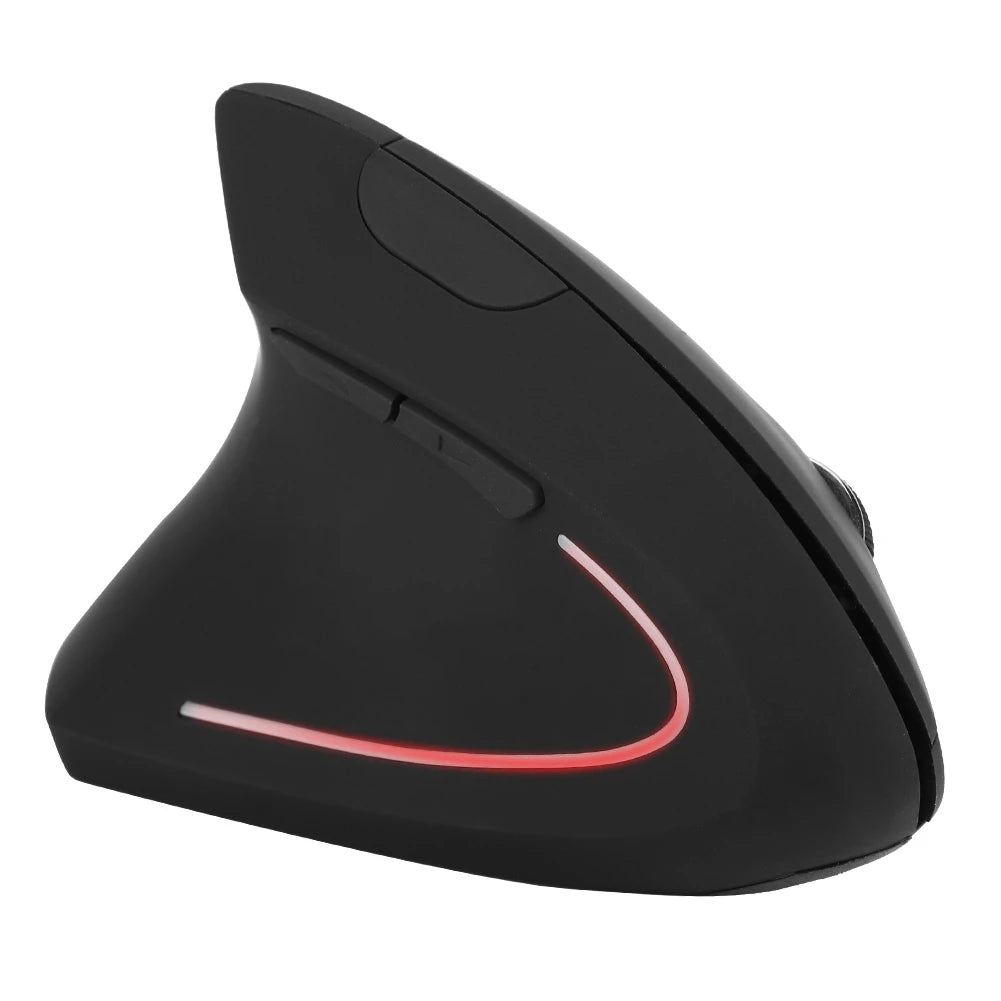
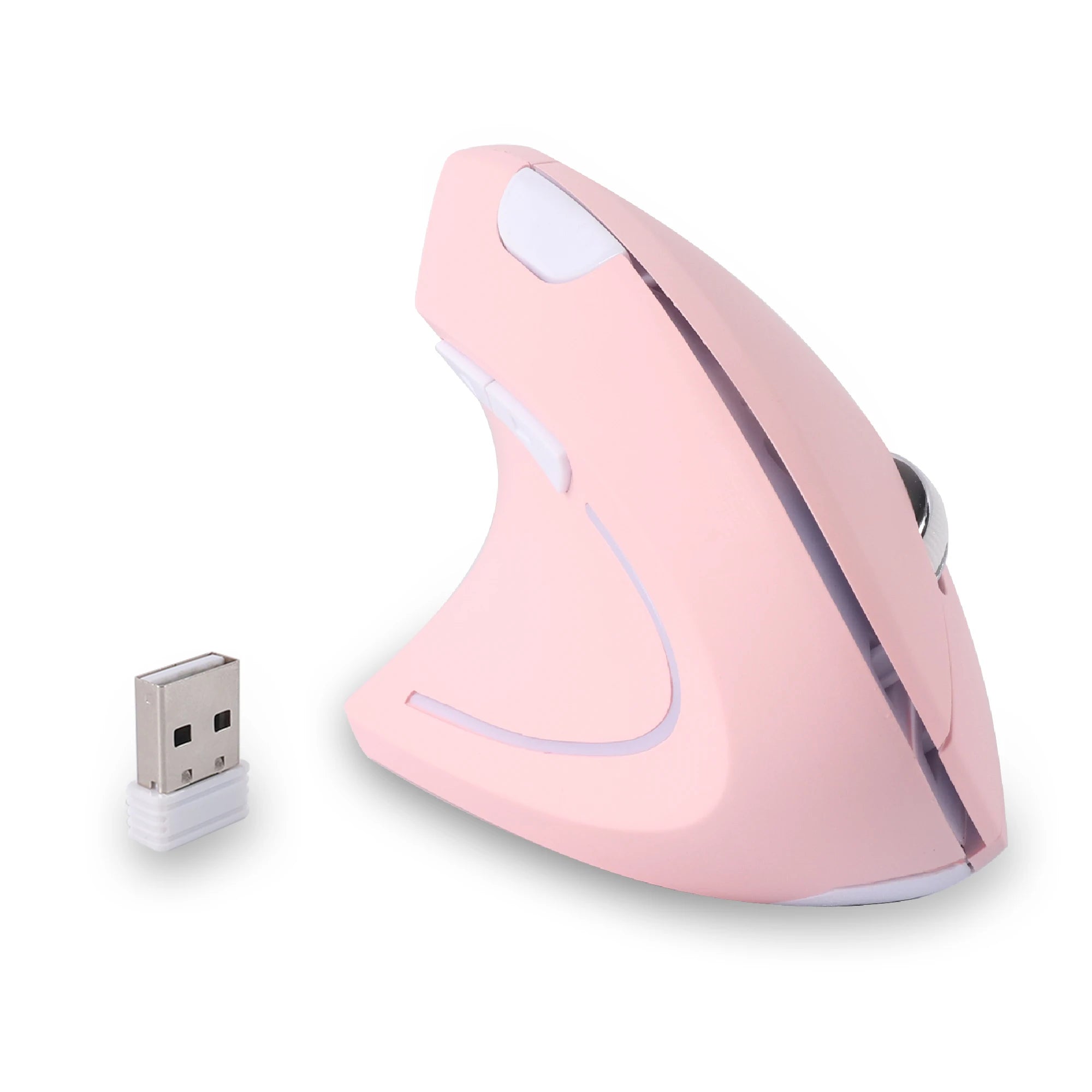
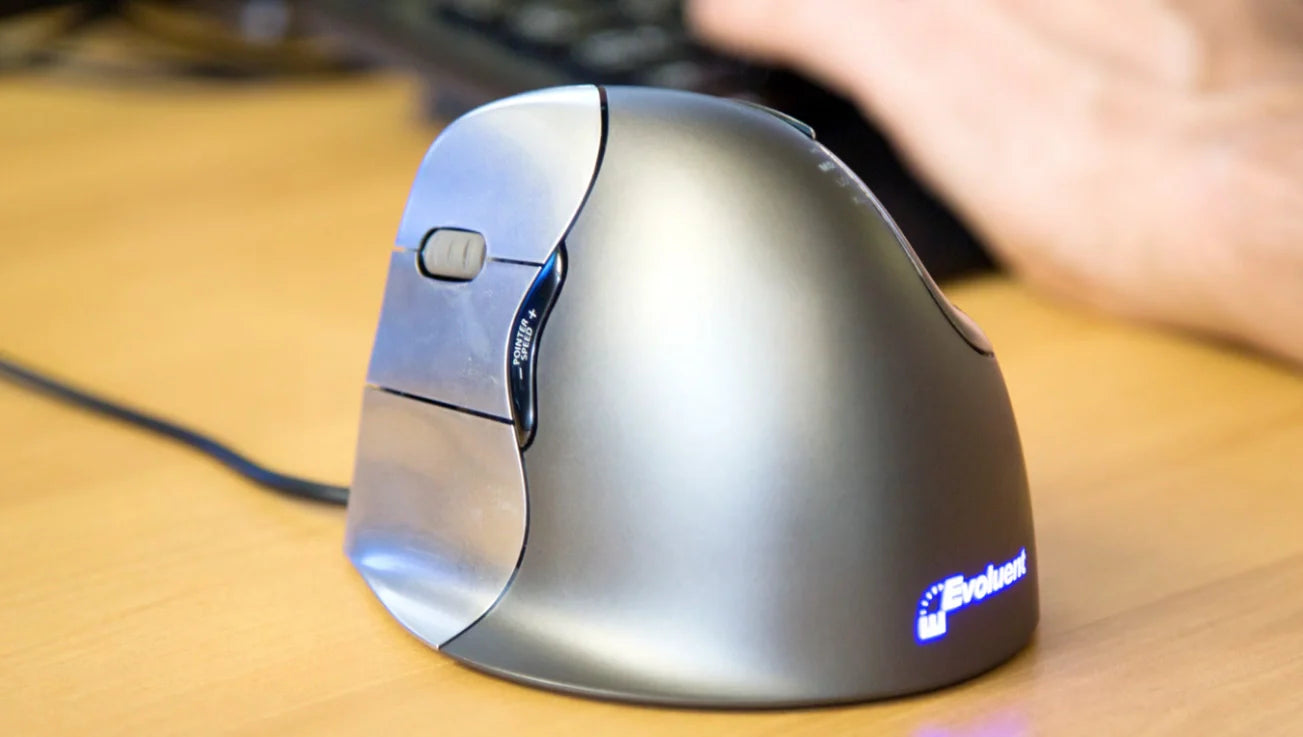
The shape is paramount for left-handed users. Look for contours that support the natural curve of the left hand, with a higher arch on the right side for palm rest. Vertical designs stand out here, positioning the hand in a handshake grip to maintain a neutral wrist angle. This is especially beneficial for those spending hours at a desk, as it minimizes twisting. For left-handers, a vertical left hand mouse feels intuitive, reducing the forward lean common with flat mice.
Button Placement and Accessibility
Buttons should be positioned for easy thumb and finger access on the left side. Side buttons for macros or navigation need to fall under the thumb without stretching. Primary clicks should offer tactile feedback, and a scroll wheel that's smooth yet precise. For left-handed ergonomic mice, this layout prevents the reach issues of right-hand models, making actions like zooming in documents or switching weapons in games effortless.
Wireless vs Wired
Wireless options provide freedom from cords, ideal for clutter-free desks and portability. In 2026, low-latency tech ensures minimal delay, suitable even for gaming. Wired mice offer reliability without battery concerns, perfect for stationary setups. Left-handers benefit from wireless for flexible positioning, but wired can be better for consistent power in long sessions. Consider your mobility—wireless shines for laptops, while wired suits desktops.
DPI / Sensitivity Considerations
DPI settings determine cursor speed and precision. For work, lower DPI (800-1600) aids fine control in editing software. Gaming demands higher (up to 20,000+) for swift movements. Adjustable DPI switches allow toggling between modes, crucial for mixed-use. Left-handed users need this flexibility to match their dominant hand's natural speed, ensuring accuracy in tasks like photo retouching or headshots.
Build Quality, Materials, and Long-Session Comfort
Durable materials like matte plastics resist wear and provide grip without slipping. Soft-touch coatings add comfort for prolonged use. Weight should balance lightness for quick moves with enough heft for stability—around 80-100g is ideal. Ventilation or breathable surfaces prevent sweat buildup. For left-handers, these elements ensure the mouse withstands daily demands, from all-day work to extended gaming, without causing hand fatigue.
Best Left Hand Mouse Picks for 2026 (Work, Gaming & Everyday Use)

In 2026, the best left hand mouse options cater to specific needs, blending ergonomics with performance. These picks focus on user scenarios, emphasizing benefits like reduced strain and enhanced control.
Best Left Hand Mouse for Office & Productivity
For office and productivity, prioritize mice that support extended use without discomfort. A vertical left handed ergonomic mouse excels here, promoting a natural hand position during tasks like data entry or virtual meetings. It suits users who handle multiple applications, offering side buttons for quick shortcuts. Benefits include smoother navigation in productivity suites, less wrist fatigue after hours, and wireless connectivity for tidy workspaces. If you spend all day in spreadsheets or emails, this type transforms routine tasks into comfortable routines. Exploring dedicated ergonomic mice for left-handed users reveals options with adjustable DPI for precise cursor work.
Best Left Hand Mouse for Gaming
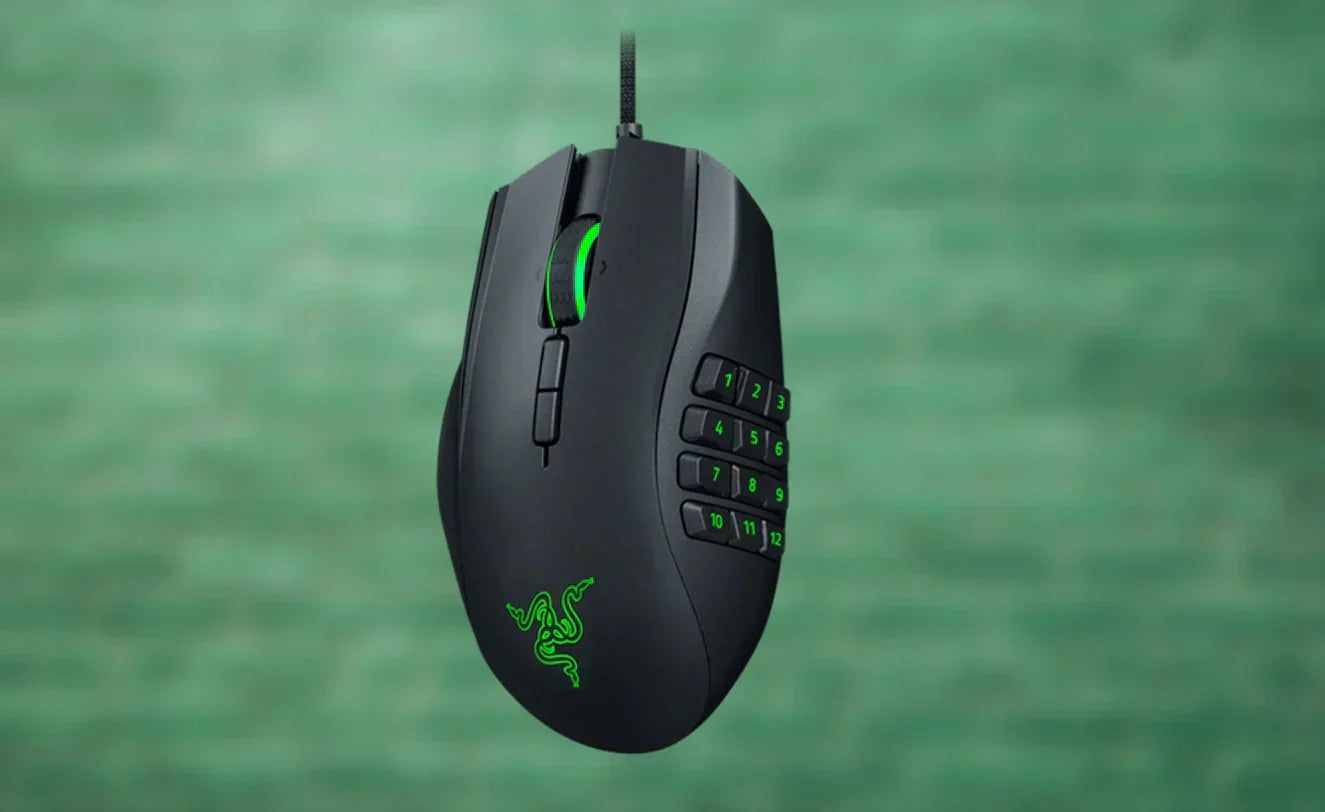
Gaming demands responsiveness and customization. A left handed gaming mouse with high DPI and programmable buttons fits competitive players, allowing seamless ability activations in MOBAs or accurate aiming in shooters. Wireless models with low latency ensure no lag during clutches. For left-handers, mirrored designs provide thumb access to extras like DPI shifts, enhancing immersion. If you prioritize precise aim in games, opt for lightweight builds under 80g for swift flicks. These mice handle long sessions with breathable materials, reducing sweat. Dedicated left-handed options outperform ambidextrous ones by avoiding awkward adaptations.
Best Left Hand Mouse for Mixed Everyday Use
For everyday use blending browsing, light editing, and casual gaming, a versatile left hand wireless mouse strikes the balance. It offers reliable battery life, around 70 hours, and a comfortable grip for varied tasks. Ergonomic features like contoured shapes prevent strain from switching activities. Side buttons aid in web navigation or media controls. If your day involves emails, streaming, and occasional games, this adaptability shines. Vertical variants add extra comfort for prolonged mixed sessions, making transitions smooth. Focus on durable, multi-device compatible models for seamless integration into daily life.
Vertical vs Traditional Left Hand Mouse – Which Is Better?
Vertical and traditional left hand mice differ in design philosophy, each suiting different preferences.
A vertical left hand mouse orients the hand upright, like a handshake, which aligns the wrist neutrally. This design pros include better long-term comfort, especially for users prone to repetitive motions. It's ideal for office workers or those with desk-heavy routines, as it reduces pronation—the twisting that flat mice encourage. However, it may require an adjustment period, feeling less familiar initially.
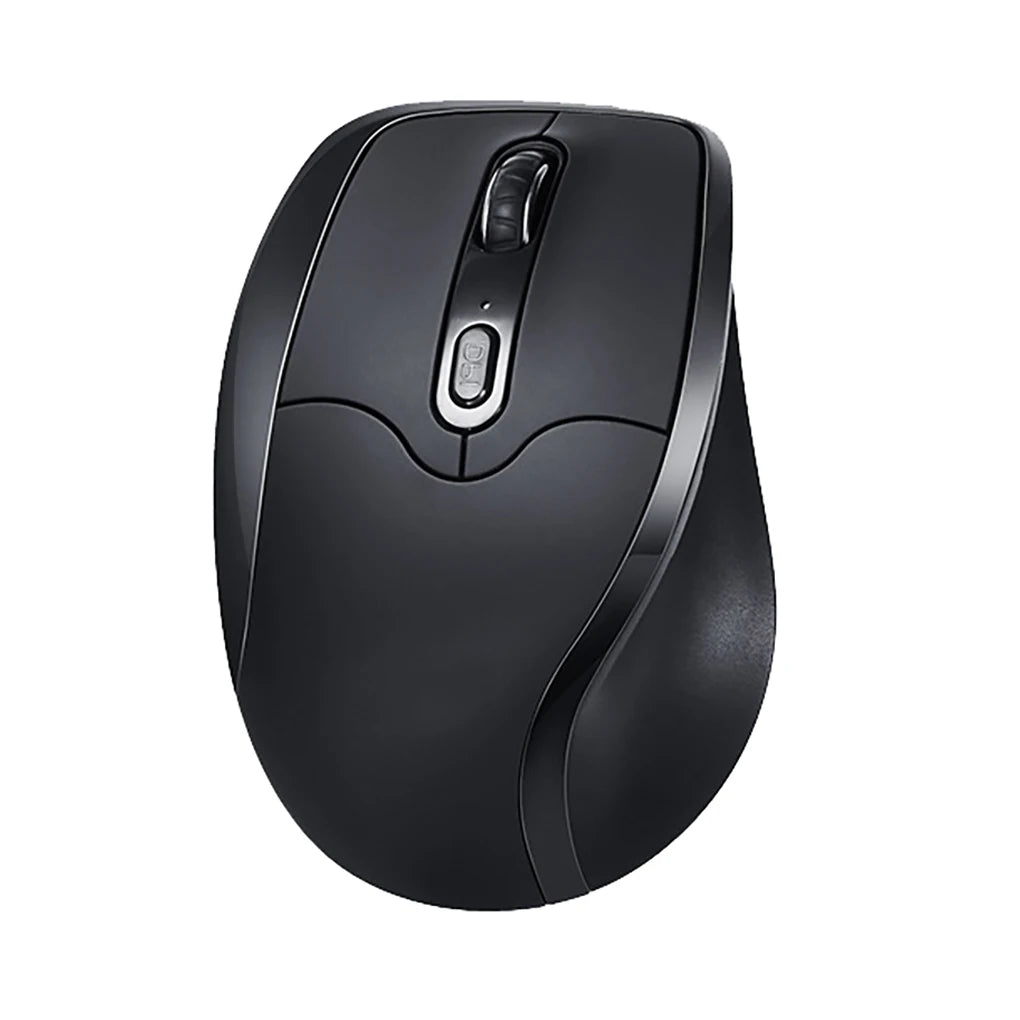
Traditional flat designs offer a classic feel, with the hand resting palm-down. Pros here are immediate familiarity and easier transition from standard mice. They're often lighter and more precise for quick movements, benefiting gamers or those needing fine control. Drawbacks include potential wrist strain over time due to the angled position.
Consider going vertical if you log long hours at a computer, such as in content creation or remote work, where sustained comfort outweighs speed. It's a smart choice for preventing buildup of discomfort in repetitive tasks. Stick with traditional if you're accustomed to right-hand mice and want minimal learning curve, or if your use involves short bursts like casual browsing. For mixed scenarios, test both to see what feels right—many left-handers find vertical transformative for daily comfort.
How to Choose the Right Left Hand Mouse for Your Setup
Choosing the right left hand mouse involves a structured approach to match your needs.
Step 1: Define your main use. Identify if it's primarily work, like document handling; gaming, requiring fast responses; content creation, needing precision; or general use, for browsing and emails. This guides feature priorities—high DPI for gaming, ergonomics for work.
Step 2: Decide on vertical vs traditional. Assess your comfort needs. If long sessions cause wrist discomfort, vertical promotes neutrality. For familiar feel and quick adaptability, traditional works. Test grips in stores if possible.
Step 3: Choose wired vs wireless based on desk and mobility. Wireless clears clutter and suits laptops, with 2026 models offering negligible latency. Wired ensures constant power for desktops, ideal if you stay put.
Step 4: Consider size and grip style. Measure your hand—small hands suit compact mice, larger ones need fuller support. Grip types matter: palm for relaxed hold, claw for control, fingertip for agility. Left-handed designs should accommodate these without compromise.
Step 5: Check extra features. Look for side buttons for macros, smooth scrolls for documents, DPI switches for versatility, and quiet clicks for shared spaces. Ensure compatibility with your OS and any software for customization. This step refines the choice to something truly personalized.
FAQ – Best Left Hand Mouse in 2026
Are left-handed mice worth investing in during 2026?
Yes, left-handed mice are worthwhile in 2026, offering tailored comfort and efficiency that generic options lack. They address specific usability issues, making daily computing more enjoyable and productive.
Is a vertical left hand mouse superior for extended work periods?
A vertical left hand mouse often provides better support for long hours, thanks to its neutral positioning that eases wrist strain compared to flat designs.
Can someone accustomed to right-hand mice switch to a left hand mouse easily?
Switching is feasible with practice. Start with short sessions to build familiarity; many find the intuitive layout accelerates adaptation.
Do left handed gaming mice perform well in competitive scenarios?
Left handed gaming mice deliver competitive performance with high DPI and low latency, matching right-hand models when designed specifically for lefties.
What sets ambidextrous mice apart from dedicated left hand mice?
Ambidextrous mice work for both hands but may lack optimized contours, while dedicated left hand mice feature mirrored ergonomics for superior left-handed fit and button access.
How does wireless tech impact left hand mouse choices in 2026?
Wireless left hand mice in 2026 offer freedom and reliability, with batteries lasting weeks, making them practical for most users without sacrificing performance.
Conclusion – Choosing the Best Left Hand Mouse in 2026
Selecting the best left hand mouse in 2026 hinges on understanding your use case, whether it's boosting productivity at work, sharpening gaming skills, or handling everyday tasks smoothly. Key factors like ergonomic design, wireless capabilities, and customizable features ensure a match that enhances comfort and efficiency.
Vertical options stand out for their wrist-friendly approach, ideal for prolonged sessions, while traditional shapes offer familiarity for quicker adoption. Balancing these with DPI needs and grip preferences leads to a confident choice.
If you're seeking specialized comfort, it's valuable to check out collections focused on left hand wireless mouse designs. These often include vertical and ergonomic varieties that prioritize left-handed usability, helping you find a solution that feels custom-built for your hand.











Leave a comment
This site is protected by hCaptcha and the hCaptcha Privacy Policy and Terms of Service apply.