






If you're left-handed and still relying on a right-handed mouse for work, you're likely sacrificing efficiency and comfort every day. The best left handed mouse for work is designed to fit your natural grip, eliminating the awkward adjustments that slow you down in emails, spreadsheets, or virtual meetings.
In 2026, with remote and hybrid setups more common, switching to a dedicated left handed ergonomic mouse can transform your productivity. No more reaching across buttons or twisting your wrist—just seamless control tailored to you.
Many left-handers adapt to right-handed tools out of habit, but this leads to unnecessary frustrations in office tasks. A proper left hand mouse for home office or traditional workspaces streamlines workflows, from navigating complex documents to multitasking across apps. As we dive into options, we'll focus on features that support long hours without disrupting your focus.
Whether you're in accounting, design, or admin roles, the right mouse enhances precision and reduces fatigue. It's time to prioritize tools that work for you, not against you.
Why Using a Right-Handed Mouse Hurts Left-Handed Productivity
Left-handed workers often face subtle inefficiencies when using right-handed mice. The design assumes a right-hand grip, forcing left-handers into reversed positions that complicate basic actions. This misalignment affects wrist angles, making prolonged use feel unnatural and leading to slower cursor movements.
In spreadsheets, for instance, dragging cells or selecting ranges becomes cumbersome as thumb buttons—meant for easy access—are on the wrong side. This extra effort accumulates over an eight-hour day, reducing overall output. During multitasking, like switching between tabs or copying data, the awkward reach interrupts rhythm, causing delays in reports or presentations.
Design tools amplify the issue. Precise edits in software like Photoshop or CAD require fine control, but a mismatched mouse leads to overshoots or imprecise clicks. In home offices, where distractions are fewer, these small inefficiencies stand out, turning focused sessions into frustrating ones.
Over long workdays, this setup contributes to quicker fatigue, as constant adjustments strain focus. Efficiency drops when simple navigation feels labored, impacting everything from email responses to project management. A dedicated left handed mouse resolves these by mirroring natural hand movements, restoring smooth operation in professional environments.
What Makes a Great Left Handed Mouse for Work

A great left handed mouse for work combines thoughtful design with practical features to support daily tasks. Here's what to prioritize.
Ergonomic Shape
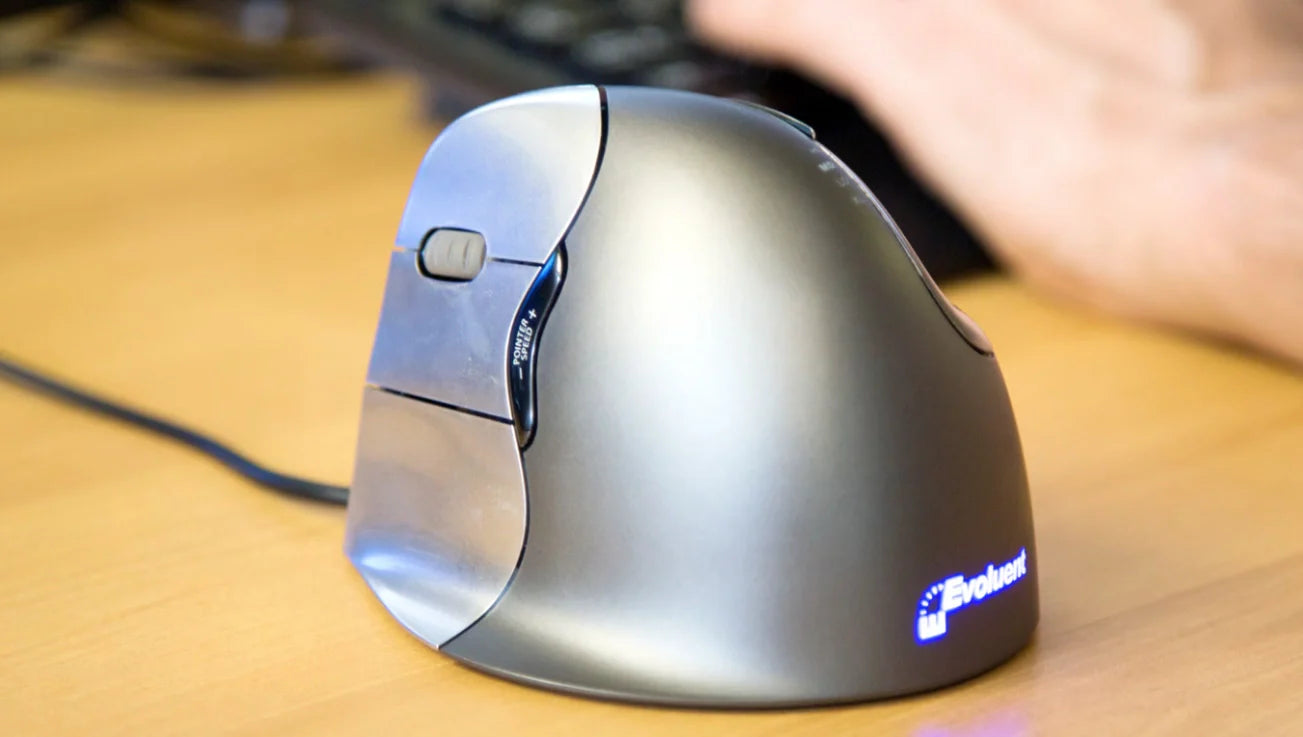
Ergonomic shape is key, especially vertical designs that position the hand upright. This allows a more neutral hold during extended sessions, ideal for office workers handling documents or data entry. For left-handers, it means no more contorting to fit a right-hand mold, enabling consistent comfort in repetitive motions like scrolling through long files.
Button Layout for Left-Handed Workflows
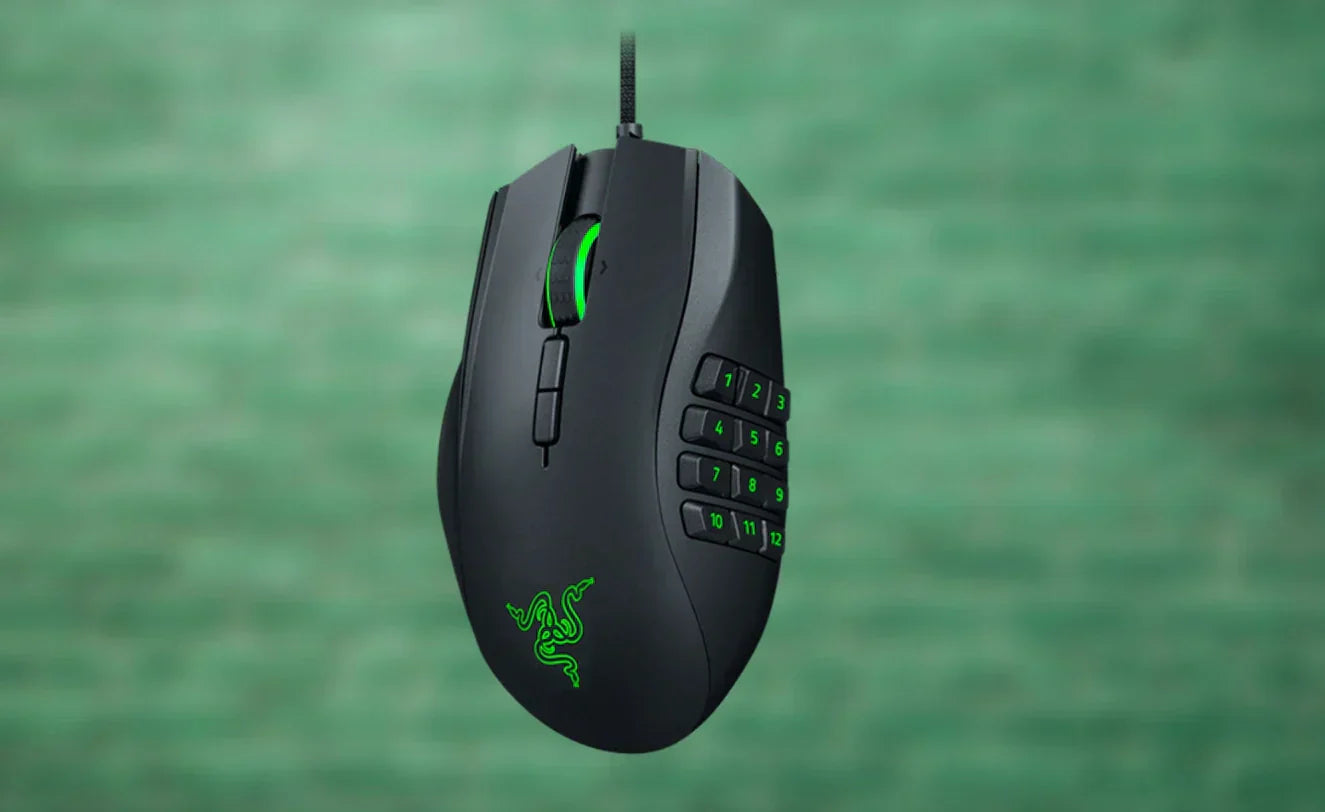
Button layout should cater to left-handed access, with side buttons under the thumb for quick shortcuts. In work scenarios, this facilitates macros for copying, pasting, or navigating apps without lifting fingers. Proper placement enhances speed in tools like Excel or Word, where efficiency hinges on fluid inputs.
Wireless Freedom for Clean Desks
Wireless connectivity eliminates cords, promoting tidy desks in home or shared offices. Reliable batteries lasting weeks support uninterrupted work, while low-latency tech ensures responsive clicks. For left-handers, this freedom allows optimal positioning without cable drag, aiding in clutter-free setups that boost focus.
Precision and Smooth Scrolling for Office Tasks
Precision via adjustable DPI suits varied tasks—lower for detailed editing, higher for broad navigation. Smooth scrolling handles lengthy documents or web pages effortlessly. In office environments, this precision prevents errors in data analysis or content creation, keeping workflows steady.
Quiet Clicks for Shared or Home Offices
Quiet clicks minimize noise, essential in shared spaces or home offices near family. Silent operation maintains professionalism during calls or recordings, without distracting sounds. For left-handed users, this feature pairs with ergonomic benefits to create a discreet, efficient tool.
Best Left Handed Mouse for Work in 2026
In 2026, the best left handed mouse for work emphasizes ergonomics and reliability. These picks align with real office needs, focusing on vertical and wireless designs for enhanced control.
Best Left Handed Mouse for Long Office Hours
For those clocking long office hours, a vertical left handed ergonomic mouse stands out. It suits users in roles like data analysis or report writing, where sustained use is common. Benefits include a natural grip that supports hours of navigation without disrupting focus. Wireless models keep desks organized, while side buttons streamline repetitive actions like formatting cells. If your day involves endless meetings and document reviews, this type maintains efficiency throughout.
Best Left Handed Mouse for Home Office Setups
Home office setups benefit from a left hand wireless mouse with ergonomic contours. Ideal for remote workers juggling emails and virtual collaborations, it offers portability and clean aesthetics. The design reduces awkward adjustments, enhancing multitasking in compact spaces. Features like quiet operation fit quiet home environments, and adjustable sensitivity aids in varied tasks from browsing to editing. For left-handers working from home, this ensures a professional feel without office-grade clutter.
Best Left Handed Mouse for Productivity & Multitasking
For productivity and multitasking, opt for a left handed mouse with intuitive button layouts. It fits admins or creatives switching between apps, providing quick access to shortcuts. Ergonomic shapes, especially vertical, support fluid movements in tools like project management software. Wireless connectivity allows seamless device pairing, boosting efficiency in hybrid workflows. If your role demands handling multiple screens or rapid inputs, this mouse keeps pace, minimizing downtime.
Vertical vs Traditional Left Handed Mouse for Office Work
Vertical and traditional left handed mice serve office work differently, each with strengths based on user needs.
Vertical mice elevate the hand to a handshake position, which many prefer for extended desk time. This design suits accounting tasks involving hours of number crunching, as it allows relaxed holding during repetitive clicks. In design work, it facilitates steady cursor control for intricate edits. The upright angle often feels more sustainable for full-day use, reducing the forward lean of flat mice.
Traditional designs lay flat, offering a familiar palm-down grip. They're suitable for users transitioning from right-handed tools or those in quick-paced admin roles, where immediate adaptability matters. For coding, the lower profile can enable faster swipes across code editors. However, for prolonged sessions, they might not provide the same level of sustained ease as vertical options.
In scenarios like creative projects, vertical shines for detailed, long-form work. Traditional works well for shorter bursts or mixed duties. Consider your daily routine—if it's desk-bound with minimal breaks, vertical often enhances flow. For varied office demands, test both to match your style.
How to Choose the Right Left Handed Mouse for Your Work Setup
Choosing the right left handed mouse involves assessing your setup practically.
First, evaluate desk size and layout. Compact home offices favor wireless models to avoid cable interference, while larger desks accommodate either. Position the mouse for natural reach, ensuring it doesn't crowd your keyboard.
Next, consider daily usage hours. For 6+ hours, prioritize vertical ergonomics to handle extended sessions. Shorter stints might suit traditional shapes for quicker adaptation.
Think about work type. Emails and spreadsheets benefit from smooth scrolling and precise DPI; creative tools like graphic software need responsive buttons. Match features to your software demands.
Decide on wired vs wireless. Wireless offers flexibility for laptop users or frequent movers, with 2026 tech providing reliable connections. Wired ensures no battery interruptions for stationary desktops.
Finally, account for grip style and hand size. Palm grips need fuller support, claw for control—measure your hand to avoid slippage. Test options if possible to confirm fit in your routine.
FAQ – Left Handed Mouse for Work
Is a left handed mouse really better for office work?
Yes, a left handed mouse improves office work by providing intuitive control, reducing awkward movements that slow tasks like data entry or navigation.
Can a vertical mouse enhance comfort during work?
A vertical mouse can offer better hand positioning for work, making it easier to maintain focus over long periods without constant adjustments.
Are wireless mice reliable enough for professional work?
Wireless mice are highly reliable for professional work in 2026, with long battery life and low latency supporting seamless productivity.
Is an ambidextrous mouse sufficient for left-handed office use?
An ambidextrous mouse can work, but dedicated left-handed designs provide superior button access and fit for office efficiency.
How long does it take to adapt to a left handed mouse for work?
Adaptation to a left handed mouse typically takes a few days to a week, with most users noticing improved workflow soon after.
What features should I look for in a left hand mouse for home office?
Look for ergonomic shapes, wireless options, and quiet clicks in a left hand mouse for home office to support focused, distraction-free work.
Conclusion – Upgrade Your Work Setup with a Left Handed Mouse
Upgrading to a left handed mouse for work addresses the inefficiencies of right-handed tools, enhancing comfort and productivity in office or home setups. Key elements like ergonomic shapes and wireless design make daily tasks smoother, from spreadsheets to creative projects.
Whether vertical for long hours or traditional for familiarity, the right choice aligns with your workflow, reducing frustrations and boosting output. Prioritizing tools that fit your hand naturally leads to better results over time.
To find options that emphasize these benefits, consider exploring collections of left handed ergonomic mouse designs. They often include vertical and wireless varieties tailored for left-handers, helping you create an efficient workspace.






Leave a comment
This site is protected by hCaptcha and the hCaptcha Privacy Policy and Terms of Service apply.