
Choosing the right left handed mouse for programmers is not about specs on a box. It is about what happens six hours into a debugging session when your hand starts fighting the shape of the mouse instead of navigating your IDE.
Developers spend more continuous hours on a mouse than almost any other profession — scrolling through thousands of lines, clicking between files, navigating multi-monitor setups, dragging breakpoints, resizing panes, and switching contexts dozens of times per hour. For left-handed developers, all of that happens on a mouse that was almost certainly designed for a right hand.
Most programmers treat their keyboard as sacred. Mechanical switches, custom keycaps, split layouts, remapped layers — the keyboard gets serious attention. The mouse, by contrast, is often an afterthought. And for left-handed coders, the afterthought is even worse: a right-handed or ambidextrous mouse that forces constant micro-compromises in grip, reach, and control throughout sessions that regularly stretch past eight hours.
This guide covers what makes a left-handed mouse genuinely good for programming work, which models fit different developer workflows, and how to choose the right one based on your setup, your session length, and the kind of coding you actually do every day.
Why Programmers Need a Proper Left Handed Mouse
Programming is not casual computer use. It is sustained, precision-dependent, cognitively demanding work that puts unique requirements on your input devices. Here is why a generic or right-handed mouse falls short for left-handed developers.
Long debugging sessions demand sustained comfort. Stepping through code, inspecting variables, setting conditional breakpoints, and navigating call stacks requires steady, controlled mouse input over extended periods. A mouse that does not fit your hand introduces grip fatigue that compounds across a multi-hour debug session. By the time you find the bug, your hand is the problem.
Context switching is constant. Modern development workflows involve rapid movement between terminal, editor, browser, documentation, Slack or Teams, and version control tools. Each switch requires precise cursor placement and often a different type of interaction — clicking, scrolling, dragging, selecting. A mouse shaped for your hand makes each of these transitions faster and more fluid because your grip does not need to readjust between actions.
IDE navigation is scroll-intensive. Code editors like VS Code, JetBrains IDEs, and Neovim with GUI plugins involve constant vertical scrolling through files, horizontal scrolling through long lines or diff views, and rapid jumping between open tabs and split panes. A left-handed mouse with a well-positioned scroll wheel and accessible side buttons for back-and-forward navigation turns these repetitive actions into effortless inputs rather than grip-shifting interruptions.
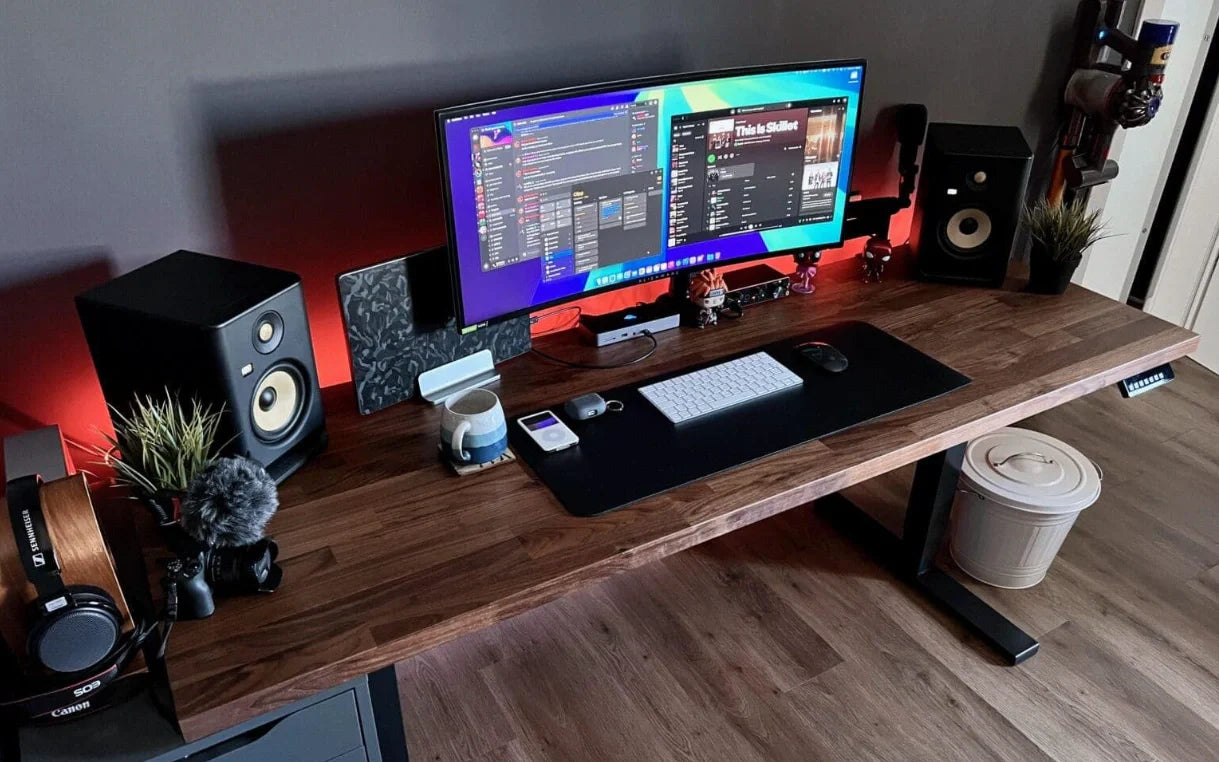
Multi-monitor setups amplify every inefficiency. Developers commonly run two or three monitors — code on one, terminal and logs on another, browser and docs on a third. Moving the cursor across that much screen real estate hundreds of times a day means any discomfort or imprecision in mouse control is multiplied. A properly fitted left-handed mouse with accurate tracking and a natural grip makes multi-monitor navigation feel seamless rather than taxing.
What Makes a Left Handed Mouse for Programmers Different
Ergonomic Shape for Long Sessions
A programmer's mouse needs to be comfortable at hour eight, not just hour one. That means a grip contour that follows the natural shape of a left hand, a thumb rest positioned on the correct side, and a body size that matches your hand without forcing a claw or fingertip grip when you would rather palm grip. The shape is the single most important factor for developers who spend full workdays on their mouse.
Vertical vs Traditional Design
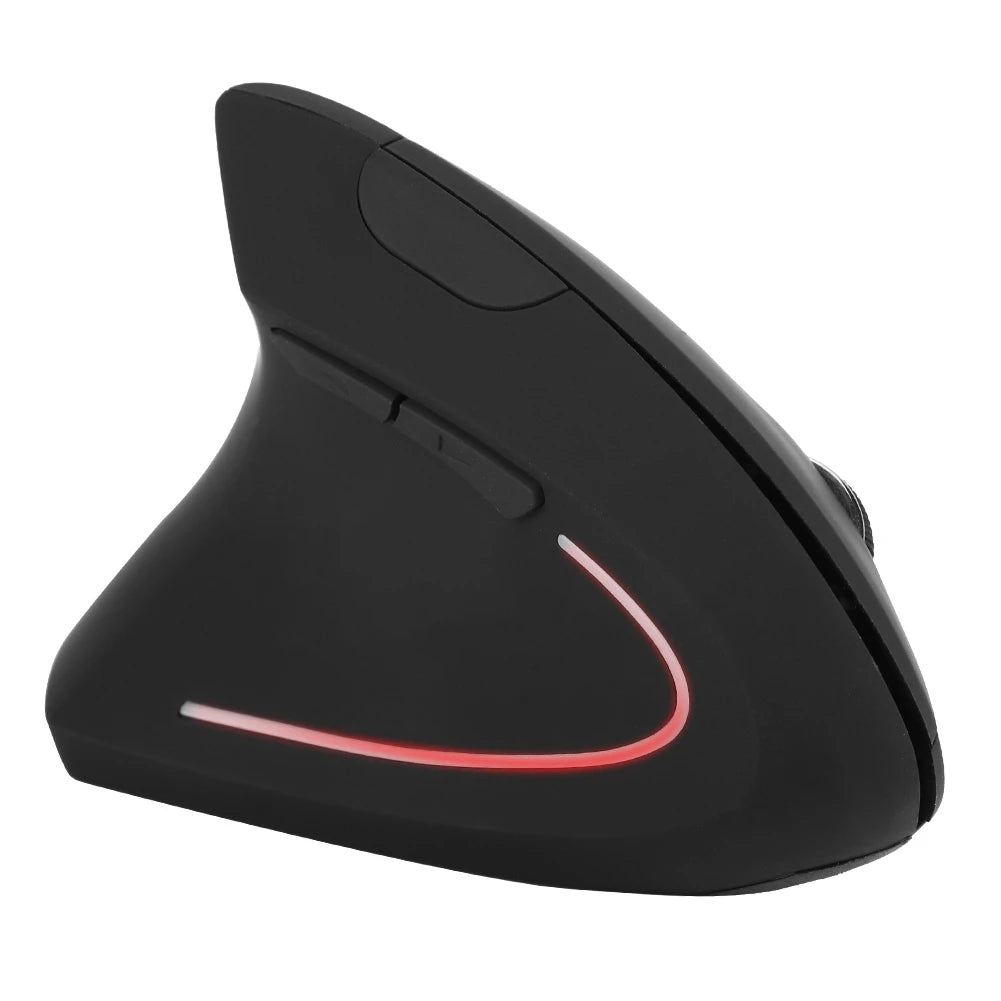
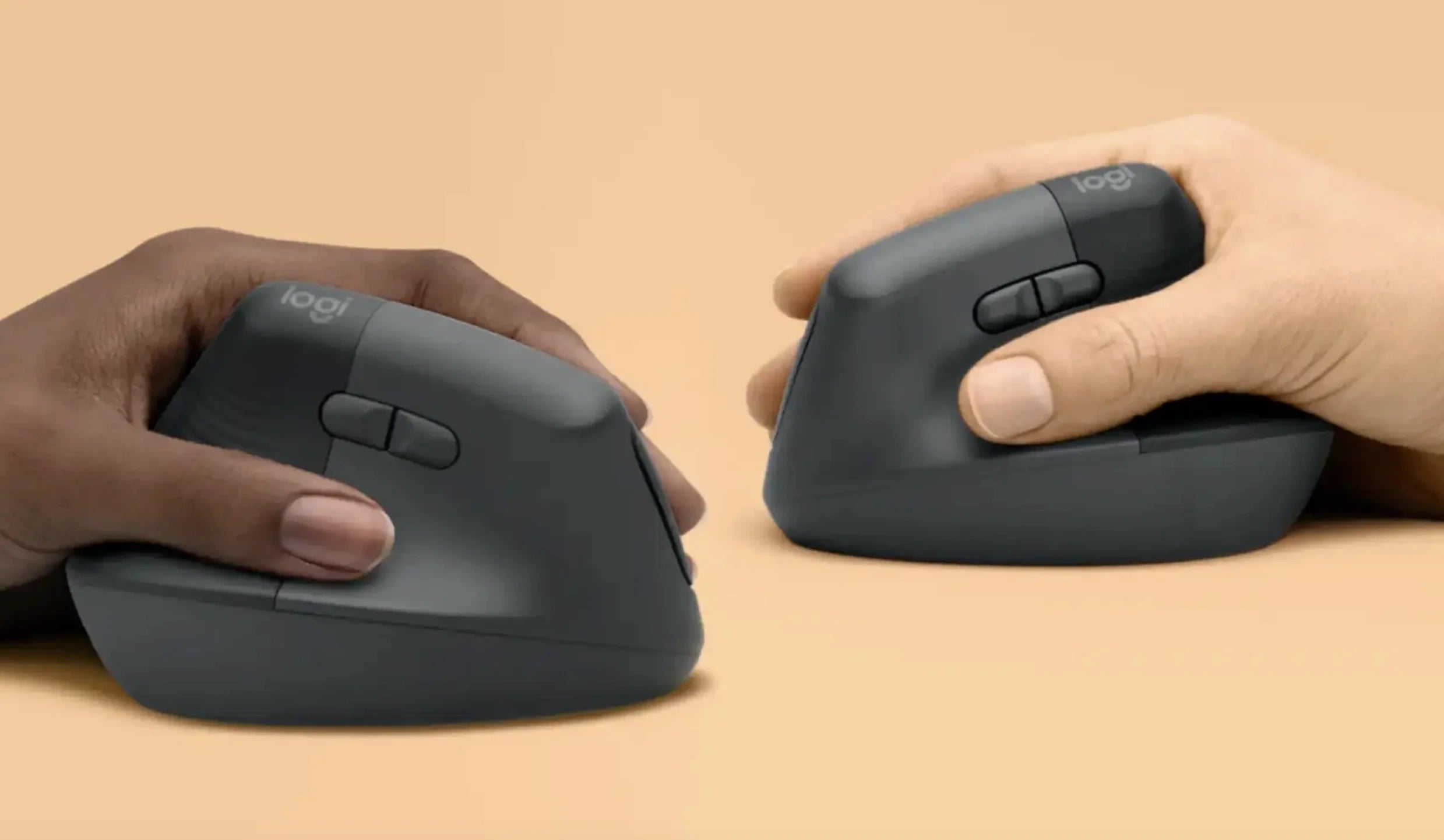
Vertical mice hold the hand in a tilted, handshake-like position that reduces the inward rotation of the forearm. For developers who sit at a desk for six to twelve hours, this position change can meaningfully reduce the wrist and forearm tension that builds during marathon coding sessions. Traditional flat mice are more familiar and offer a wider base of contact for precise cursor movements. Both designs work well for programming — the choice depends on your session length and whether you prioritize comfort or precision for fine UI interactions.
Precision Tracking for Small UI Elements
Programming involves clicking on small targets constantly — collapse arrows in file trees, close buttons on tabs, resize handles between panes, specific characters in a line of code. A good left-handed mouse for developers needs a sensor that tracks accurately and smoothly at the DPI you prefer, with no jitter, skipping, or acceleration that would make those small-target clicks frustrating.
Wireless Freedom for Clean Dev Desks
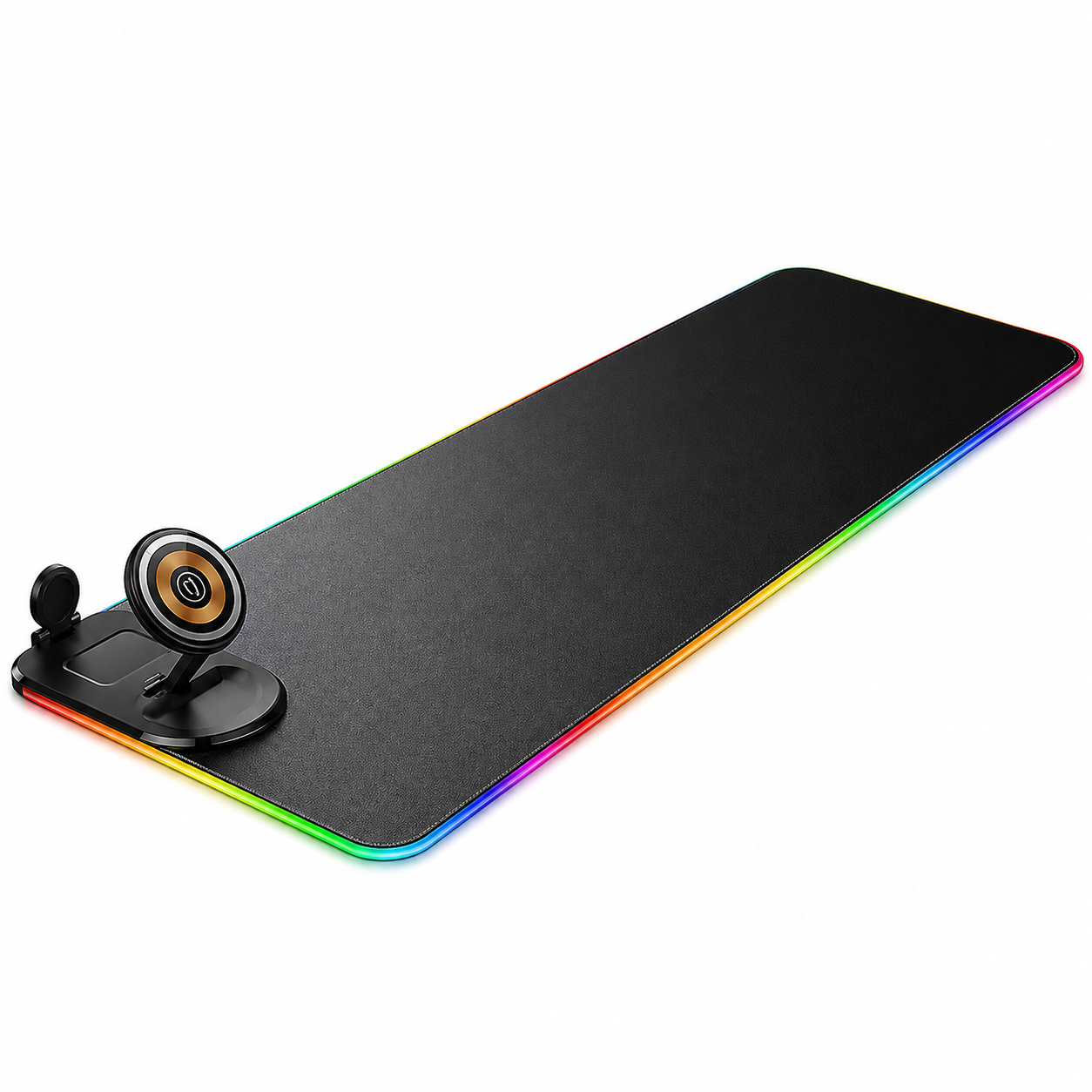
Cable management matters more on a developer's desk than most. Between a mechanical keyboard, a monitor arm (or three), charging cables, and audio equipment, adding a mouse cable to the mix creates drag and clutter. A wireless left-handed mouse with a reliable 2.4GHz or Bluetooth connection eliminates one more cable from an already busy workspace and gives you unrestricted movement across a wide mousepad or desk surface.
Quiet Clicks for Shared Workspaces
Co-working spaces, open-plan offices, and shared home offices mean other people can hear your mouse. Loud, clicky switches are fine in isolation but distracting in a shared environment — especially during calls. Silent or near-silent click mechanisms let you work without generating the constant click-click-click that standard mouse switches produce during intense navigation sessions.
Reliable Battery Life
A mouse that dies mid-sprint is a workflow killer. For developers, especially those working remotely or from co-working spaces where a charging cable might not always be convenient, battery life matters. Look for mice that run weeks or months on a charge, or that offer quick-charge features where a few minutes of charging gives hours of use. The goal is to never think about battery during a work session.
Best Left Handed Mouse for Programmers in 2026
Best for Long Uninterrupted Coding Sessions
Developers who log six-plus-hour sessions without meaningful breaks need a mouse that prioritizes sustained comfort above all else. A vertical left-handed design excels here because the handshake grip position keeps the wrist neutral through hours of continuous use — the same hours where a flat mouse would introduce progressive forearm tension.
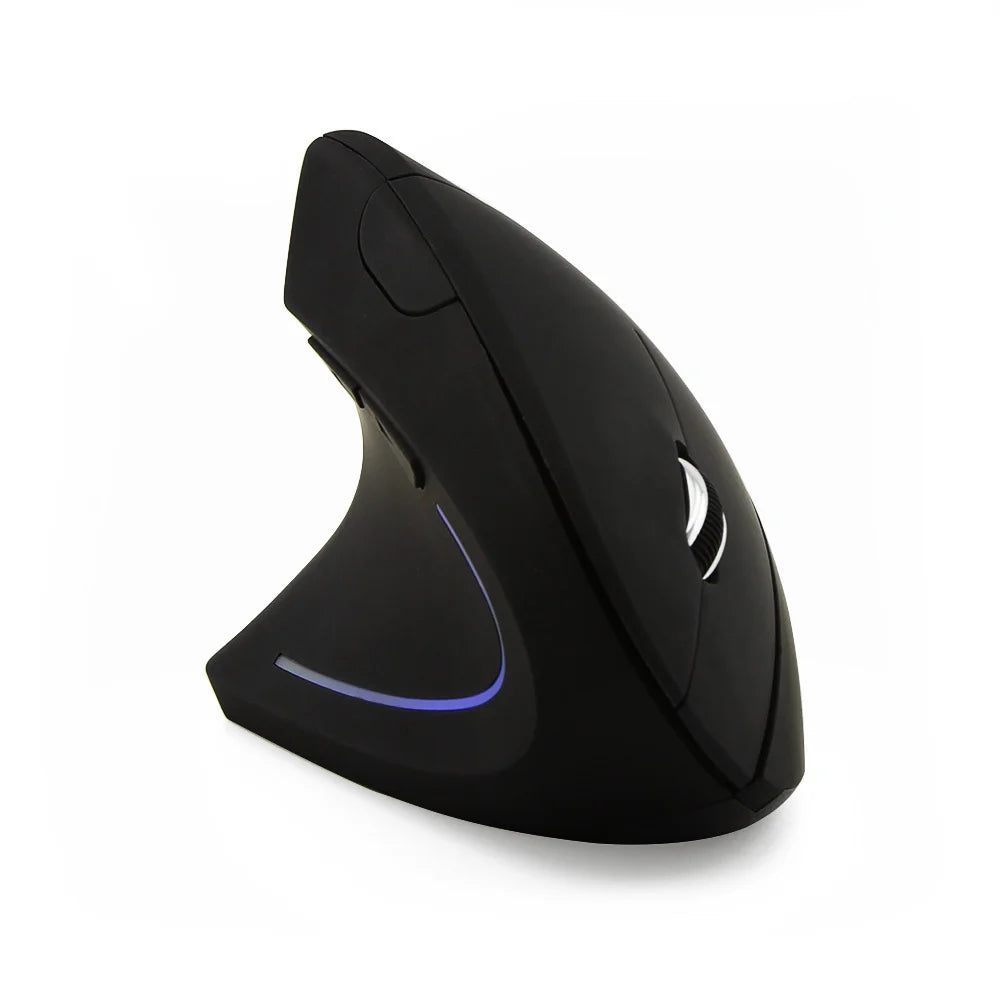
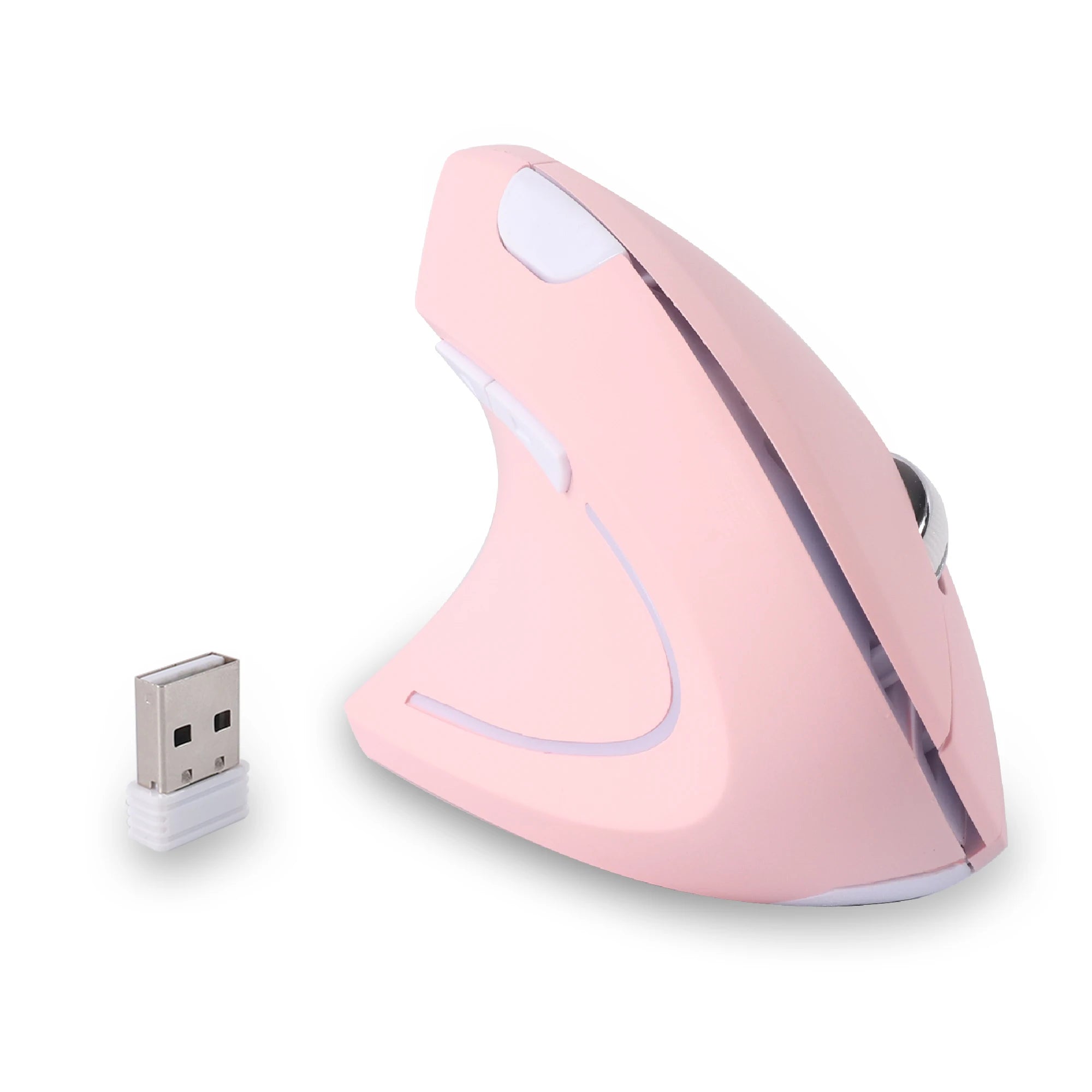
The Left Hand Ergonomic Wireless Vertical Mouse for Left-Handed Users is built for this exact scenario. Wireless connectivity keeps the desk clean, the vertical orientation supports the wrist through marathon sessions, and the left-hand-specific button layout means side buttons are accessible under the left thumb for IDE shortcuts like back-and-forward file navigation.
Best for Hybrid Work and Coding Setups
Many developers split their day between coding, meetings, documentation, code review, and communication tools. The mouse needs to handle all of these contexts without feeling over-specialized for any one of them. A versatile wireless left-handed mouse with a comfortable ergonomic shape and responsive tracking bridges the gap between deep-focus coding and the more varied interactions of a hybrid workday.
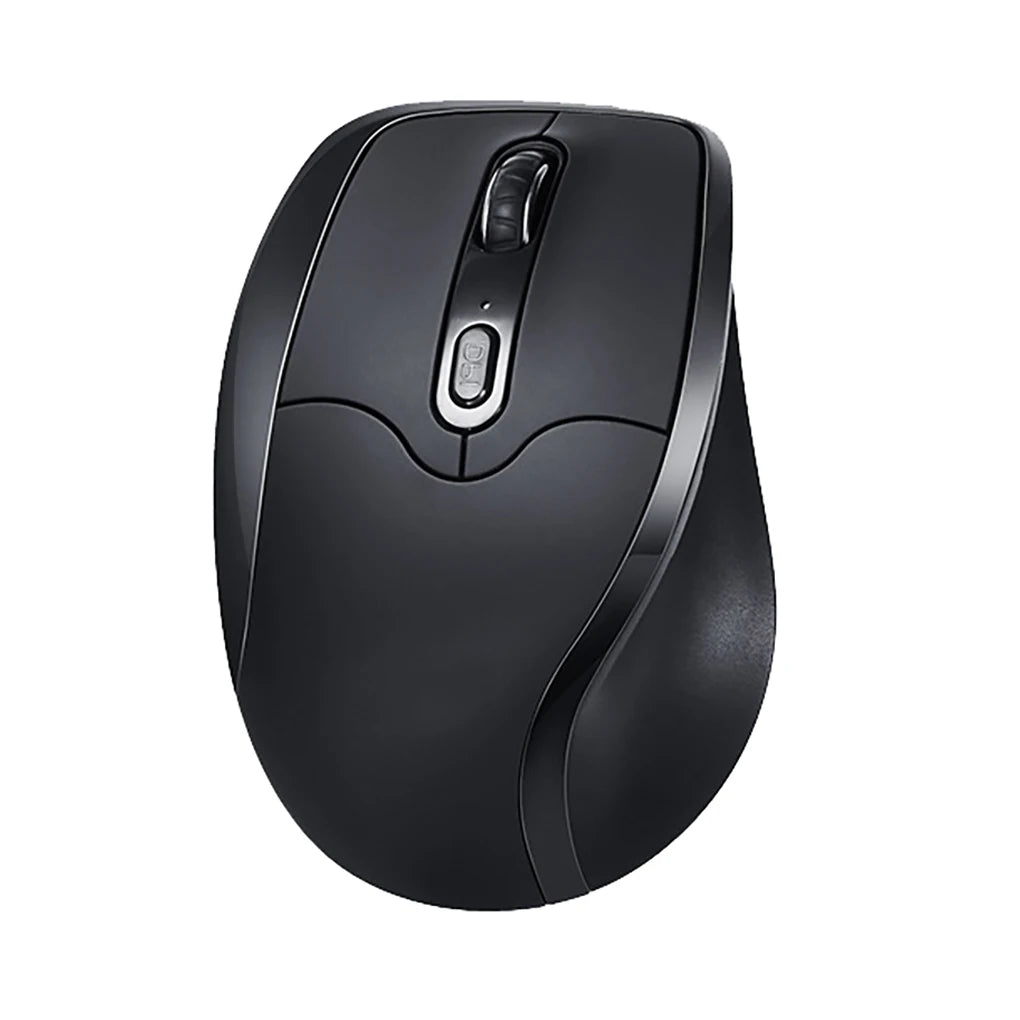
The Left Hand Ergonomic Vertical Mouse – Wireless 2.4G with Side Buttons fits this profile — lightweight enough for varied task-switching, ergonomic enough for focused coding blocks, and wireless for a clean, modern setup that works at home, in a co-working space, or at a shared office desk.
Best Vertical Mouse for Programmers
If you have already decided on a vertical design — maybe based on a recommendation from another developer, or because you have tried one and liked the grip — the priority is finding a vertical mouse specifically shaped for left-hand use. A right-handed vertical mouse or a symmetrical vertical mouse does not provide the same wrist angle or thumb support that a dedicated left-handed model delivers. For programmers committed to the vertical form factor, the full range of ergonomic mice for left-handed users includes vertical options designed around the left-hand grip angle and button orientation that make the vertical concept work correctly.
Vertical Left Handed Mouse for Programmers – Worth Switching?

The vertical mouse is polarizing among developers. Some swear by it after the first week. Others try it and go back to a traditional shape. The reality is that vertical mice are excellent for a specific type of use pattern, and programming fits that pattern well.
The core benefit is wrist position. A vertical mouse holds your hand at roughly 60 degrees, which keeps the forearm in a more relaxed state during sustained use. For developers who keep their hand on the mouse for extended periods — scrolling through logs, navigating large codebases, clicking through complex UIs — that wrist position reduces the cumulative tension that a flat mouse generates over a full workday.
The adaptation period is real but shorter than most people expect. Most developers report three to five days of feeling slightly off, followed by full adaptation. The cursor movements feel different initially because you are using a slightly different muscle group for lateral movement. After the adjustment, most developers find the vertical grip more natural and more sustainable for long sessions.
Where vertical mice face a trade-off is in fine horizontal cursor control. Tasks like selecting a specific word in a line of code, resizing a narrow pane, or dragging a UI element precisely can feel slightly less intuitive with a vertical grip compared to a flat palm-down grip. For most programming tasks, this is a minor adjustment. For developers who do significant frontend design work — pixel-level CSS adjustments, UI layout refinement — a traditional ergonomic shape may offer better precision for those specific interactions.
The practical recommendation: if your coding work is primarily backend, data, infrastructure, or full-stack with limited pixel-precise UI work, a vertical left-handed mouse is an excellent long-term choice. If you do heavy frontend design or UI-intensive work, try a vertical for a week and see if the precision trade-off matters for your specific workflow. Many developers find it does not.
How to Choose the Right Left Handed Mouse for Your Coding Setup
Consider your desk footprint. If your desk is packed with monitors, a keyboard, and other peripherals, a compact wireless mouse keeps the workspace manageable. If you have a spacious desk with a large mousepad, a full-sized ergonomic model gives you maximum comfort without space constraints.
Factor in your monitor setup. Single-monitor developers can work comfortably at moderate DPI. Multi-monitor setups — especially triple-monitor configurations — benefit from a mouse with adjustable DPI so you can increase sensitivity for cross-screen navigation and lower it for precise in-editor work.
Estimate your daily desk hours. Under four hours: most decent left-handed mice will be comfortable enough. Four to eight hours: prioritize ergonomic shaping and consider a vertical design. Over eight hours: invest in the most comfortable option available. The longer your sessions, the more the ergonomic fit of your mouse affects your output and your focus.
Think about your keyboard layout. If you use a full-size keyboard, your mouse sits further from center, which means more lateral arm reach throughout the day. A compact or 65% keyboard brings the mouse closer. If you use a split keyboard, the mouse typically sits between the halves or directly to the left. Your keyboard layout affects where and how your mouse hand rests, which influences which mouse shape feels most natural.
Assess home office vs travel needs. A permanent home office setup can accommodate a larger, heavier ergonomic mouse. If you regularly work from co-working spaces, cafés, or travel, a more compact model that fits in a laptop bag is the better fit. Some developers keep two mice — a full-size vertical for home and a compact wireless for travel.
Know your grip style. Palm grip developers need a mouse that fills the hand. Claw grip users prefer a compact body with a pronounced rear hump. Fingertip users want a lighter, smaller mouse. Ergonomic design only delivers its benefit when the shape matches your natural grip. Hold your current mouse naturally and notice where your palm, fingers, and thumb make contact — that is your baseline for choosing the right shape.
FAQ – Left Handed Mouse for Programmers
Is a vertical mouse good for coding?
Yes. Vertical mice are well-suited to programming because coding involves sustained mouse use over long sessions — exactly the use pattern where vertical ergonomic design provides the most benefit. The handshake grip position keeps the wrist neutral during hours of scrolling, clicking, and navigating, which helps maintain comfort and focus deep into a workday.
Do programmers need a gaming-level sensor?
Not typically. Programming does not require the ultra-high polling rates or extreme DPI ranges that competitive gaming demands. A sensor that tracks accurately and smoothly at 800 to 2400 DPI covers virtually all development workflows. What matters more for programmers is consistent tracking on varied surfaces, reliable wireless connectivity, and a sensor that does not skip or jitter during precise small-target clicks.
Is wireless reliable for development work?
Modern 2.4GHz wireless and Bluetooth connections are more than reliable enough for programming. The latency is imperceptible for any non-gaming task, and wireless eliminates the cable drag and desk clutter that can be distracting in a focused coding environment. The only scenario where wired might be preferred is if you want to avoid managing battery life entirely, but most modern wireless mice run for weeks or months on a single charge.
How long does it take to adjust to a new ergonomic mouse?
Most developers adapt to a new mouse shape within three to five days. Vertical designs may take a day or two longer because the grip angle is fundamentally different from a flat mouse. During the adjustment period, cursor movement feels slightly less precise, but this resolves quickly as muscle memory recalibrates. The transition is comparable to switching keyboard layouts — noticeable at first, then invisible.
Can I use the same mouse for coding and gaming?
Yes. A well-built left handed ergonomic mouse with a responsive sensor, accessible side buttons, and wireless connectivity handles both coding and casual gaming without compromise. If you play competitive FPS games at a high level, you may want a second mouse optimized for speed and low weight. For everything else — indie games, strategy, MMOs, casual play — a good ergonomic left-handed mouse works across both contexts.
Why are there so few left-handed mice for programmers?
The mouse market is overwhelmingly designed for right-handed users because they make up roughly ninety percent of the population. Most manufacturers focus on that majority, leaving left-handed users with ambidextrous compromises or a handful of adapted models. Specialist brands that focus exclusively on left-handed designs fill this gap with purpose-built options, but the overall selection remains smaller than what right-handed developers can choose from.
Conclusion – Code Smarter with the Right Tool
Developers obsess over their editors, their terminal configs, their keyboard switches, and their dotfiles. The mouse deserves the same attention — especially if you are left-handed and have been working around a right-handed design for your entire career. A left-handed mouse built for long sessions does not just feel better. It removes a persistent, low-level source of friction that costs you focus and comfort across every hour you spend at your desk.
The right mouse for a programmer is one that matches your hand, supports your grip through eight-plus-hour days, tracks accurately on your preferred surface, and puts every button within reach without breaking your flow. For left-handed developers, that means a mouse designed specifically for your hand — not adapted, not symmetrical, but purpose-built from the ground up.
Treat your mouse like you treat your keyboard. Choose it intentionally. Your hands will thank you at the end of every sprint.
Optimize Your Dev Setup
Left-handed ergonomic mice built for developers who sit at a desk longer than they'd like to admit.
-
→Left-hand ergonomic grip with thumb-side buttons -
→Vertical & traditional designs for every grip style -
→Wireless — one fewer cable on the desk -
→Built for 8+ hour sessions
Browse Left-Handed Mice










Leave a comment
This site is protected by hCaptcha and the hCaptcha Privacy Policy and Terms of Service apply.