






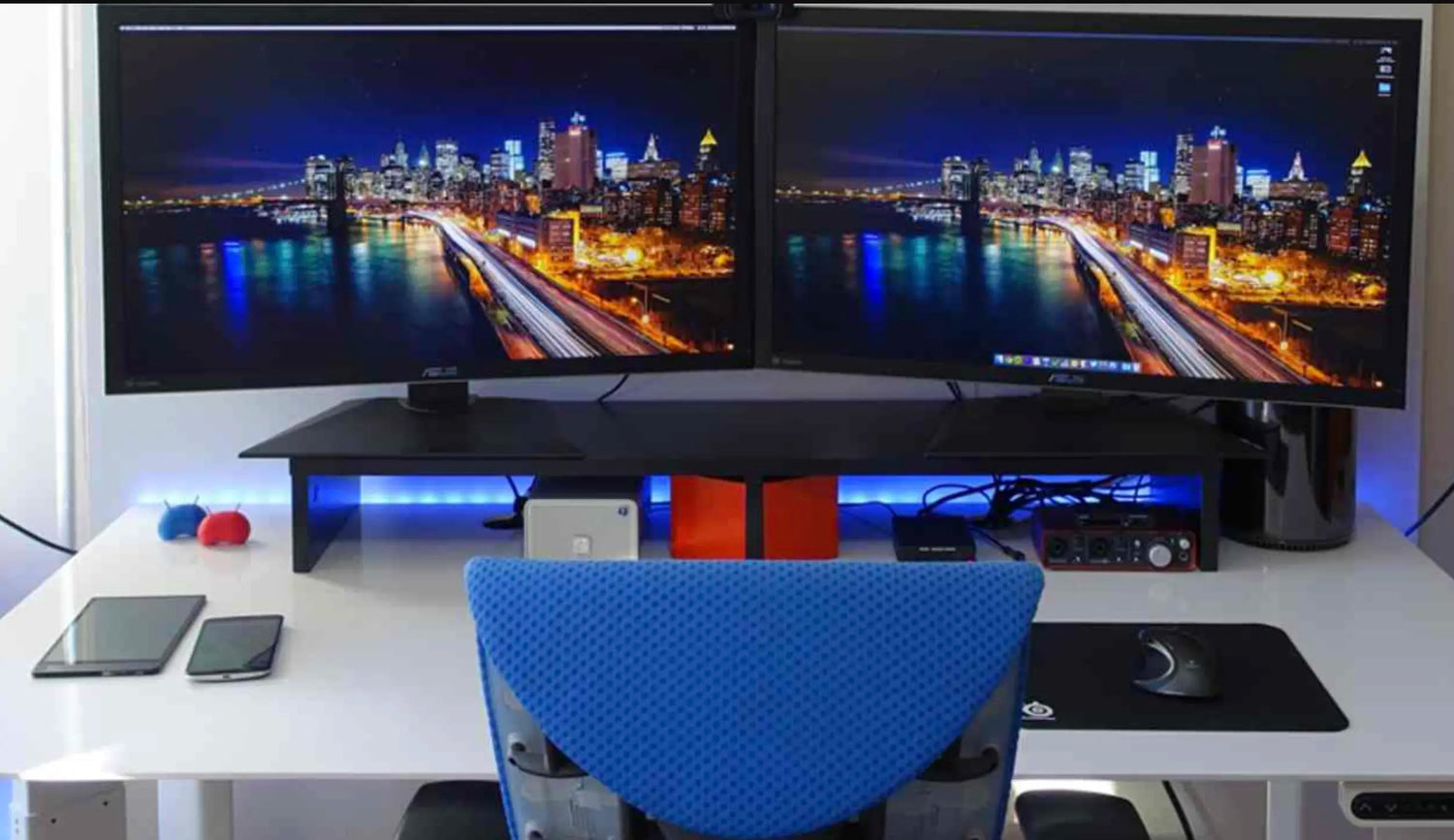
The average office professional spends 6–10 hours a day with their hand wrapped around a mouse. That’s more repetitive motion than most manual laborers perform. Yet most offices still issue cheap, flat, symmetrical mice that were designed twenty years ago for occasional web browsing — not for dragging across 32-inch 5K monitors, navigating 50,000-row Excel sheets, or juggling Teams, Outlook, Slack, and PowerPoint all day long.
The result? Forearm tightness by 3 p.m., slower clicking speed as the day drags on, and the quiet buildup of wrist discomfort that eventually forces people to book physiotherapy. In 2026, with hybrid work, flex desks, and ultrawide monitors now standard, the right mouse isn’t a luxury — it’s basic occupational health and performance equipment.
At Air Nova, we design productivity tools specifically for professionals who treat their desk like a cockpit. Here’s the definitive guide to the best office mice in 2026 — and why the Air Nova Smart Mouse sits firmly at the top.
What Office Workers Need from a Mouse in 2026
Office work in 2026 is multi-monitor, multi-device, and multi-hour. Your mouse has to deliver:
- All-day ergonomic comfort — sculpted shape that keeps your wrist neutral for 8–10 hours
- Precision tracking on 4K/5K/6K displays and large spreadsheets
- Wireless freedom — no cable snagging when you move between meeting rooms or hot desks
- Multi-device pairing — instant switching between laptop, desktop, and tablet
- Silent or near-silent clicks — essential for open-plan offices and Zoom calls
- Programmable buttons — shortcuts for copy/paste, undo, or switching apps
- Long battery life — weeks between charges, with fast top-up
A finance assistant dragging formulas across 200 columns needs pixel-perfect accuracy. A marketing manager flipping between Canva, Slack, and Google Meet needs silent operation and instant device switching. An executive running between laptop and NovaPad needs premium feel that matches the rest of their setup.
Top 7 Office Mice for 2026
1. Air Nova Smart Mouse – The Clear #1 for Office Professionals

Built from real-world testing with accountants, project managers, and executives.
Pros: Full-palm ergonomic sculpting, completely silent switches, 32,000 DPI precision sensor, sub-1 ms wireless, 12 programmable buttons, 240-hour battery.
Cons: None meaningful in an office context.
Best for: Anyone who spends 6+ hours a day at a desk.
Explore the Air Nova Smart Mouse
2. Logitech MX Master 4 (2026 Edition)
Productivity legend with MagSpeed scrolling and Flow multi-device.
Pros: Horizontal scroll, superb software, 70-day battery.
Cons: Heavier (141 g), slightly higher latency than flagship 2.4 GHz.
Best for: Heavy spreadsheet and document workers.
3. Microsoft Surface Precision Mouse
Excellent Windows integration and comfortable thumb rest.
Pros: Native Precision driver support, clean design.
Cons: Only 4,000 DPI max, no advanced scrolling.
Best for: Surface and Microsoft 365 power users.
4. Logitech Lift Vertical Ergonomic Mouse
True vertical design for maximum wrist relief.
Pros: 57° angle dramatically reduces strain.
Cons: Learning curve, no horizontal scroll.
Best for: Workers already experiencing pain or discomfort.
5. Logitech M720 Triathlon
Budget multi-device king.
Pros: Switches between three devices instantly, six buttons.
Cons: Basic sensor, plasticky build.
Best for: Cost-conscious teams or entry-level hybrid workers.
6. HP Ultra-Fast Scroll Wireless Mouse 785M
Hyper-fast scroll wheel for massive documents.
Pros: Excellent for long PDFs and spreadsheets.
Cons: Louder clicks, average ergonomics.
Best for: Legal, finance, and compliance teams.
7. Generic Budget Wireless Office Mouse
Basic 2.4 GHz dongle mouse found in most supply closets.
Pros: Cheap.
Cons: Flat shape, loud clicks, short battery, poor tracking.
Best for: No one who values their wrists or time.
Why the Air Nova Smart Mouse Is the Best Choice for Office Work
We didn’t just make another ergonomic mouse — we solved the exact problems office workers told us about daily:
- Clinically sculpted shape — full-palm support keeps wrist neutral for 10-hour days
- Completely silent primary buttons — no click noise on Teams or in open-plan floors
- 32,000 DPI precision sensor — locks onto every cell in massive Excel grids
- Sub-1134 ms wireless + instant multi-device switching — laptop → desktop → NovaPad in one click
- 12 programmable buttons with pre-loaded Office profiles (copy, paste, undo, new tab, etc.)
- Dual-mode scroll wheel — free-spin through 100-page reports, tactile for precise navigation
- 240-hour battery — charge once a month
At $89, it’s the premium office tool that actually pays for itself in comfort and reclaimed minutes every single day.
Match Your Mouse to Your Office Workflow
Spreadsheet & Data Entry Professionals
You live in Excel, Power BI, and Google Sheets. You need pixel-perfect tracking and silent operation. The Air Nova Smart Mouse’s sensor never drifts, and zero click noise means you can crunch numbers beside colleagues without distraction.
Marketing / Creative Teams
You bounce between Figma, Canva, Slack, and Notion. Multi-device switching and programmable side buttons are life-savers. Air Nova lets you jump from MacBook to NovaPad to Windows desktop instantly.
Remote Workers & Meetings
You’re on Zoom and Teams all day. Silent clicks and ergonomic comfort are non-negotiable. Air Nova eliminates background noise and forearm burn during back-to-back calls.
Executives & Managers
You want gear that matches your presence. Premium matte finish, perfect weight balance, and seamless device flow make the Air Nova Smart Mouse feel like it belongs on a C-suite desk.
Ergonomic Tips for Office Usage
- Set DPI to 1600–3200 for most office screens (faster on ultrawides)
- Keep wrist straight and floating — never rest on the desk edge
- Match mouse height to keyboard height (use the Touch Nova Smart Keyboard Collection for perfect alignment)
- 20-20-20 rule: every 20 minutes look 20 feet away for 20 seconds
- Use a large, low-friction mouse pad for smooth gliding
Accessories That Boost Office Productivity
- Touch Nova Smart Keyboard Collection — low-profile, wrist-neutral typing with shared profiles
- CyberDock 3-in-1 Wireless Charging Station — keeps mouse, phone, and earbuds charged without cable chaos
- NovaPad 14 Productivity Tablet — perfect second screen for Outlook, participant view, or meeting notes
See the full Smart Mouse Collection for color and finish options that match your office aesthetic.
Final Verdict
Your mouse is the tool you touch more than anything else at work except your keyboard. Choosing a cheap, flat, loud one in 2026 is like wearing running shoes to a board meeting — it works, but everyone notices, including your wrists.
The Air Nova Smart Mouse is the best office mouse of 2026 because it combines clinical ergonomics, silent operation, precision tracking, and multi-device workflow into one premium package that actually makes you faster and more comfortable every single day.
Upgrade your most-used tool. Your wrists, your deadlines, and your future self will thank you.






Leave a comment
This site is protected by hCaptcha and the hCaptcha Privacy Policy and Terms of Service apply.