






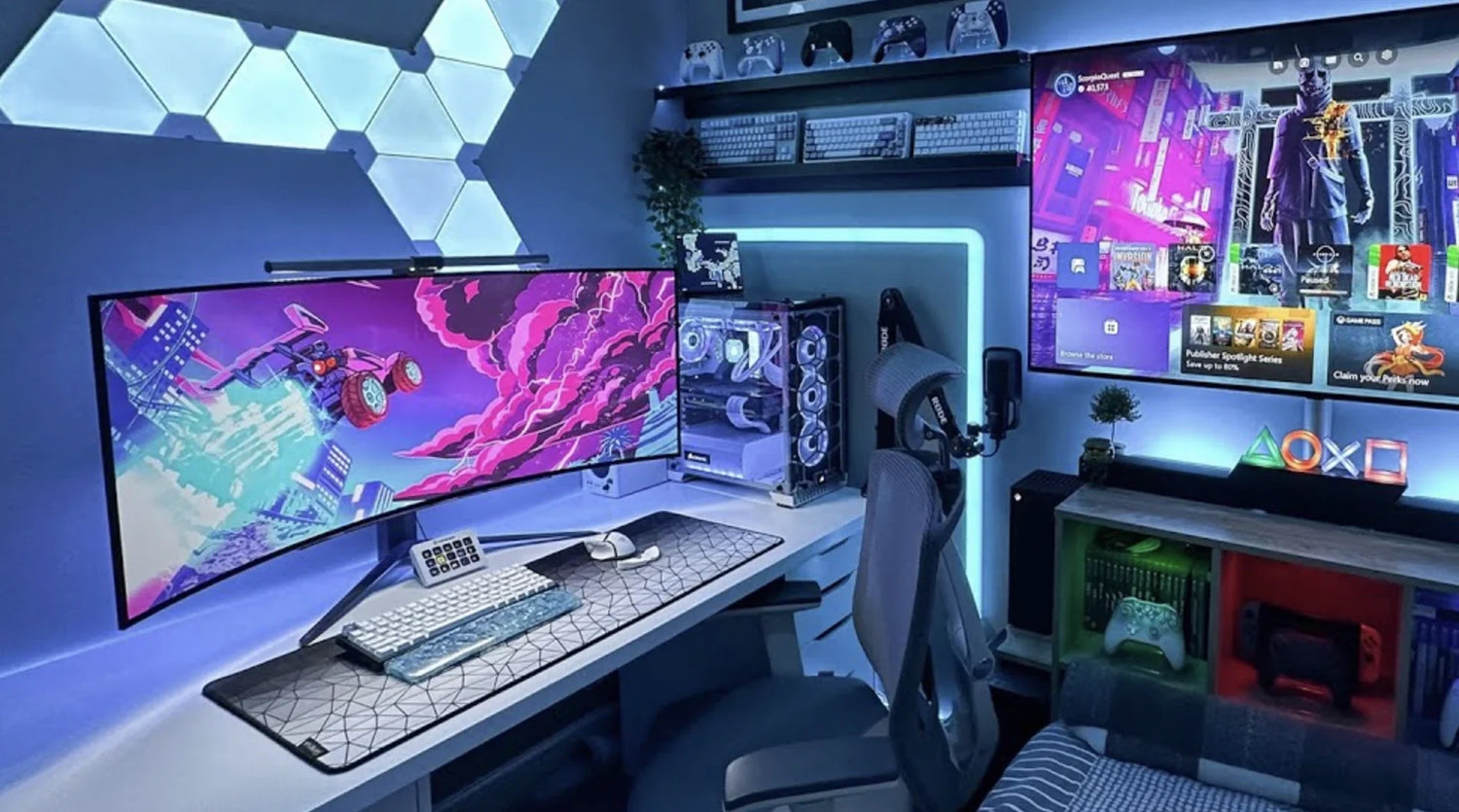
Hybrid users are everywhere in 2026: the e-sports streamer who edits highlights in Premiere during the day, the day trader who unwinds with Valorant at night, the freelance designer who prototypes in Figma by morning and raids in WoW after dinner. You need one machine, one desk — but most people suffer with two mice: a clunky office one for spreadsheets and a featherweight gaming one that cramps your hand after two hours of Excel.
The solution? A single versatile mouse that crushes both worlds: pinpoint FPS aiming and pixel-perfect Photoshop masking, macro-packed raids and programmable shortcuts for Visual Studio. It saves money, desk space, and mental energy while delivering pro performance in work and play.
At Air Nova, we've engineered the perfect hybrid tool: the Air Nova Smart Mouse. Here's why it's #1 — and how the top 7 stack up for your dual life.
Why Hybrid Users Need a Versatile Mouse
Work demands endurance: 8–12 hours of spreadsheets, coding, design reviews, video timelines. Gaming demands speed: 400+ IPS tracking for headshots, 26,000 DPI flicks across ultrawide monitors, durable switches for 100-hour marathons.
A gaming mouse alone fails at work — too light, clicky switches distract on Teams calls, no ergonomic sculpting for RSI prevention. A productivity mouse chokes in-game — sluggish sensors, no macros for abilities, poor high-DPI stability.
Real case: Pro streamer "NovaFrag" runs a 49-inch ultrawide for CS2 frags by night, DaVinci Resolve color grades by day. Switching mice wasted 15 minutes daily. One versatile pick cut that to zero and boosted his K/D by 12% from better muscle memory.
What Specs Matter for Both Gaming & Productivity
- Sensor accuracy: Flawless 1:1 tracking at 50–650 IPS for FPS aiming and bezier curves — PixArt 3395 or better
- DPI range: 100–32,000 adjustable on-the-fly for sniper rifles (low) and multi-monitor sweeps (high)
- Latency: Sub-1 ms wireless — no input lag in raids or real-time Excel formulas
- Ergonomics: Sculpted palm support for 12-hour hybrid sessions without fatigue
- Buttons: 10–12 programmable with profiles — macros for ultimates, shortcuts for undo/zoom
- Scroll wheel: Dual-mode (free-spin for loot scrolling, tactile for weapon wheels/timelines)
- Profiles: On-board memory switching work/gaming modes instantly
Top 7 Mice for Gaming + Productivity in 2026
1. Air Nova Smart Mouse – The Ultimate Hybrid King

Precision productivity sensor meets gaming-grade speed in an ergonomic shell.
Pros: 32,000 DPI flawless tracking, sub-1 ms wireless, silent switches, 12 buttons with profiles, dual-mode scroll, 105g perfect weight.
Cons: None for hybrid use.
Best for: Streamers, traders, creators. Example: Raid macros in Destiny 2, then seamless Photoshop switch.
2. Logitech G Pro X Superlight 2 (2026)
Ultralight gaming champ with hybrid potential via G Hub profiles.
Pros: 60g featherweight, 8,000 Hz polling, hybrid sensor.
Cons: Minimalist shape cramps during long workdays.
Best for: FPS purists who code occasionally.
3. Razer Basilisk V3 Hyperspeed
Feature-rich with HyperSpeed wireless and 11 buttons.
Pros: Excellent scroll, macro wheel, 26,000 DPI.
Cons: Clicky switches annoy on calls, heavier at 112g.
Best for: MMO gamers who design.
4. Logitech MX Master 4 (2026)
Productivity beast with MagSpeed Pro wheel.
Pros: Infinite scroll, multi-device Flow.
Cons: Gaming sensor lags at high speeds.
Best for: Office gamers.
5. Microsoft Surface Precision Mouse
Balanced Windows integration.
Pros: Thumb rest, precise on glass.
Cons: Low DPI cap, basic polling.
Best for: Casual hybrid.
6. Glorious Model O 2 Wireless
Honeycomb ultralight with 4K polling.
Pros: 60g, modular switches.
Cons: No ergonomics, sweaty grips.
Best for: Competitive gamers who multitask lightly.
7. Logitech Lift Vertical Ergonomic
RSI-proof vertical design.
Pros: Neutral wrist angle.
Cons: Gaming adaptation curve.
Best for: Hybrid users with pain issues.
Why the Air Nova Smart Mouse Excels at Gaming + Productivity
It's the first mouse that doesn't force compromises:
- Hybrid sensor: Gaming-fast 650 IPS + productivity-precise low-speed control
- Profile switcher: Gaming mode (high polling, macros) vs work mode (silent, ergonomics)
- Ergonomic sculpt: Full-palm support for marathons — raid or render
- Sub-1 ms wireless: No lag in clutches or compiles
- Silent Omron switches: Stealthy for work, durable for sprays
- Dual scroll: Free-spin loot, tactile timelines
At $89, it's pro performance without gamer tax. See the full Smart Mouse Collection.
Workflow Examples For Hybrid Users
Evening gamer, morning editor: CS2 clutches at 400 DPI low sens, then Premiere scrubbing at 3200 DPI high — one profile flip.
Trader + sim racer: Multi-monitor MT5 trades by day, iRacing hotlaps by night — same low-latency flicking.
Designer/streamer: Figma prototypes AM, Twitch raids PM — macros handle both abilities and artboards.
Dev + MOB A: VS Code debugging, League ganks — silent clicks for calls, loud mode optional.
Ergonomic Tips for Hybrid Use
- DPI profiles: Gaming low (400–800), work medium (1600–3200)
- Sensor modes: Raw input for games, acceleration off for precision
- Posture: Elbows 90°, wrist neutral — sculpted mice enforce it
- Breaks: 20-20-20 rule between queues and deadlines
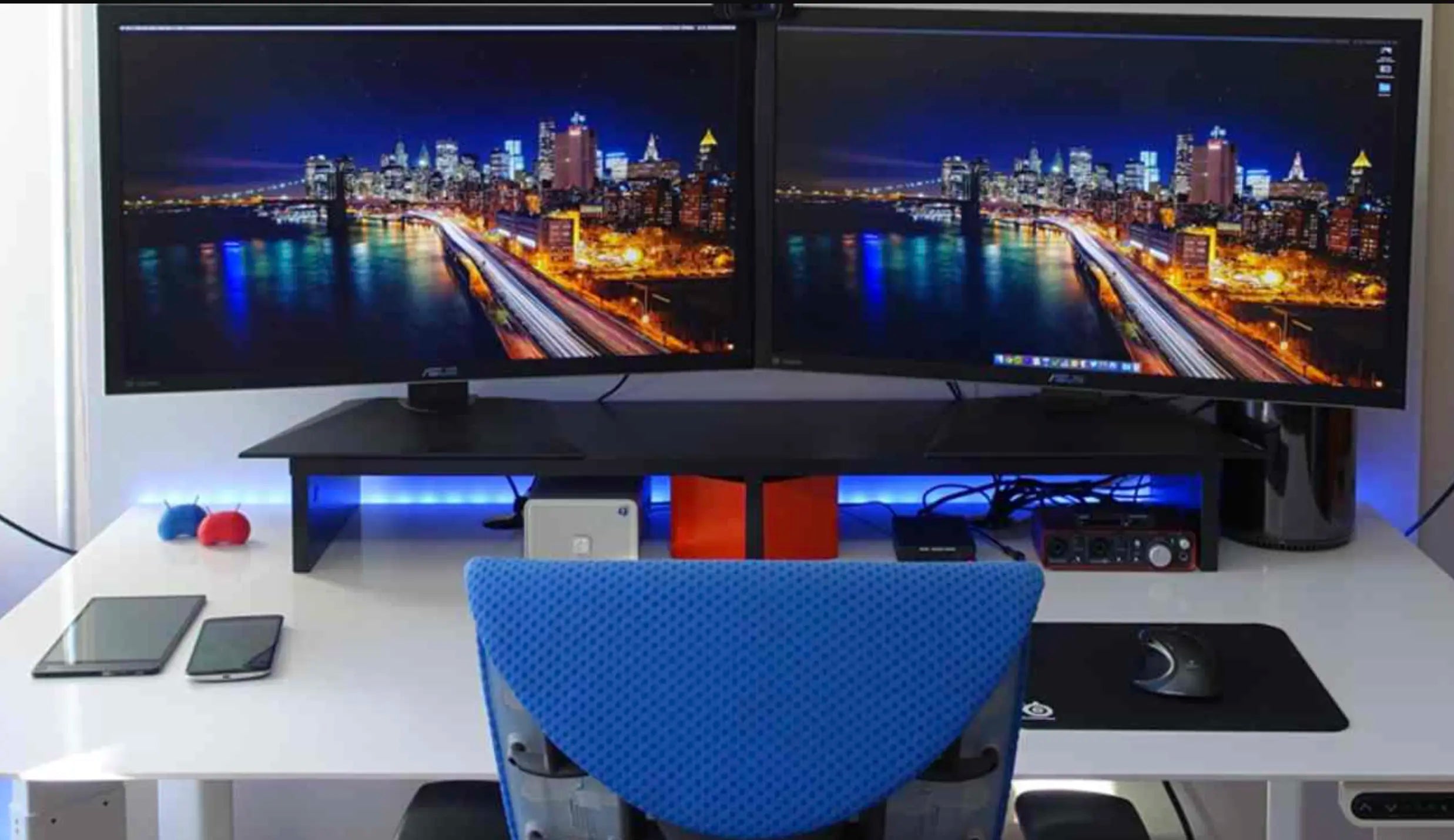
- Monitor setup: Ultrawide centered, secondary for Discord/Sheets
Accessories that Complement Your Hybrid Setup
- Touch Nova Smart Keyboard: Work macros + game chat binds
- CyberDock 3-in-1: Powers mouse, headset, controller
- NovaPad 14: Chat/stream overlay or reference screen
Final Verdict
Hybrid users in 2026 can't afford half-measures. You need a mouse that owns the office grind and the arena clutch — without switching gear.
The Air Nova Smart Mouse is that unicorn: gaming precision meets productivity endurance, all in one ergonomic powerhouse.
Ditch the dual-mouse life. Grab yours today and dominate both worlds.






Leave a comment
This site is protected by hCaptcha and the hCaptcha Privacy Policy and Terms of Service apply.