






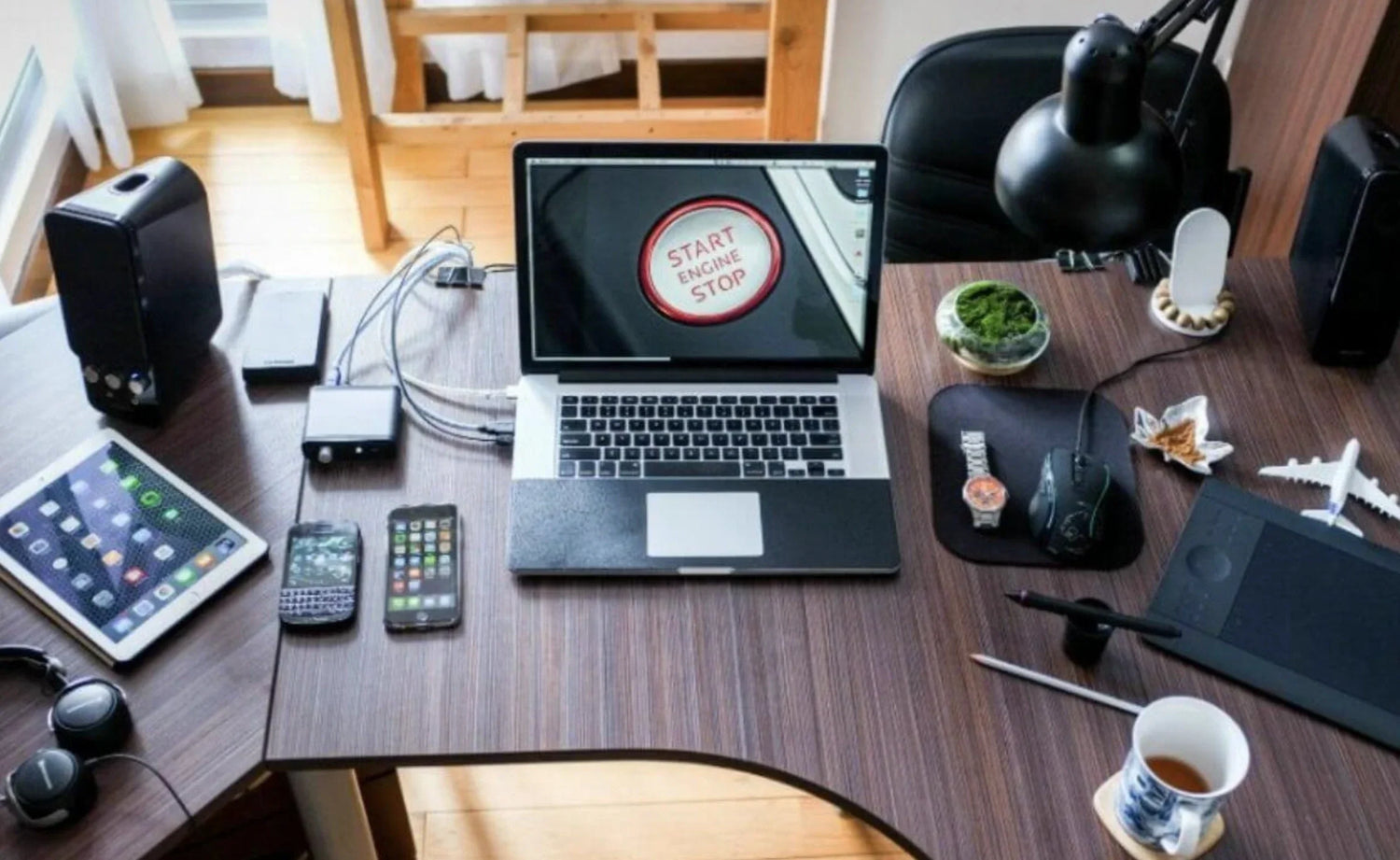
Android devices have evolved far beyond simple smartphones. In 2026, Samsung's Galaxy ecosystem — from flagship phones like the S26 Ultra to tablets like the Tab S11 and foldables like the Fold8 — is a full productivity powerhouse. With Samsung DeX turning your phone into a desktop, Galaxy Tabs running desktop-class apps, and Chromebooks integrating seamlessly, Android is now a serious alternative to traditional laptops for work.
But touch alone has limits. Adding a mouse unlocks true desktop-like navigation: precise cursor control for editing documents, multitasking across split screens, selecting cells in Sheets, or drawing in apps like Infinite Painter. It's the difference between tapping awkwardly and working with surgical accuracy.
At Air Nova, we've tested dozens of mice with Android workflows — from DeX on the Fold to full setups with Galaxy Tabs. This guide reveals the best mouse for Android in 2026, with the Air Nova Smart Mouse standing out as the clear #1.
Why Android Users Need a Mouse in 2026
A mouse transforms Android from a touch device into a productivity machine:
- Precision navigation — pinpoint cells in Google Sheets or edit text in Docs without finger obstruction
- Multitasking mastery — drag windows in Samsung DeX or resize Split View on Galaxy Tabs
- Efficient editing — select layers in Adobe Fresco or timeline clips in KineMaster
- Spreadsheet speed — scroll massive Excel files or pivot tables without pinch-zoom
- Comfort for long sessions — reduce finger fatigue on Galaxy Fold's inner screen
On a Galaxy S26 with DeX, a mouse lets you connect to a monitor and work like a PC. For Galaxy Tab S11 users, it's essential for note-taking in Samsung Notes or designing in Canva. Even Chromebook users benefit from better cursor control in web apps.
How Mouse Support Works on Android
Android's mouse support has matured since Android 8:
- Bluetooth pairing — connect via Settings > Connected Devices > Pair new device
- USB-C OTG — plug in wired mice or dongles for instant use
- Pointer behavior — circular cursor auto-hides, with adjustable speed in Settings > Accessibility > Pointer speed
- Scroll wheel — natural scrolling in apps like Chrome or Docs
- Right-click — long-press simulation for context menus
- Multi-window navigation — drag to resize Split View or DeX windows
- Gestures — some mice support swipe for back or home
Samsung DeX takes it further: full desktop cursor, right-click menus, and window snapping — like Windows on your phone.
What to Look for in the Best Mouse for Android
- Bluetooth stability — Bluetooth 5.0+ for lag-free connection to Galaxy devices
- Precision sensor — optical sensor with 8,000+ DPI for accurate tracking on high-res screens
- Smooth scrolling — dual-mode wheel for timelines in KineMaster or docs in Word
- Ergonomic comfort — sculpted shape for 8-hour sessions on Galaxy Tab
- Silent clicks — quiet operation for calls on Galaxy Fold
- Multi-device switching — pair with phone, tablet, and laptop instantly
- Battery life — 200+ hours to last weeks of DeX use
- Portability — lightweight for carrying with Galaxy Z Fold
These features make workflows like DeX on S26 or multitasking on Tab S11 feel desktop-class.
Top 7 Best Mice for Android & Samsung Devices
1. Air Nova Smart Mouse – The #1 Best Mouse for Android

Optimized for Android productivity from the ground up.
Pros: Bluetooth 5.3 sub-1 ms latency, 32,000 DPI precision sensor, silent switches, ergonomic sculpting, dual-mode scroll, multi-device switching, 240-hour battery.
Cons: None for Android use.
Best for: DeX users and Galaxy Tab power users.
2. Logitech MX Anywhere 4
Compact, glass-tracking powerhouse.
Pros: Works on any surface, great battery, multi-device Flow.
Cons: Slightly taller for pocket carry with Fold.
Best for: Travel with Galaxy S series.
3. Logitech MX Master 4
Feature-packed with MagSpeed scrolling.
Pros: Infinite scroll for long docs, horizontal tilt.
Cons: Too large for portable Android setups.
Best for: Galaxy Tab desk use.
4. Microsoft Surface Precision Mouse
Clean design, good Bluetooth stability.
Pros: Comfortable thumb rest, three-device pairing.
Cons: Limited DPI, no advanced scrolling.
Best for: Basic Android office work.
5. Samsung Bluetooth Mouse
Official Samsung accessory.
Pros: Seamless DeX integration, slim design.
Cons: Basic features, no multi-device.
Best for: Pure Samsung ecosystem users.
6. Anker Vertical Ergonomic Mouse
True vertical design for wrist relief.
Pros: Reduces strain dramatically.
Cons: Learning curve, no horizontal scroll.
Best for: Android users with RSI.
7. Budget Bluetooth Mouse for Android
Generic under $20 option.
Pros: Cheap, basic pairing.
Cons: Jittery sensor, short battery, poor build.
Best for: Temporary or light use.
Why Air Nova Smart Mouse Is the Best Mouse for Android
We've tested it extensively on Galaxy S26 Ultra DeX, Tab S11, and Fold8 — here's why it wins:
- Bluetooth 5.3 seamless pairing — connects to Galaxy devices in seconds
- Precision tracking — 32,000 DPI sensor perfect for Android's high-res UI
- DeX optimized — instant cursor response in desktop mode
- Ergonomic design — sculpted for long sessions on Tab or Fold
- Silent switches — no noise on video calls
- Multi-device switching — phone → tablet → laptop
- Premium build — $89 value that feels like a Samsung accessory
Upgrade to the Air Nova Smart Mouse and unlock Android's full productivity potential.
Best Mouse for Different Android Use Cases
Samsung DeX Desktop Users
DeX turns your phone into a PC. A mouse like Air Nova makes window snapping and menu navigation feel native.
Android Tablet Users (Galaxy Tab)
Multitasking on large screens demands ergonomics. Air Nova's precision helps with note-taking in Samsung Notes or editing in Lightroom.
Foldable Phone Users
On Galaxy Fold's inner screen, a mouse reduces finger fatigue. Air Nova's portability fits perfectly.
Android Students
Comfort for long study sessions in Google Classroom. Air Nova's silent clicks are ideal for quiet libraries.
Android Remote Workers
Multi-screen setups with DeX. Air Nova's low latency keeps calls and docs smooth.
Android Productivity Tips Using a Mouse
- Adjust pointer speed in Settings > Accessibility
- Enable DeX on Galaxy S for desktop mode
- Use Touch Nova Smart Keyboard Collection for laptop-like shortcuts
- Right-click (long-press) for context menus
- Connect to external display for full DeX
Build the Ultimate Android Productivity Setup
Pair your mouse with Air Nova gear:
- Touch Nova Smart Keyboard Collection — turns Galaxy Tab into a laptop
- CyberDock 3-in-1 — charges phone, tablet, and mouse
- NovaPad 14 — dedicated productivity tablet with DeX-like features
Explore the Smart Mouse Collection for Android-optimized options.
Best Mouse for Android — Final Verdict
In 2026, Android is a true productivity platform — from Galaxy phones to Tabs and Folds. The right mouse unlocks its full power, turning touch limitations into desktop precision.
The Air Nova Smart Mouse is the best mouse for Android users — seamless, ergonomic, and built for workflows like DeX and multitasking.
Get the Air Nova Smart Mouse and elevate your Android productivity today.







Leave a comment
This site is protected by hCaptcha and the hCaptcha Privacy Policy and Terms of Service apply.