

Left-handed users often find standard mice uncomfortable during extended computer sessions, prompting interest in an ergonomic left hand mouse. These devices aim to support a more natural hand position, potentially making long hours at the desk feel less awkward. This guide explores whether switching to a left handed ergonomic mouse could enhance your daily comfort, focusing on design principles and practical considerations. Remember, this is an educational overview of ergonomics in mouse design, not medical advice... if you're experiencing pain, consult a professional.
Many left-handers adapt to right-handed mice out of necessity, but this can lead to unnatural grips and movements over time. An ergonomic mouse for left hand users addresses these by mirroring shapes and features for the dominant left hand. We'll examine how such designs might contribute to better posture awareness and usability, without making any health-related promises.
In today's work-from-home era, where desk time is common, understanding ergonomic options can help you make informed choices. We'll cover definitions, comparisons, and selection tips to see if an ergonomic left hand mouse fits your setup.
Why Standard Mice Feel Uncomfortable for Left-Handed Users
Standard computer mice are predominantly designed for right-handed users, creating inherent biases that affect left-handers. The contours, button placements, and overall shape assume a right-hand grip, forcing left-handed individuals to adapt in ways that can feel off-balance.
One common issue is awkward wrist rotation. When using a right-handed mouse on the left side, the hand often twists inward or outward to access buttons, which differs from a natural resting position. This adjustment becomes noticeable during prolonged tasks like editing documents or browsing.
Poor thumb button placement exacerbates the problem. Side buttons, typically positioned for a right thumb, end up under the pinky or require stretching when used left-handed. In scenarios like multitasking in office software, this can slow down efficiency and make the experience less intuitive.
For those spending long hours at a desk—whether in remote work or creative projects—the cumulative effect of these mismatches can highlight the need for better-fitting tools. Left-handers might notice more frequent repositioning or grip changes, disrupting workflow. Dedicated designs aim to minimize these frustrations by prioritizing symmetry for the left hand.
What Is an Ergonomic Left Hand Mouse?

An ergonomic left hand mouse is crafted to align with the natural contours and movements of the left hand, emphasizing usability during computer tasks. "Ergonomic" in this context refers to designs that consider human anatomy to promote comfortable, efficient use over time.
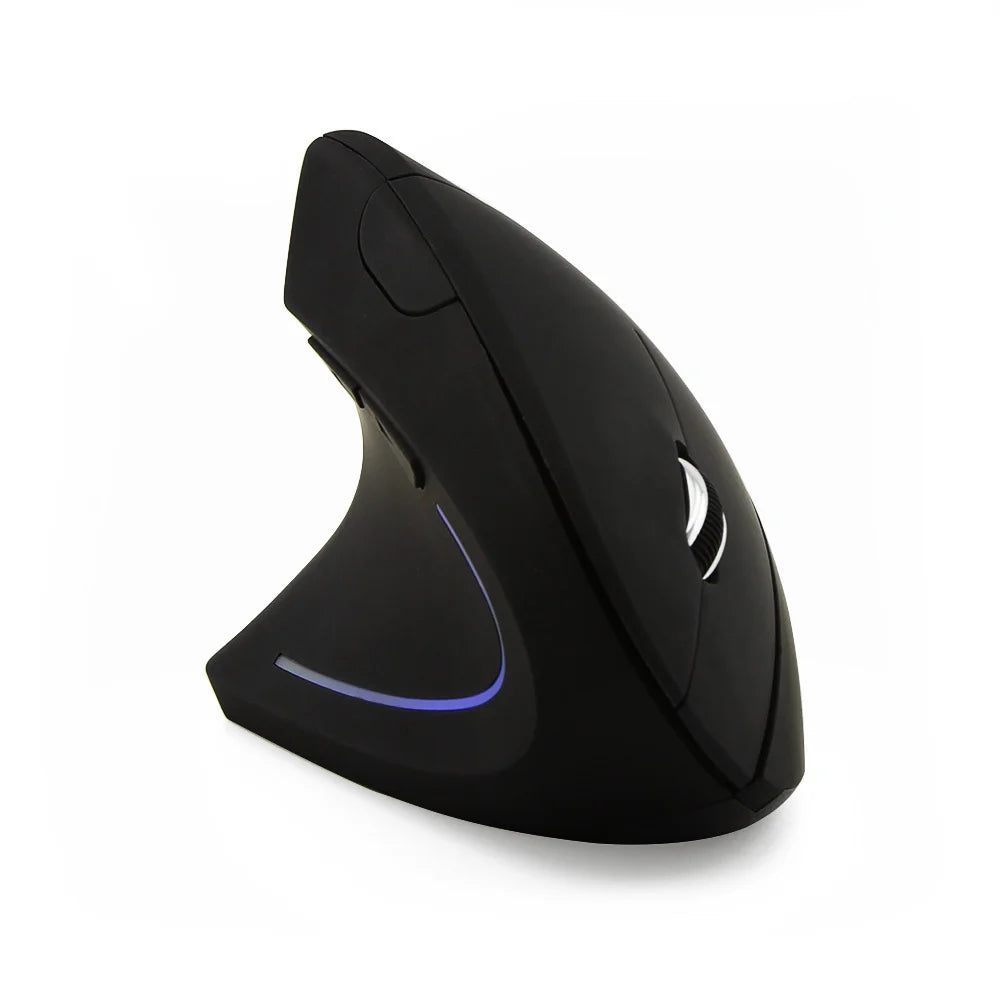
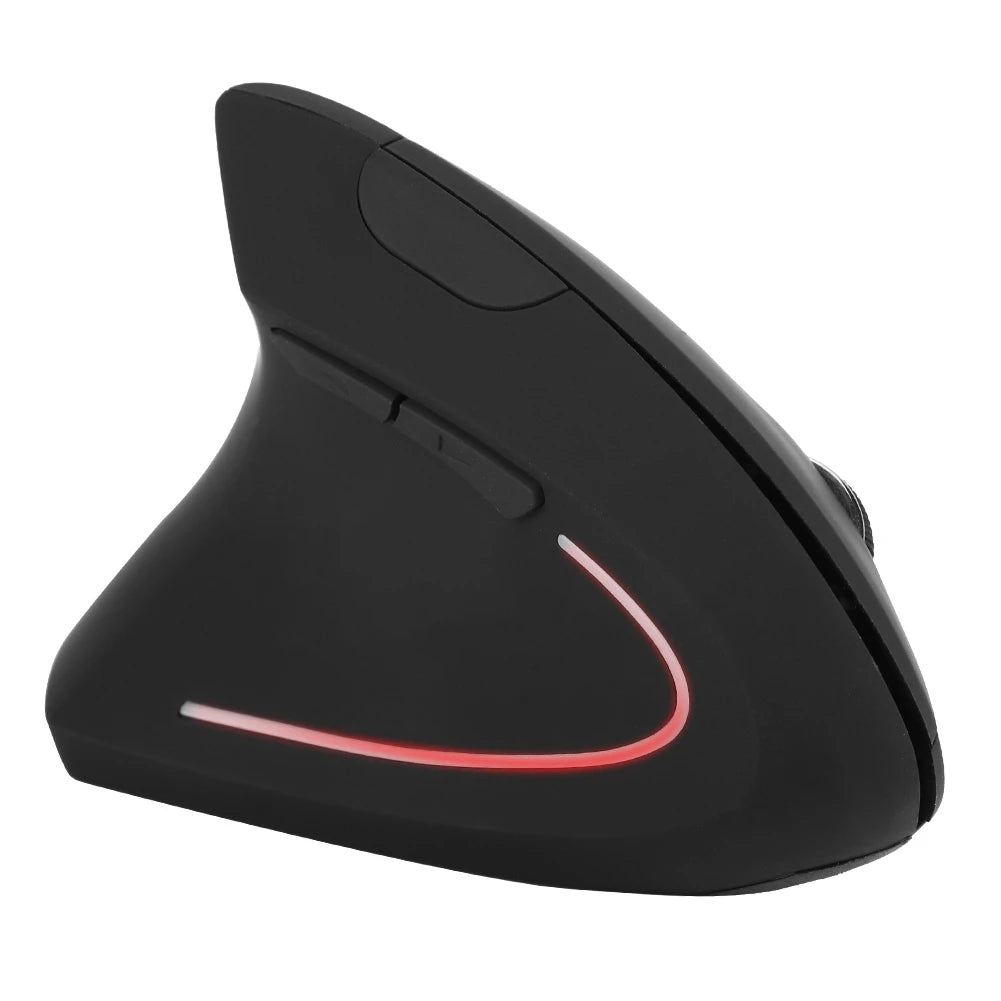
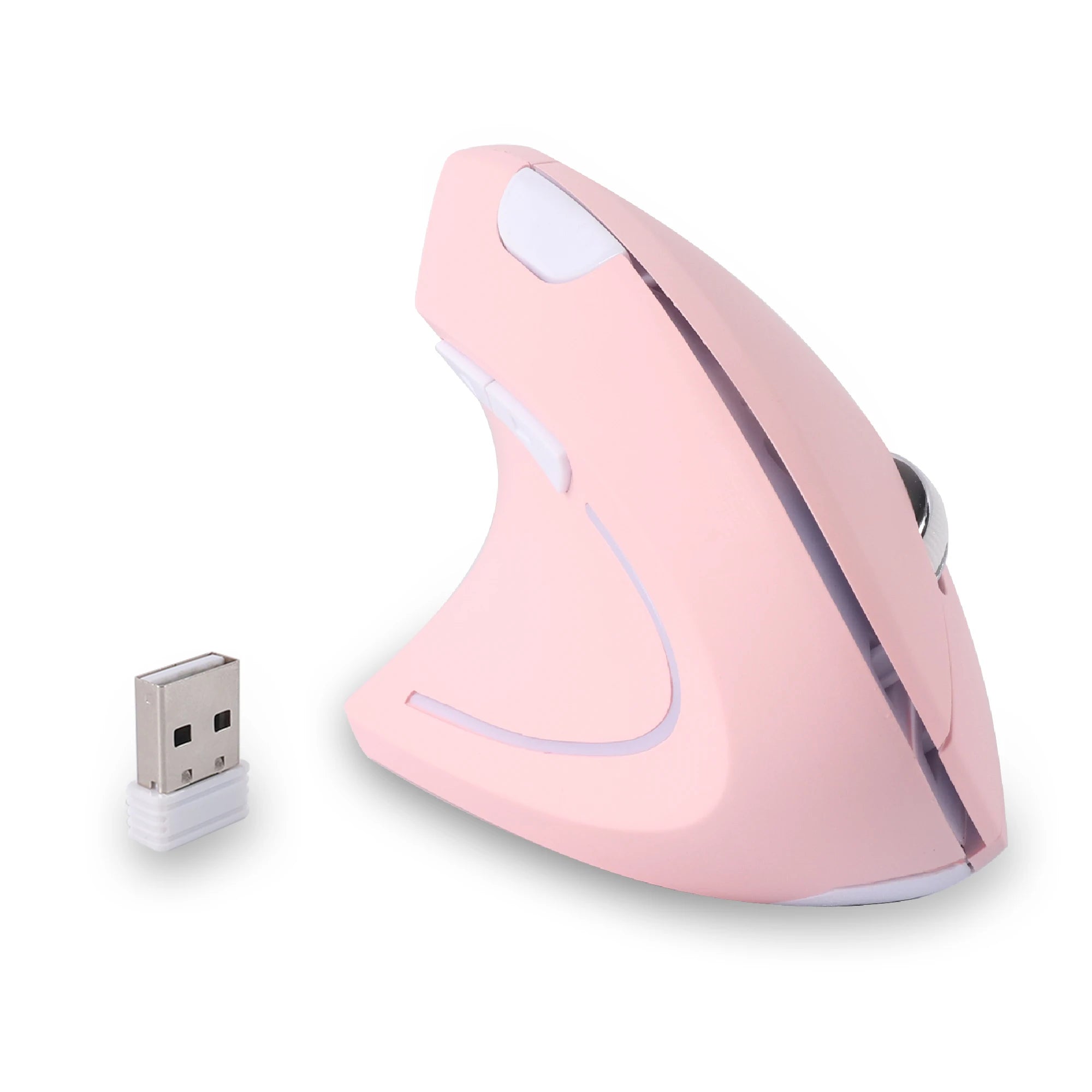
Vertical shapes are a hallmark, positioning the hand in an upright, handshake-like grip rather than flat on the desk. This orientation encourages a neutral wrist position, where the hand isn't pronated as much as with traditional mice. For left-handed users, this means the mouse supports the dominant hand's natural alignment.
Traditional ergonomic designs might feature contoured bodies with thumb rests and arched profiles, but adapted specifically for left-hand use. These elements aim to distribute weight and pressure more evenly across the hand, facilitating smoother movements.
Overall, these mice are intended to support more comfortable long-term use by reducing awkward angles and reaches. Features like adjustable DPI and programmable buttons further tailor them to individual preferences, making them suitable for various desk-based activities.
Ergonomic Left Hand Mouse – Can It Really Improve Comfort?
An ergonomic left hand mouse can contribute to improved comfort by encouraging better hand and wrist positioning during use. Designs like vertical models promote a more neutral posture, which some users find reduces the sense of awkwardness in extended sessions. However, results vary based on individual habits and setups.
What it can help with includes greater posture awareness—users often become more mindful of their desk ergonomics overall. Reduced awkward positioning might make clicking and scrolling feel more intuitive, especially for left-handers accustomed to mismatched tools. Wireless options add flexibility, allowing better desk organization.
That said, it cannot guarantee universal improvements. Factors like your chair height, monitor placement, and typing style play significant roles. Adaptation time is key; some notice a difference quickly, while others need weeks to adjust. Combining the mouse with mindful breaks and proper setup maximizes potential benefits.
Ultimately, trying an ergonomic left hand mouse is about experimenting with tools that fit your hand better, not a one-size-fits-all solution. Focus on how it integrates into your routine for the best experience.
Vertical vs Traditional Ergonomic Left Hand Mouse
Vertical and traditional ergonomic left hand mice offer distinct approaches, each with advantages depending on user needs.
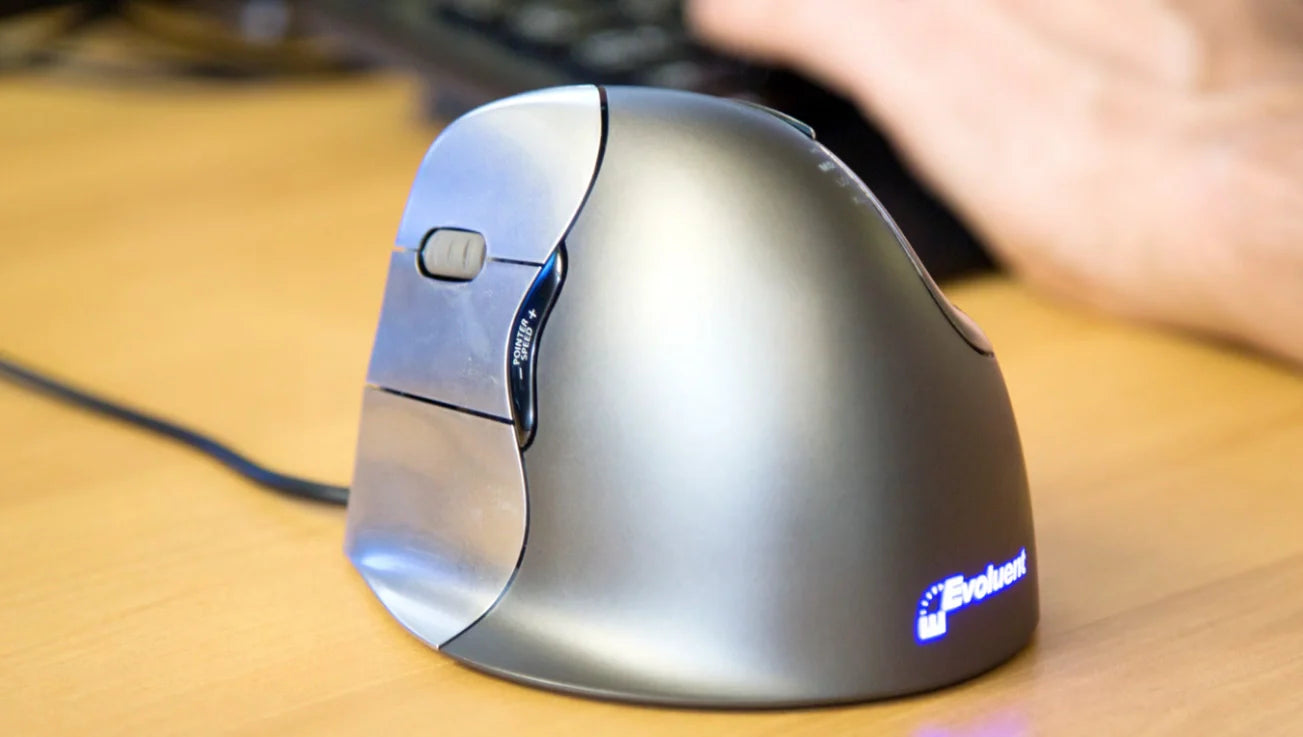
Vertical ergonomic mice stand the hand upright, mimicking a natural handshake. Pros include promoting a neutral wrist angle, which can feel supportive for long desk sessions. They're popular among office workers handling reports or emails, as the design minimizes flat-hand fatigue. Cons might involve a steeper learning curve and bulkier size, potentially less ideal for tight spaces.
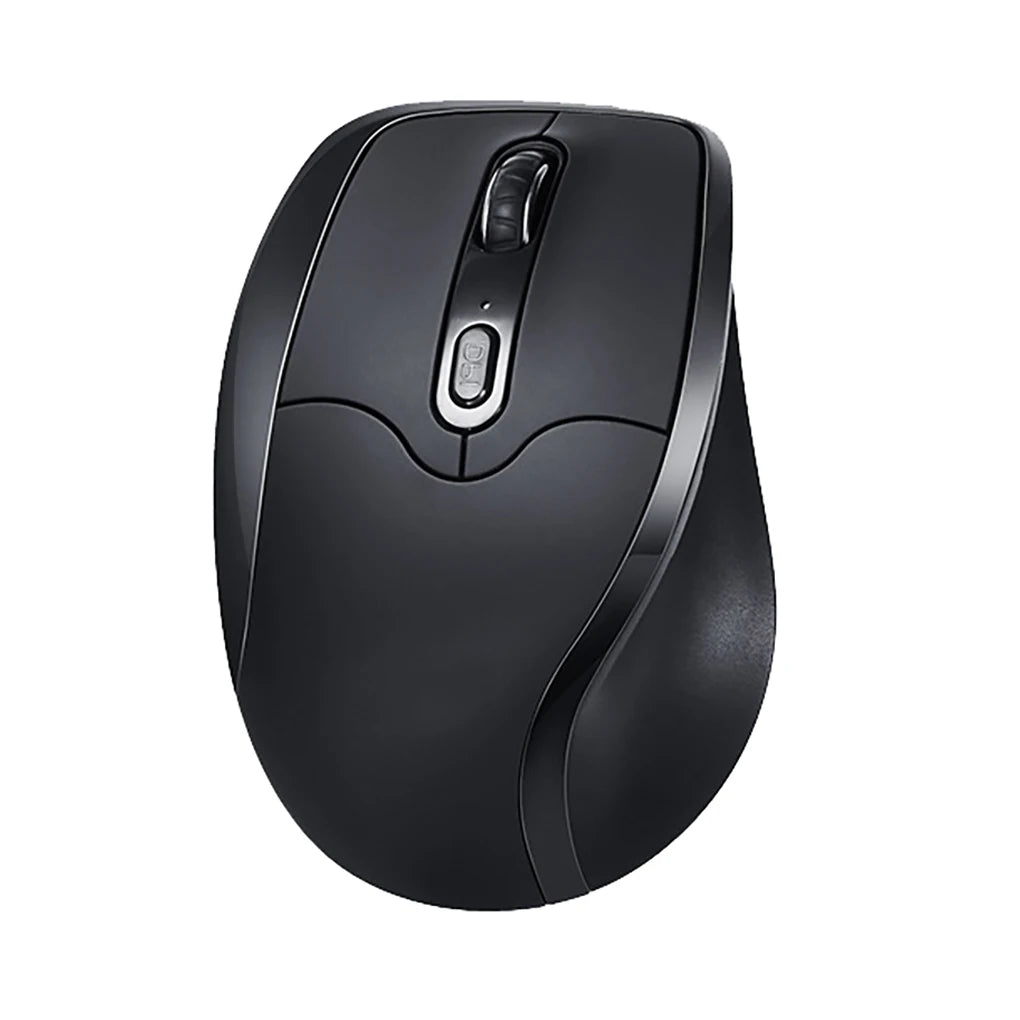
Traditional designs maintain a flatter profile with ergonomic contours like thumb scoops. Pros are familiarity and easier transition for those used to standard mice, plus often lighter weight for quick movements. Designers appreciating precise control in software like Illustrator might prefer this. Drawbacks include potential for more wrist pronation compared to vertical options.
For gamers, traditional might offer better speed, while vertical suits prolonged productivity. Office workers often lean toward vertical for sustained comfort, but test both to match your grip and tasks.
How to Choose the Right Ergonomic Left Hand Mouse
Selecting the right ergonomic left hand mouse starts with assessing your desk work duration. If you spend over six hours daily on tasks like data entry or content creation, prioritize designs that support extended use, such as vertical shapes.
Consider your grip style: palm for full-hand rest, claw for arched fingers, or fingertip for light touch. Vertical mice often accommodate palm grips well, while traditional ones suit varied styles. Measure your hand size to ensure the mouse fits without strain.
Decide between vertical and traditional based on preference. Vertical promotes upright positioning, ideal if you notice awkward twists with flat mice. Traditional offers familiarity if you're easing into ergonomics.
Weigh wireless vs wired. Wireless, like a left hand wireless ergonomic mouse, provides clutter-free movement, great for home offices. Wired ensures reliability without charging needs. Check battery life for wireless—aim for models lasting weeks.
Evaluate side buttons and scroll control. Programmable sides aid shortcuts in programs like Excel, while smooth scrolls handle long documents. Read user experiences similar to yours for insights, and consider return policies to test fit.
Recommended Ergonomic Left Hand Mouse Options
When exploring ergonomic left hand mouse options, focus on designs that prioritize left-handed usability. Vertical models often stand out for their supportive shape, suitable for those seeking a more natural hold during work.
For long office sessions, consider vertical wireless options with side buttons optimized for left-hand access. These allow easy navigation without stretching, enhancing productivity in tasks like spreadsheet management. A good example is the Left Hand Ergonomic Wireless Vertical Mouse for Left-Handed Users, which combines wireless freedom with ergonomic contours.
Mixed-use scenarios benefit from versatile ergonomic mice that balance comfort and functionality. Look for features like adjustable sensitivity for switching between detailed editing and general browsing. Dedicated left-handed designs ensure buttons fall naturally under fingers.
For everyday productivity, a basic vertical ergonomic mouse can make a difference. Options with durable builds support consistent use, and wireless connectivity keeps desks tidy. Explore collections like those from Smart Mouse Co for tailored choices, such as the Left Hand Ergonomic Vertical Mouse for Left-Handed Users.
FAQ – Ergonomic Left Hand Mouse
Is an ergonomic left hand mouse worth trying?
An ergonomic left hand mouse is worth considering if standard designs feel mismatched, as it may offer a more intuitive fit for daily tasks.
Are vertical mice better for wrist comfort?
Vertical mice can promote a neutral wrist position, which some find more comfortable for extended use compared to flat designs.
How long does it take to adapt to an ergonomic mouse?
Adaptation to an ergonomic mouse typically takes 1-2 weeks, depending on your habits and the design's familiarity.
Can an ergonomic mouse replace good desk habits?
No, an ergonomic mouse complements but doesn't replace proper desk habits like adjusted chair height and regular breaks.
Are ergonomic mice suitable for everyday work?
Yes, ergonomic mice are suitable for everyday work, especially if they align with your hand's natural movements and task demands.
Conclusion – Is an Ergonomic Left Hand Mouse Worth It?
An ergonomic left hand mouse can be a worthwhile addition if you're seeking better alignment in your computer setup. By focusing on natural postures and intuitive features, these devices encourage more comfortable interactions without overpromising results.
Realistic expectations are key—combine it with overall desk ergonomics for the best outcome. Whether vertical or traditional, the right choice depends on your specific needs and preferences.
If interested, exploring dedicated options like those in a left handed ergonomic mouse collection can provide tailored insights. Start with what fits your routine for informed, practical upgrades.











Leave a comment
This site is protected by hCaptcha and the hCaptcha Privacy Policy and Terms of Service apply.