
There is a persistent myth in the gaming community that ergonomic mice are slower, less precise, or somehow less competitive than traditional flat designs. For left-handed players, this myth is doubly damaging because it discourages them from seeking out a left hand mouse ergonomic option that could actually improve their performance. The assumption is that comfort comes at the cost of speed. In practice, the opposite is more often true.
A mouse that supports your hand correctly does not slow you down. It stabilizes your grip, reduces the micro-adjustments you make unconsciously, and keeps your accuracy consistent from the first hour of a session to the fifth. For left-handed gamers who have been forcing right-handed or ambidextrous mice for years, switching to a purpose-built ergonomic left-handed mouse does not just feel better — it removes a layer of physical compensation that has been quietly undermining their input quality all along.
This guide breaks down what makes a left hand mouse ergonomic for gaming, how ergonomic design actually enhances competitive performance rather than limiting it, and how to choose the right model based on your genre, grip style, and session length. Whether you play ranked FPS, grind MMO raids, or split your time between gaming and work on the same setup, this is the resource that connects comfort and precision for left-handed players.
Why Ergonomics Matter in Gaming

Gaming puts sustained, repetitive stress on your hand, wrist, and forearm in ways that casual computer use does not. Fast mouse movements, constant micro-corrections, rapid clicking, and prolonged grip tension are the baseline for most gaming sessions. Over hours, these inputs accumulate — and the physical effects show up as grip fatigue, reduced accuracy, and slower reaction time.
Ergonomics is not about preventing injury. In a gaming context, it is about performance sustainability. A mouse that holds your hand in a natural position lets you maintain the same level of precision in hour four that you had in hour one. A mouse that forces your hand into an unnatural grip — which is exactly what a right-handed mouse does for a left-handed player — introduces progressive fatigue that degrades your input quality the longer you play.
Grip stability is where this shows up most clearly. When your hand is comfortable and properly supported, your grip stays consistent. Consistent grip means consistent cursor control, consistent flick distance, consistent click timing. When your hand is fighting the shape of the mouse, your grip shifts subtly throughout the session. Those shifts are small enough that you do not consciously notice them, but they are large enough to affect your aim, your reaction speed, and your confidence in close engagements.
For left-handed gamers, this is not a theoretical problem. It is the daily reality of using a mouse that was never designed for their hand. Ergonomic design solves it at the hardware level.
What Makes a Left Hand Mouse Ergonomic for Gaming
Natural Hand Positioning
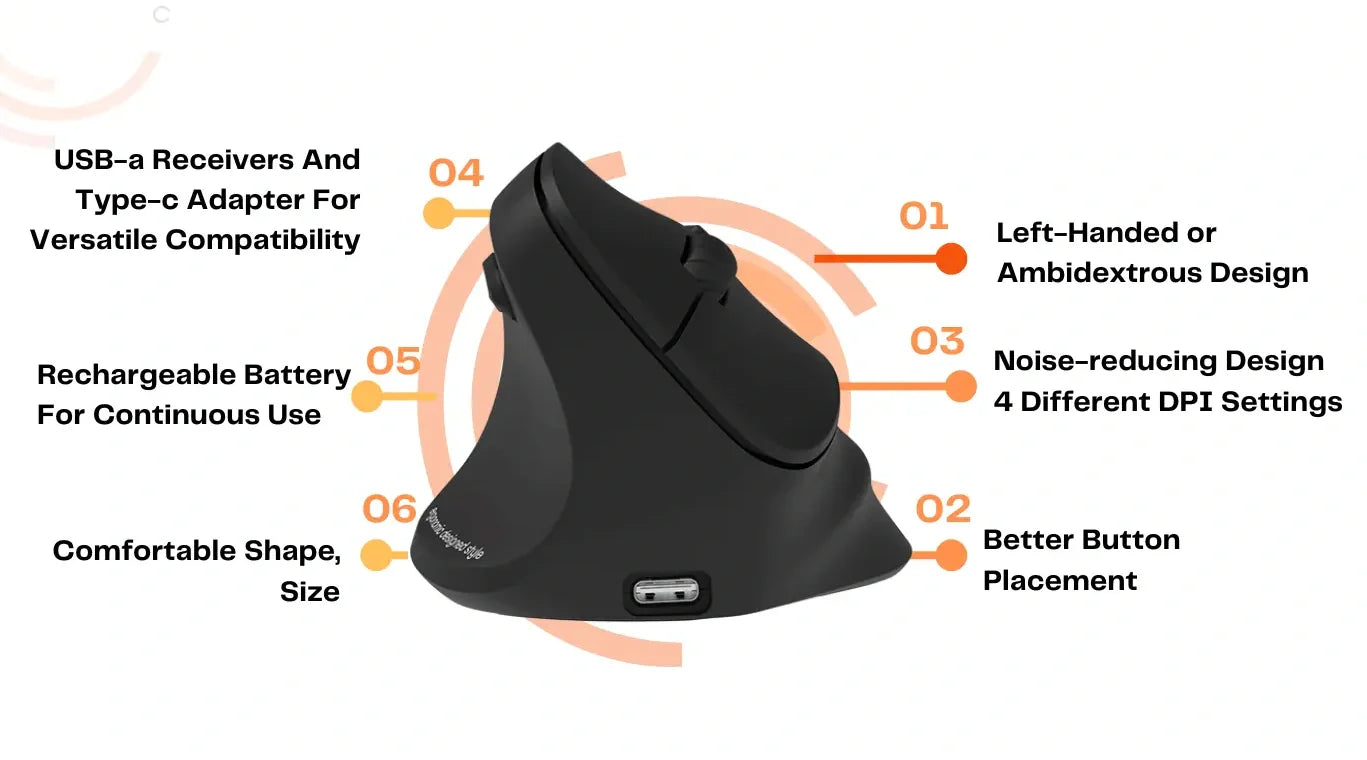
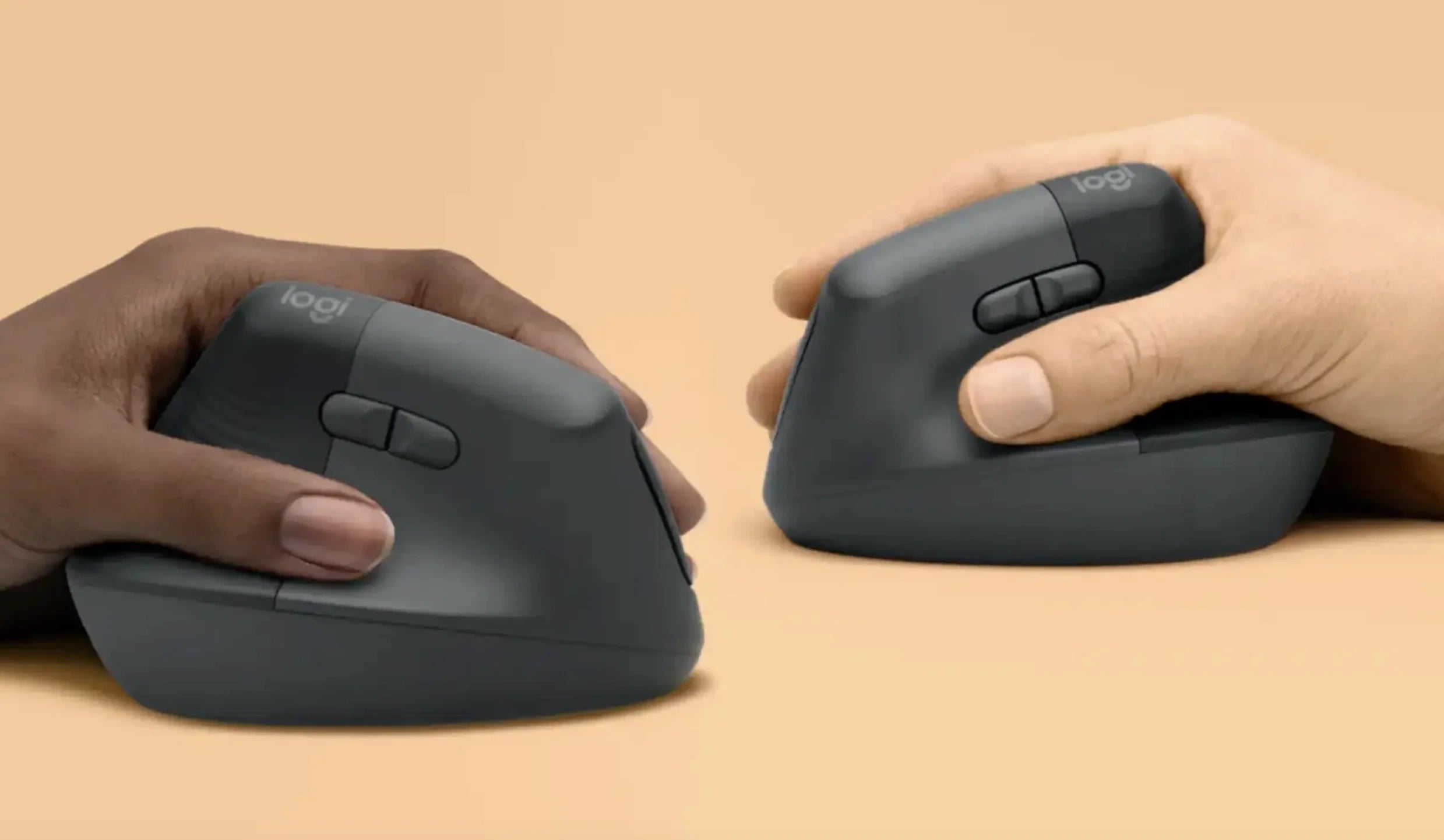
The foundation of ergonomic mouse design is how it positions your hand. Traditional flat mice place the palm face-down, which rotates the forearm inward (pronation). Vertical and semi-vertical designs tilt the hand toward a handshake position, which keeps the forearm bones parallel and reduces rotational tension. For left-handed players, the tilt must go in the correct direction — a right-handed vertical mouse tilted the wrong way is worse than a flat mouse. A true left-handed ergonomic mouse orients the grip angle specifically for a left wrist, which is the single most important ergonomic factor for sustained comfort.
Grip Style Compatibility
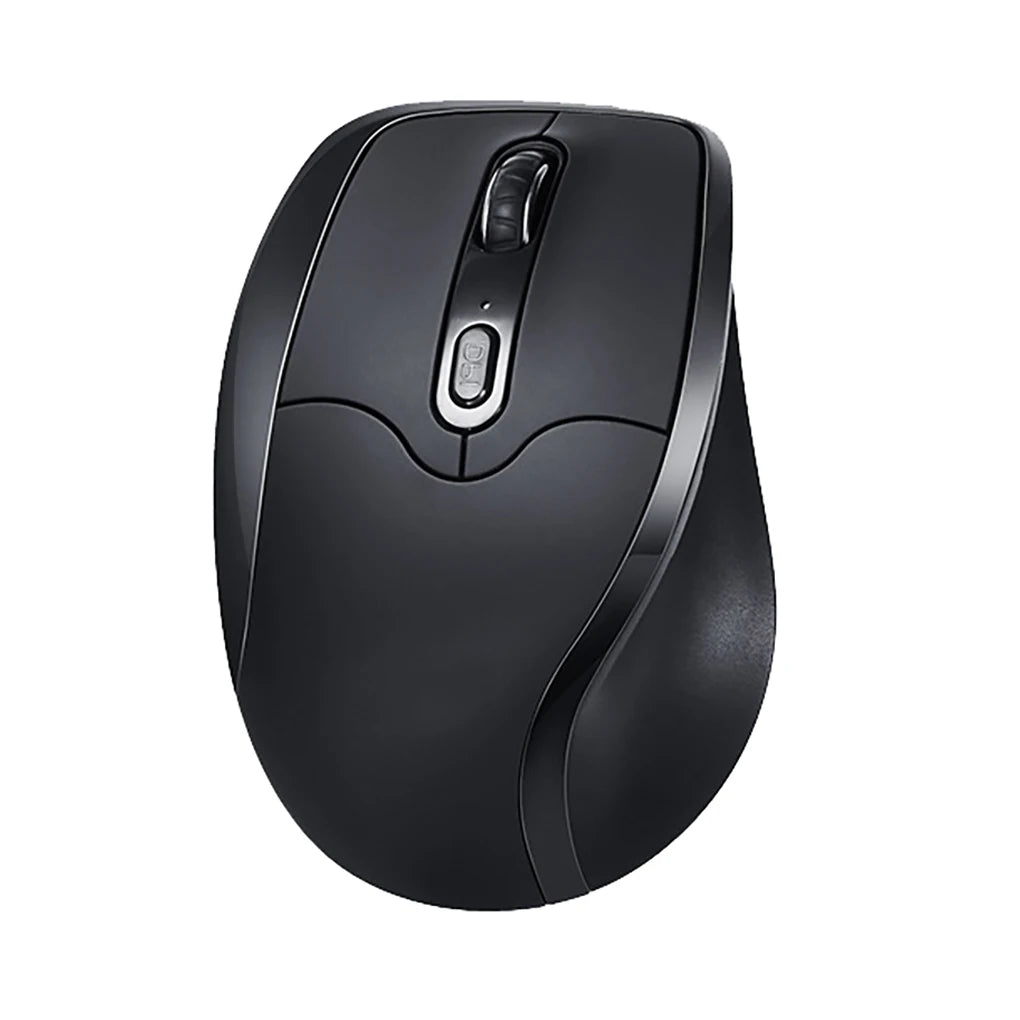
Ergonomic does not mean one-size-fits-all. Palm grip users need a mouse that supports full hand contact from the base of the palm to the fingertips. Claw grip players need a shorter body with a raised rear hump so the palm rests while the fingers arch. Fingertip users need a lighter, smaller mouse they control with minimal contact. The best left-handed ergonomic gaming mice accommodate these grip variations while maintaining the correct hand orientation and button placement for left-hand use.
Button Layout Optimized for Left-Handed Gamers
Button placement is where most so-called "ergonomic" mice fail left-handed players. Side buttons need to sit under the left thumb — on the right side of the mouse body. Primary and secondary click buttons should be sized and angled for left-hand index and middle finger placement. DPI adjustment buttons must be reachable without breaking grip. If any of these elements are positioned for a right hand, the mouse is not ergonomic for a left-handed user regardless of how comfortable the shape might feel initially.
Wireless Freedom Without Sacrificing Responsiveness
Cable drag is an underappreciated ergonomic issue. A cable pulling against your mouse movements creates uneven resistance that forces your hand to compensate, adding tension to every swipe. Modern 2.4GHz wireless eliminates this entirely while delivering response times that match wired connections for all practical gaming scenarios. A wireless left-handed ergonomic mouse gives you both the clean movement freedom and the consistent input that ergonomic design is meant to deliver.
Build Quality for Long-Session Durability
An ergonomic mouse that feels great for the first three months but develops rattling buttons or a loose scroll wheel undermines the entire point. Build quality — solid click switches, stable scroll mechanisms, durable shell materials, reliable wireless connectivity — is an ergonomic factor in itself. A mouse you can trust session after session, month after month, is one that lets you focus on the game instead of the hardware.
Best Left Hand Mouse Ergonomic Options in 2026
Best for FPS Precision
FPS players need a mouse that tracks accurately at low DPI, responds instantly to fast wrist movements, and maintains a stable grip during aggressive play. The ergonomic advantage here is grip consistency — a left-handed mouse that fits your hand correctly eliminates the micro-adjustments that throw off flick accuracy over a session.
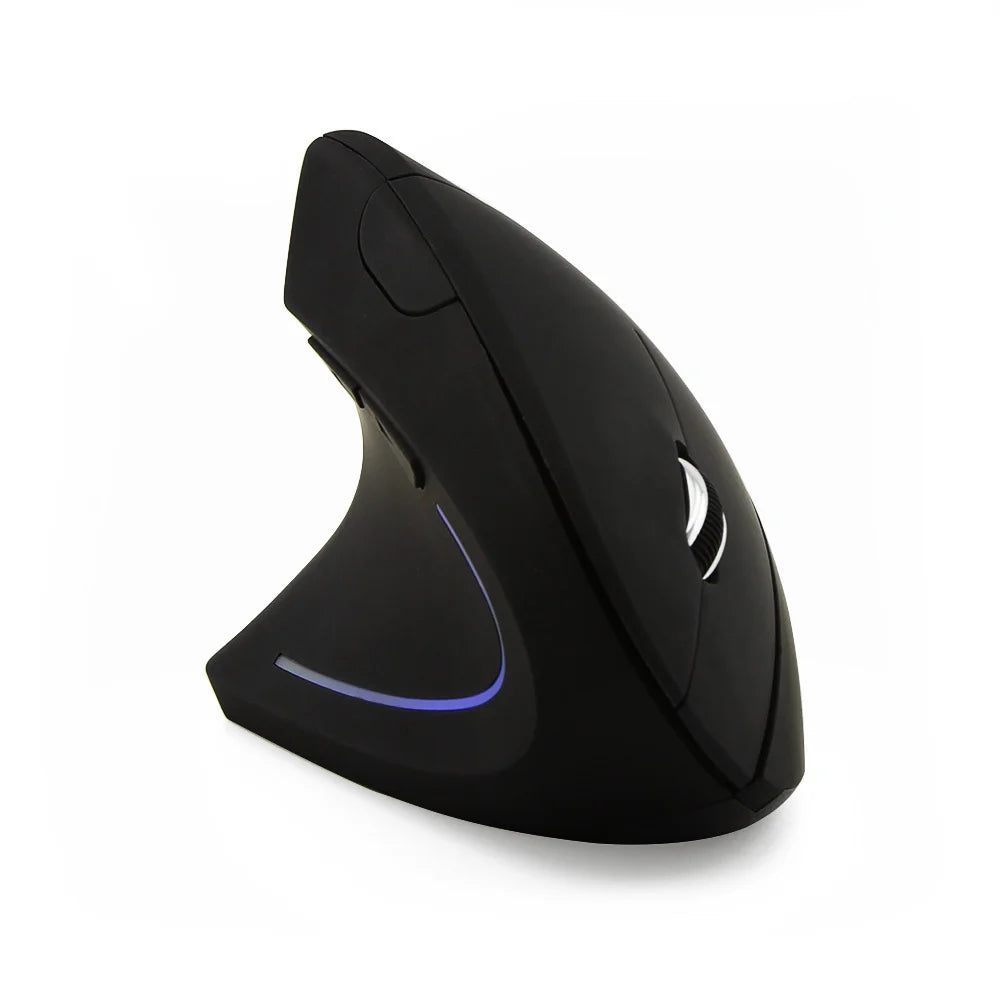
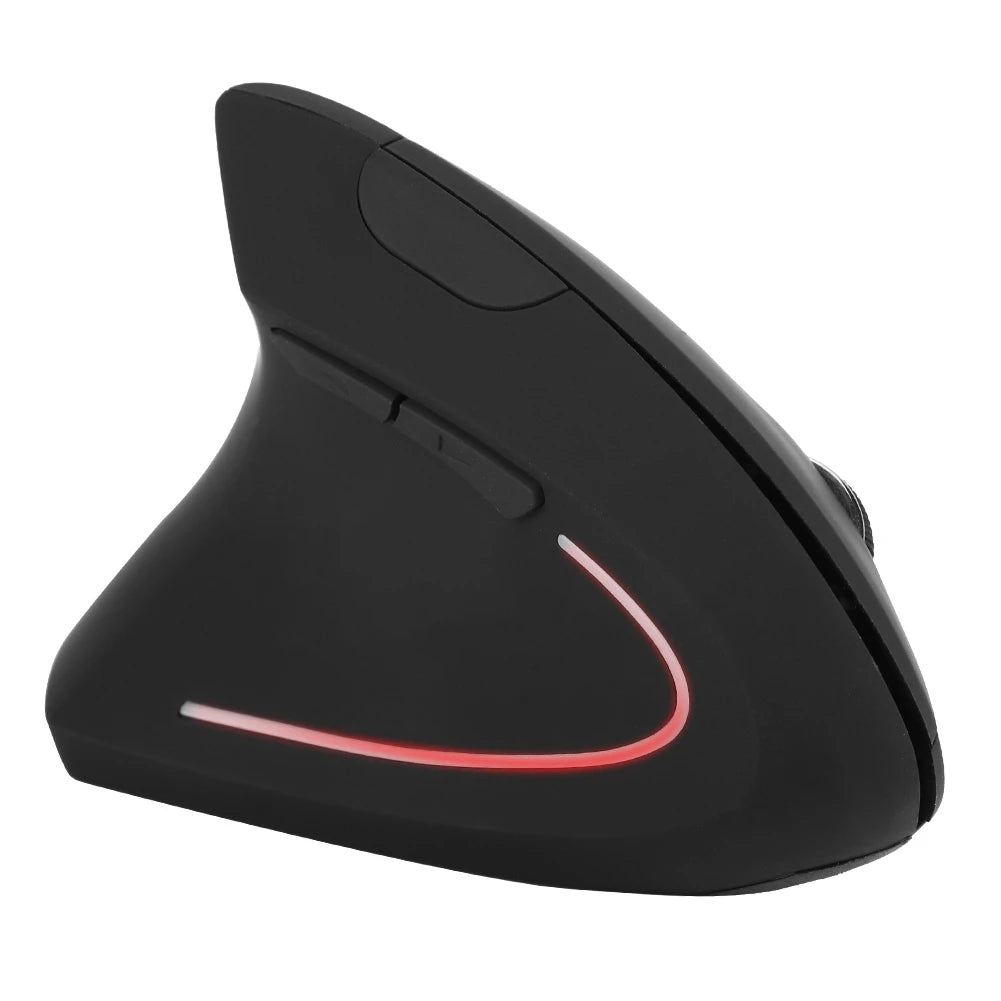
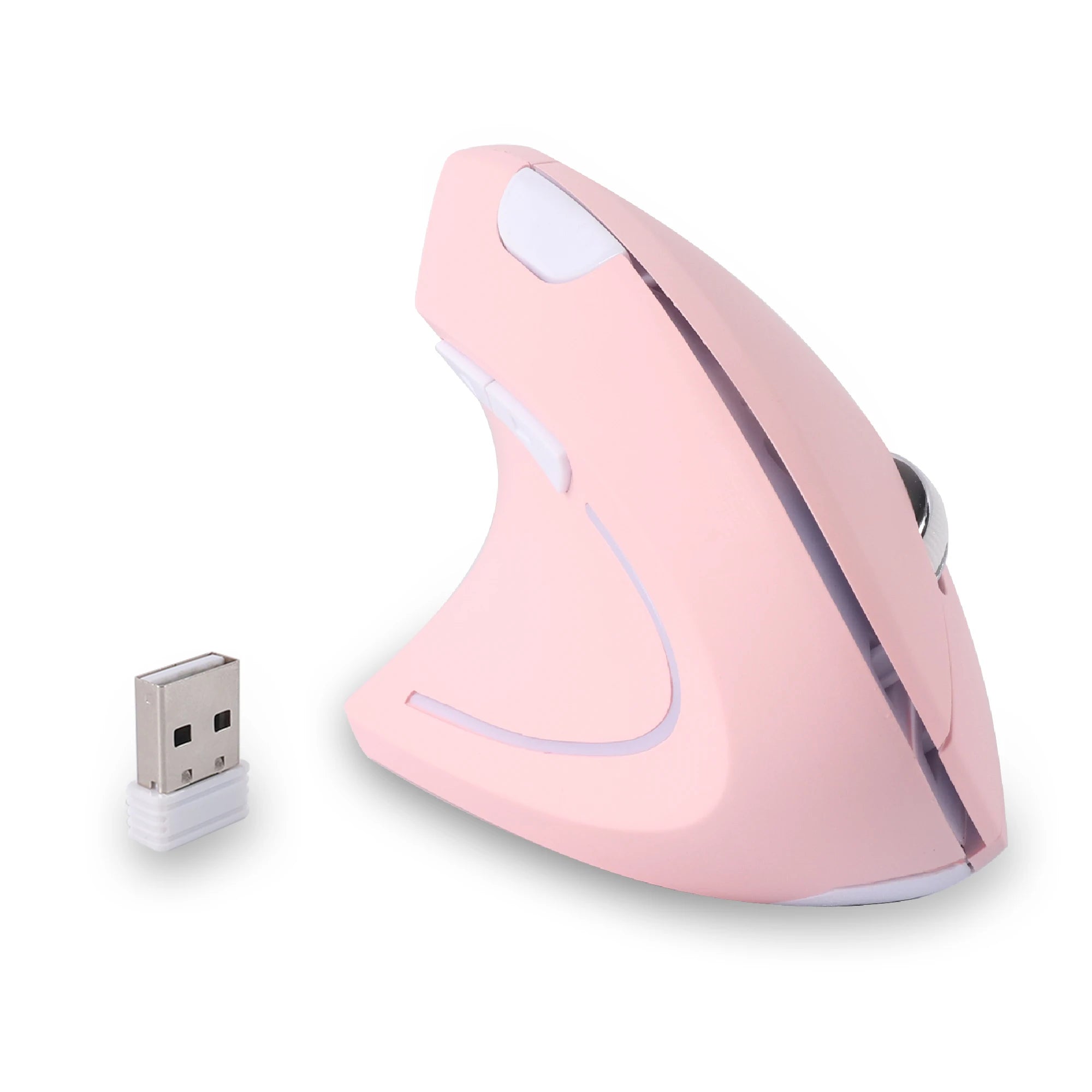
A wireless left-handed mouse with a contoured body and well-placed side buttons covers the FPS use case without adding unnecessary bulk or features. The Left Hand Ergonomic Vertical Mouse – Wireless 2.4G with Side Buttons delivers the left-hand-specific shape and wireless freedom that FPS players need, with side buttons positioned for actual left-thumb access during gameplay.
Best for MMO and Macro-Heavy Games
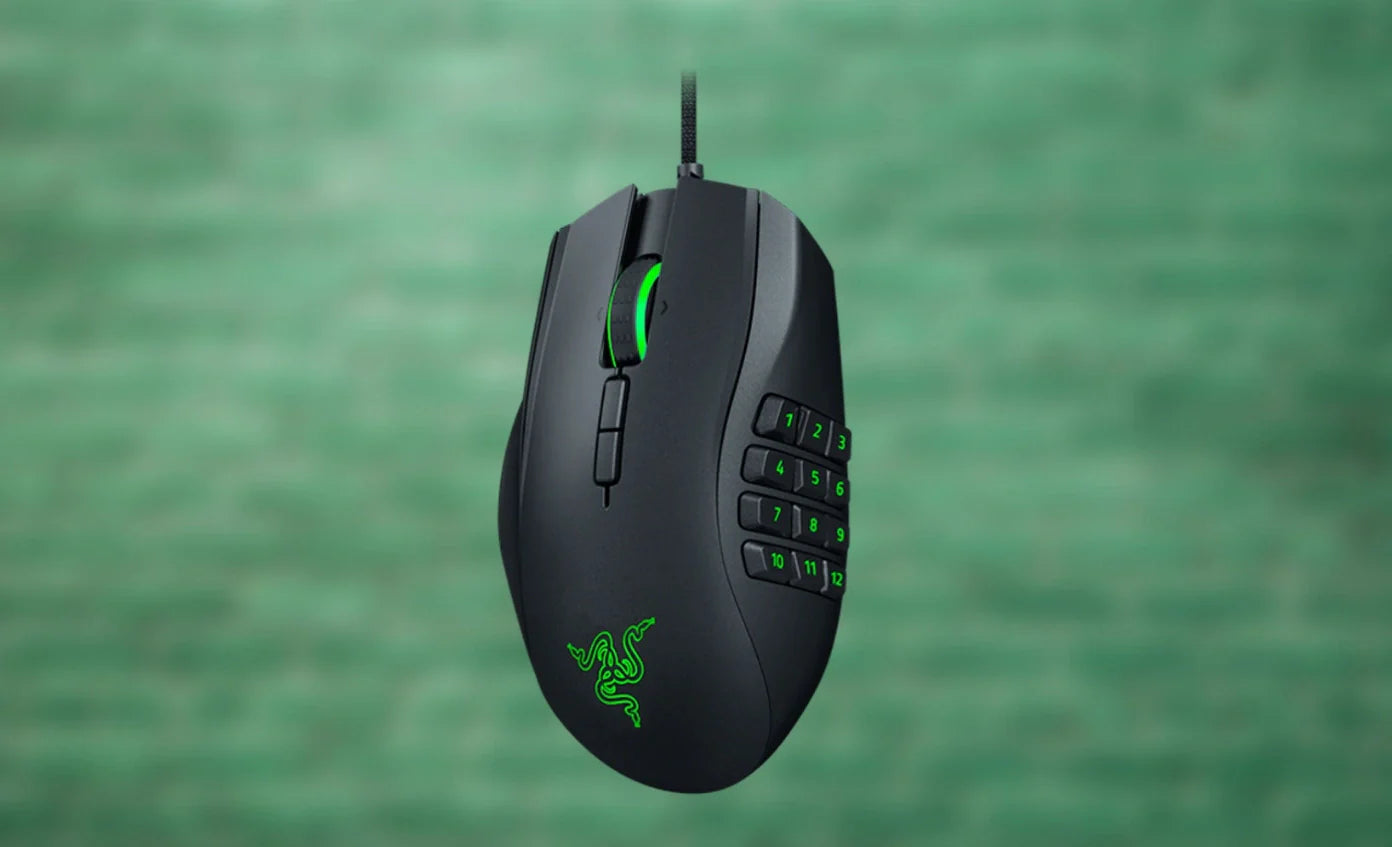
MMO, MOBA, and strategy games depend on accessible side buttons for ability rotations, macro execution, and quick-use commands. For left-handed players, this means those buttons must be on the correct side of the mouse — something that mainstream multi-button gaming mice consistently fail to provide. An ergonomic left-handed model with tactile, well-spaced side buttons lets you execute rotations without shifting your grip or breaking your flow.
The Left Hand Ergonomic Vertical Mouse with Side Buttons places its auxiliary controls where a left thumb naturally rests, combining the vertical ergonomic grip with the button accessibility that MMO players require for sustained, comfortable play.
Best for Hybrid Work and Gaming Setups
A growing number of users share a single desk and a single mouse between work and play. During the day, the mouse navigates spreadsheets, browsers, and communication tools. In the evening, it handles competitive matches or casual gaming sessions. For these hybrid users, a left handed ergonomic mouse that performs well in both contexts is the most practical choice — comfortable enough for a full workday, responsive enough for evening gaming, and ergonomically designed to support the left hand through all of it.
Vertical Ergonomic Gaming Mouse – Competitive or Not?
The vertical mouse question comes up constantly in gaming discussions, and the answer is more nuanced than either side of the debate usually admits.
A vertical ergonomic gaming mouse changes the axis of your wrist movement. Instead of the side-to-side wrist rotation used with a flat mouse, vertical designs use more forearm-driven lateral movement. This is genuinely different, and it does affect how certain inputs feel — particularly the wide, fast horizontal flicks common in FPS games.
For many players, the adaptation takes three to seven days. During that period, aim feels less precise and movements feel exaggerated. After adaptation, most players report that their precision returns to baseline or improves, because the stable vertical grip reduces the inconsistent micro-shifts that flat mice produce during long sessions.
Where vertical mice clearly excel is sustained play. MMO raids, strategy marathons, long streaming sessions, and casual evening gaming all benefit from the reduced wrist rotation. The comfort advantage compounds over hours, and players who switch to vertical often report that going back to a flat mouse feels noticeably less comfortable after even a few weeks of adaptation.
Where vertical mice face a legitimate trade-off is in high-speed competitive FPS at the highest level. Players who rely on wide, low-sensitivity wrist flicks may find that a traditional ergonomic shape gives them slightly faster lateral tracking. For ranked play below professional esports level — and for all other genres — a vertical ergonomic left-handed mouse is fully competitive and arguably superior for long-session consistency.
How to Choose the Right Ergonomic Left Handed Gaming Mouse
Identify your primary genre. FPS players should prioritize low weight, precise tracking, and a stable grip shape. MMO players need accessible side buttons and sustained comfort. Hybrid and casual players should focus on all-day ergonomics and wireless convenience. Your primary game type sets the priorities.
Know your grip style. Palm grip needs a full-support body. Claw grip needs a compact rear hump. Fingertip needs a lighter, smaller shell. Ergonomic design only works when the shape matches how your hand actually holds the mouse. Test this with your current mouse before choosing: where does your palm contact the surface? Where do your fingers arch? That is your grip style.
Decide on DPI range. FPS players typically use 400 to 1200 DPI. MMO and strategy players often run 1600 or higher. Make sure the mouse offers on-the-fly DPI switching via a button that is accessible from a left-hand grip — many gaming mice place the DPI button in a position that works for a right index finger but is awkward or unreachable for a left-handed user.
Evaluate wireless vs wired. For 2026 gaming, wireless is the default recommendation. Modern 2.4GHz connections offer sub-millisecond latency that matches wired performance. The ergonomic benefit of eliminating cable drag is real and meaningful. Wired remains a valid choice for LAN events or players who prefer the absolute simplicity of a plug-and-play connection.
Consider session duration. If your gaming sessions regularly run past three hours, ergonomic shaping is not optional — it is the primary feature to optimize for. Fatigue at the four-hour mark affects aim, reaction speed, and decision-making. A mouse that keeps your hand comfortable that deep into a session is a competitive advantage, not a luxury.
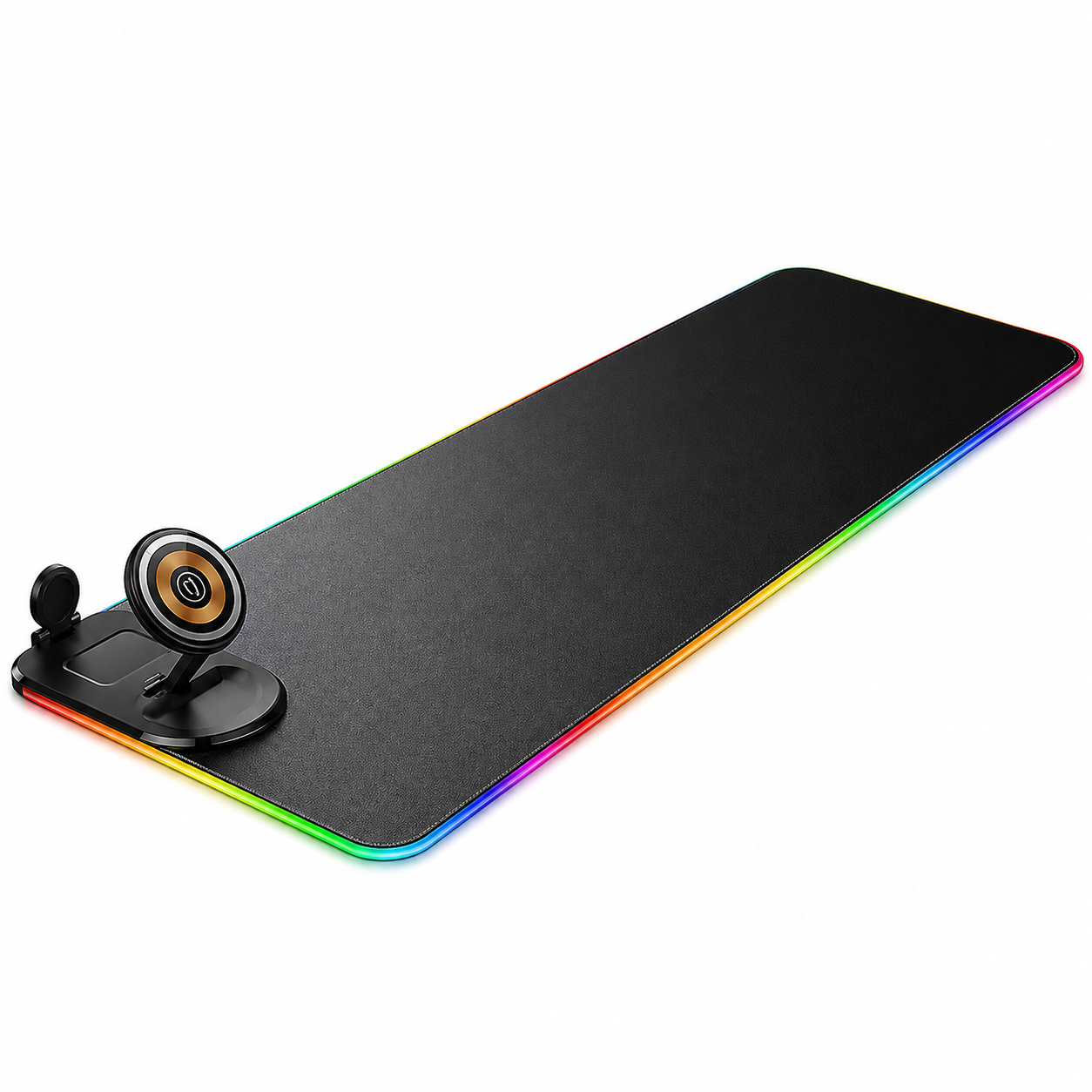
Check desk space. Vertical mice have a taller profile. If your desk is tight or your mousepad is small, factor in the physical space the mouse occupies. For large mousepads and spacious setups, vertical is comfortable and unrestricted. For compact setups, a contoured traditional shape may fit the available space better.
FAQ – Left Hand Mouse Ergonomic for Gaming
Are ergonomic mice good for competitive gaming?
Yes. Ergonomic mice enhance grip stability and reduce fatigue, both of which directly support competitive performance. The idea that ergonomic means slower is outdated — modern ergonomic gaming mice use the same sensors, switches, and wireless technology as their flat counterparts. The difference is that they keep your hand in a sustainable position while delivering that performance.
Is a vertical mouse slower for FPS?
Not inherently. Vertical mice change the movement axis, which requires an adaptation period of roughly three to seven days. After adapting, most players find their precision matches or exceeds what they achieved with a flat mouse, particularly in longer sessions where grip fatigue previously degraded their aim. Very high-level competitive FPS players who rely on extreme low-sensitivity wrist flicks may prefer a traditional ergonomic shape for raw lateral speed.
How long does it take to adapt to an ergonomic gaming mouse?
Most players adapt to a new ergonomic shape within three to five days for traditional contoured designs and five to seven days for vertical designs. During the adjustment period, aim and movement feel slightly different. After adaptation, the new grip typically feels more natural than the old one, and switching back often feels uncomfortable by comparison.
Can I use an ergonomic left-handed gaming mouse for work too?
Absolutely. An ergonomic left-handed mouse that works for gaming works equally well — often better — for productivity. The same grip comfort and button accessibility that support long gaming sessions also support full workdays of browsing, document editing, and communication tools. Many users choose a single ergonomic mouse for left-handed users that handles both roles on the same desk.
Do left-handed ergonomic gaming mice cost more?
Not significantly. Dedicated left-handed models from specialist brands are priced comparably to mainstream right-handed gaming mice in the same feature class. The cost difference, if any, reflects sensor quality and build materials — not the left-handed orientation. You are not paying a premium for ergonomic design that fits your hand.
What if I have been using a right-handed mouse my whole gaming life?
Many left-handed gamers have adapted to right-handed mice out of necessity. Switching to a left-handed ergonomic mouse may feel unfamiliar for the first few days, but the adjustment is faster than most players expect. The ergonomic fit of a purpose-built left-handed mouse becomes apparent quickly, and the consistency of grip and control typically surpasses what a mismatched right-handed mouse ever provided.
Conclusion – Performance Meets Comfort
Ergonomic design and gaming performance are not opposing forces. For left-handed players, they are directly connected. A mouse that fits your hand, supports your grip, and positions every button within natural reach is not a comfort accessory — it is a performance tool that lets you play at your best for longer.
The right left-handed ergonomic gaming mouse removes the physical compromises that left-handed players have been making for years. No more fighting a right-handed shape. No more reaching for side buttons on the wrong side. No more grip fatigue undermining your aim by the third hour. Just a mouse that works the way your hand works.
Whether you are chasing rank in competitive FPS, grinding progression in an MMO, or splitting your day between work and play, the upgrade is the same: match the tool to the hand. Everything else follows from there.
Precision Starts with the Right Fit
Ergonomic left-handed gaming mice — engineered for the hand you play with.
- ▸ Left-hand contoured grip with thumb-side controls
- ▸ Vertical & traditional shapes for every play style
- ▸ Wireless 2.4GHz — zero cable drag, zero compromise
- ▸ Designed for sessions that go the distance
Shop Ergonomic Left-Handed Mice










Leave a comment
This site is protected by hCaptcha and the hCaptcha Privacy Policy and Terms of Service apply.