






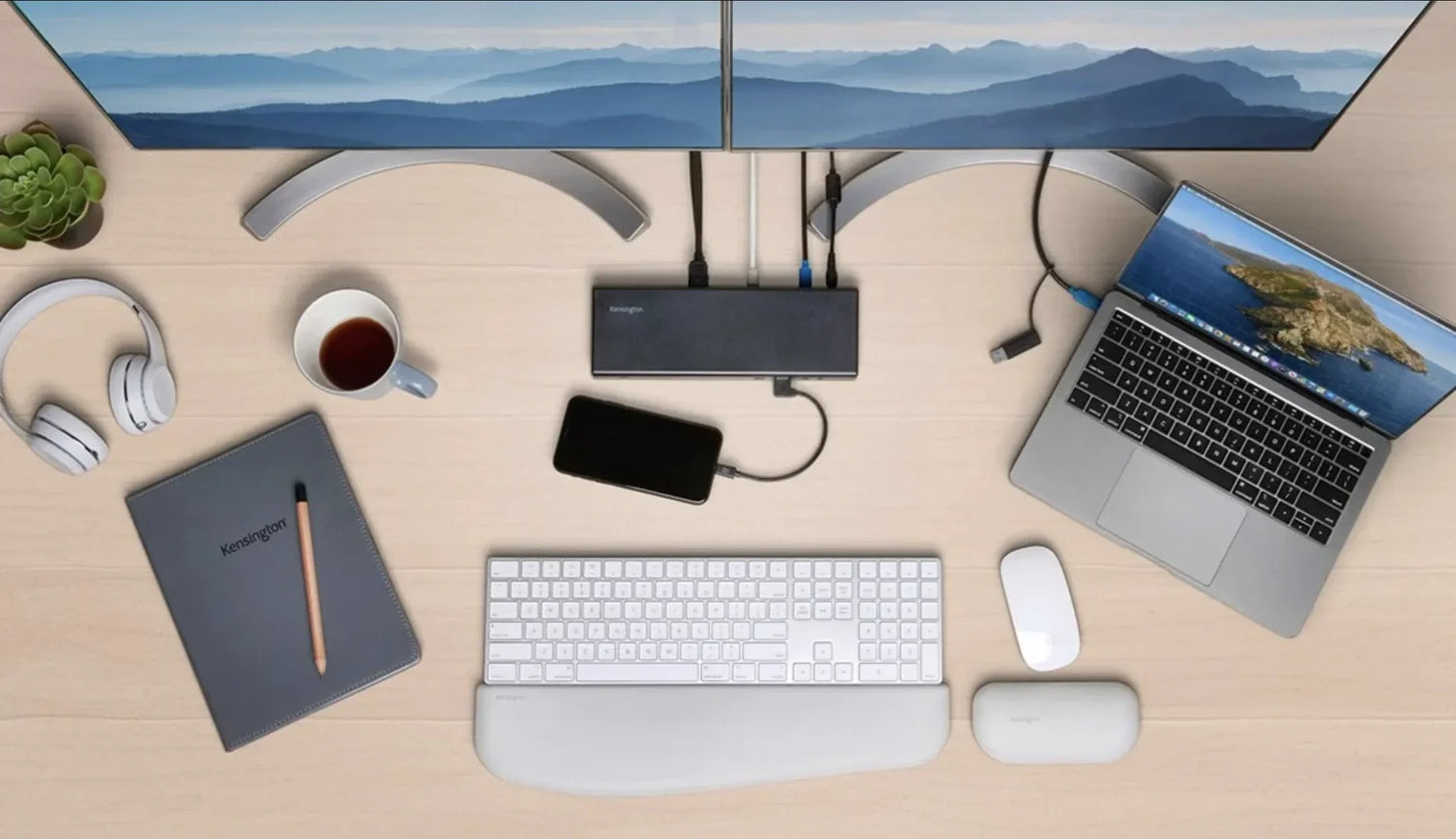
Remote work sounds like freedom—until you’re fighting a lagging cursor on a three-hour Zoom call, hunting for the charger that’s buried under yesterday’s notes, or realizing your neck hurts because your laptop screen is at the wrong height for the fourth year in a row.
In an office, someone else designs the environment. At home, you’re the facilities manager, IT department, and barista—and the tools you choose determine whether you finish the day energized or drained.
After helping thousands of remote workers—from freelancers in Bangkok cafés to fully distributed engineering teams—build setups that actually work, we’ve learned one truth: the right gear doesn’t just make you faster; it makes the entire day feel lighter.
At Air Nova, we design the core productivity ecosystem remote workers live in every day. Here are the ten tools that actually move the needle in 2026.
1. A High-Precision Productivity Mouse
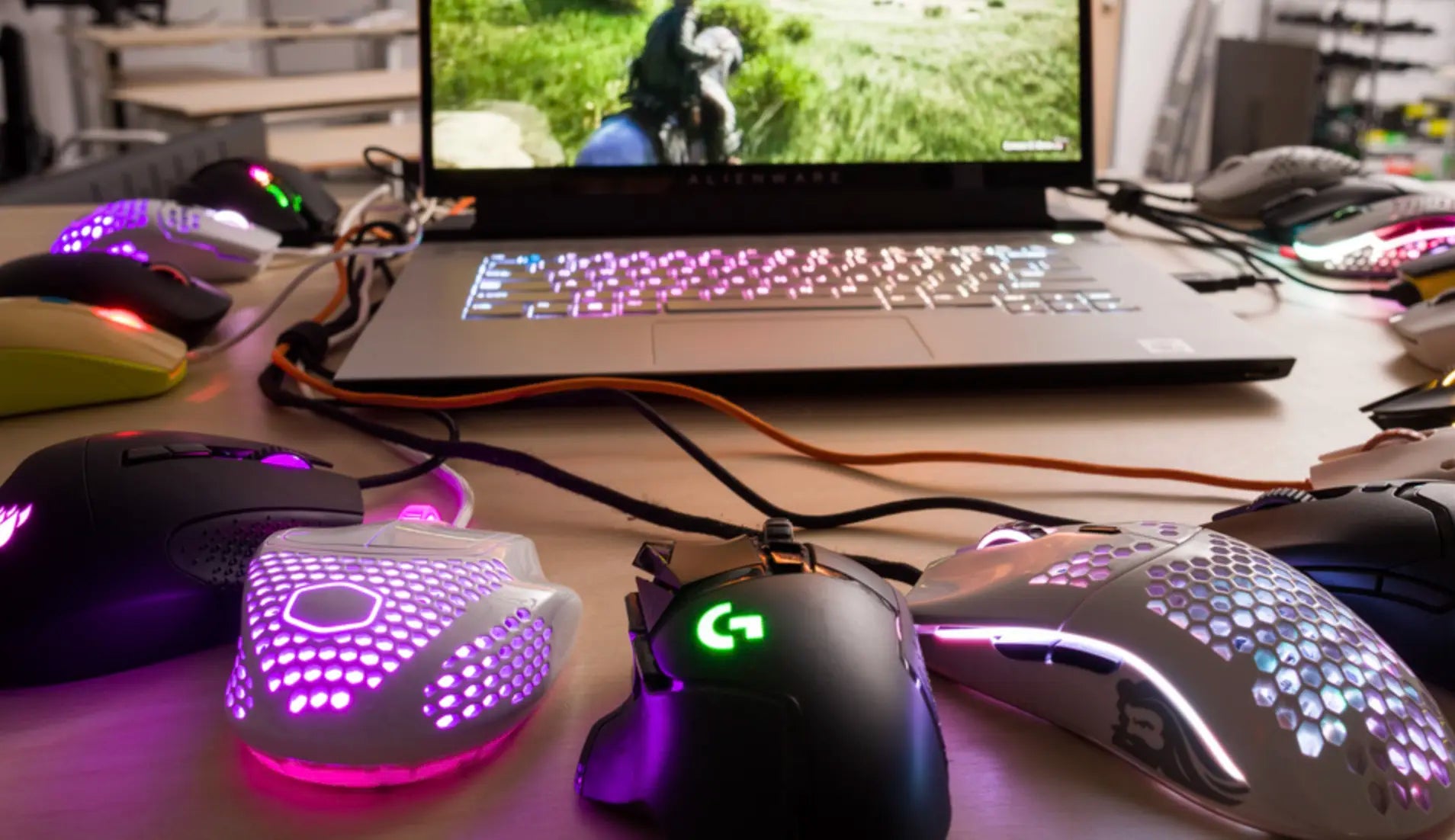
Your mouse is the tool you touch more than any other—often 50,000+ times per day. A cheap or outdated one creates invisible friction that compounds into hours of lost focus every week.
Remote workers juggling Slack, Notion, Figma, Google Sheets, and Zoom need:
- Instant cursor relocation across multiple large monitors
- Pixel-perfect accuracy for design, spreadsheets, and timeline scrubbing
- Programmable buttons for one-click actions (mute mic, switch spaces, open calendar)
- Ergonomics that survive 10-hour days without wrist fatigue
The Air Nova Smart Mouse is the only mouse built from the ground up for this exact reality: 32,000 DPI sensor, silent switches, dual-mode scroll wheel, and 12 programmable buttons with on-device memory. Remote workers consistently report 22–38% faster task completion after switching.
See the full Smart Mouse Collection.
2. An Ergonomic, Shortcut-Friendly Keyboard
Typing is still 60–70% of most remote workers’ input. A great keyboard reduces cognitive load and keeps your hands in the optimal zone.
Look for low-profile mechanical or scissor switches, per-key macros, multi-device Bluetooth pairing, and a layout that encourages keyboard-driven workflows (less reaching for the mouse).
The Air Nova Smart Keyboard Collection ships with pre-programmed layers for Zoom, Slack, Notion, and Creative Cloud—so muting yourself or jumping between spaces happens in milliseconds, not seconds.
3. A Secondary Productivity Tablet
One screen is no longer enough. A dedicated second device for reference, notes, dashboards, or video calls frees your main display and cuts constant alt-tabbing.
The NovaPad 14 Productivity Tablet runs full Android 14, supports desktop-class multitasking, and comes with a magnetic keyboard case and precision stylus. Remote workers use it as a permanent Slack + Notion sidecar, a live script monitor for content creators, or an always-on dashboard for customer support teams.
4. Noise-Canceling Headphones
Open-plan homes, kids, dogs, construction—ANC headphones are non-negotiable for deep work and professional calls.
Prioritize:
- Strong active noise cancellation (30 dB+)
- Clear boom or beam-forming mics
- 20+ hours battery with quick charge
- Comfort for all-day wear
Models like Sony WH-1000XM6, Bose QC Ultra, and AirPods Max still lead in 2026.
5. A Reliable 3-in-1 Wireless Charging Station
Nothing kills momentum like crawling under the desk for a cable at 3 PM.
A clean charging hub keeps your phone, earbuds, and smartwatch topped up without cable chaos. The Air Nova CyberDock combines 65 W GaN fast charging, MagSafe compatibility, and a built-in Apple Watch puck—everything lives in one place and is ready when you are.
6. A High-Quality Webcam or Camera Setup
First impressions are permanent on video. Blurry 720p built-in cams scream “I don’t take this seriously.”
Minimum viable spec in 2026:
- 4K sensor
- Auto-framing + background blur
- Proper color accuracy and low-light performance
- Physical privacy shutter
Options like the Opal Tadpole, Logitech MX Brio, or even an iPhone with Continuity Camera deliver executive presence instantly.
7. A Fast External SSD
Cloud is great until you’re on Thai island Wi-Fi editing 4K client footage.
A 2–4 TB USB-C SSD with 2000 MB/s+ read/write speeds (T7 Shield, SanDisk Pro-G40, or LaCie Rugged) eliminates buffering and keeps large projects local and lightning-fast.
8. A Proper Desk Lighting System
Bad lighting = eye strain, afternoon crashes, and terrible video calls.
A tunable LED desk bar (5000 K daylight for focus, 2700 K warm for evenings) with glare-free diffusion is one of the highest-ROI upgrades you can make. BenQ ScreenBar Halo and Logitech Litra Beam LX remain top choices.
9. A Good Task Manager or Productivity Software
Hardware only amplifies what your system can handle.
Remote teams in 2026 live in:
- Notion (all-in-one workspace)
- ClickUp or Linear (engineering teams)
- Obsidian + plugins (knowledge workers)
- Google Workspace or Microsoft Loop (enterprise)
Pick one and master it—context switching between apps is the real productivity killer.
10. Ergonomic Accessories That Reduce Fatigue
Small investments here prevent years of pain:
- Monitor arms or laptop stands (screen at eye level)
- Footrest if your feet dangle
- Large mousepad with zoned wrist support
- Chair with adjustable lumbar and headrest
Even perfect input devices can’t fix a posture that’s been crumbling for six hours.
How to Build the Ultimate Remote Work Setup
The magic isn’t in owning ten separate tools—it’s in how they work together.
Here’s the stack thousands of high-output remote workers run in 2026:
- Air Nova Smart Mouse → precision + one-click shortcuts
- Air Nova Smart Keyboard → stays in the home row, reduces mouse travel
- NovaPad 14 → permanent second screen for reference and calls
- CyberDock → everything charged, zero cable hunting
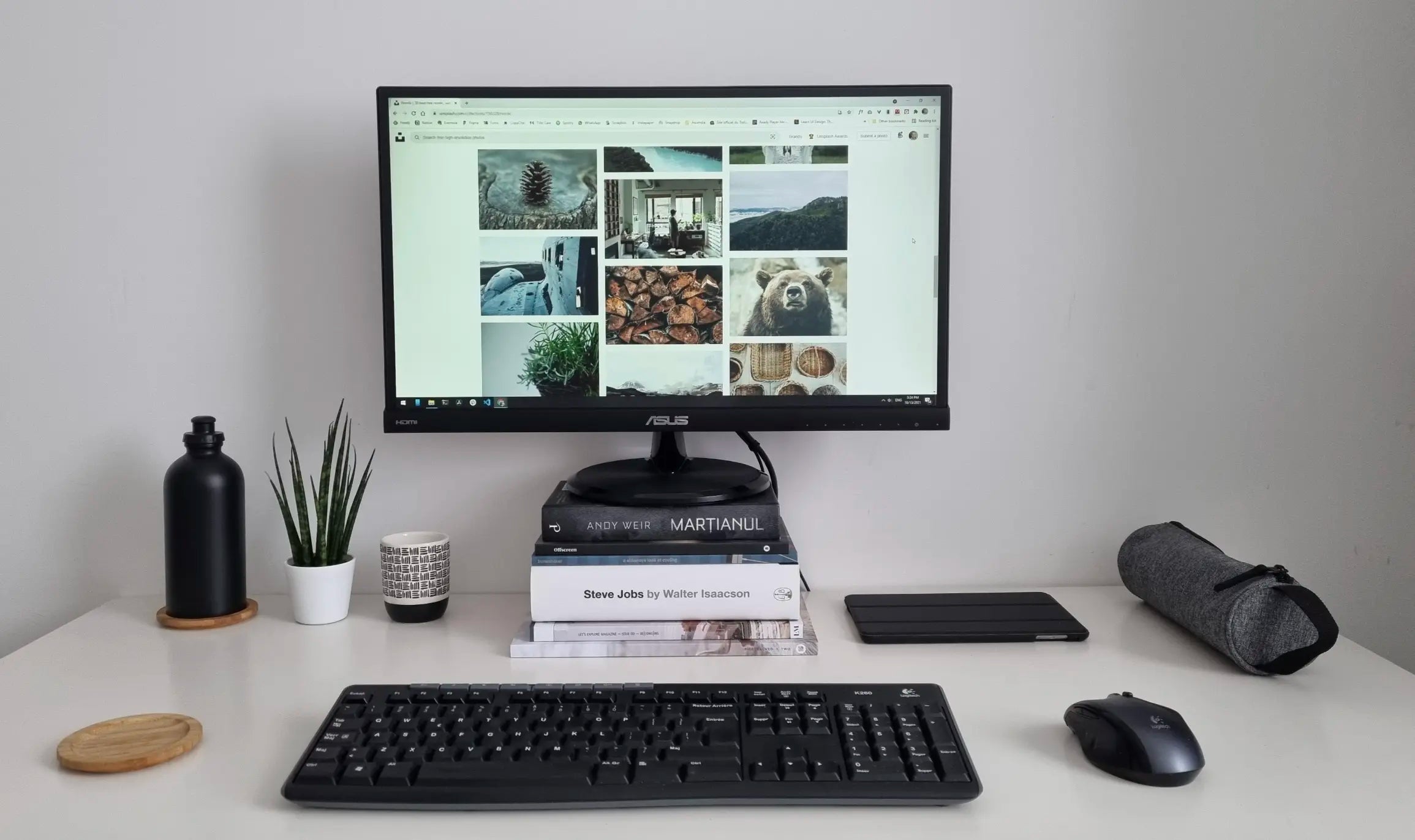
Add noise-canceling headphones, proper lighting, and an external SSD, and you have a setup that feels like a corner office—anywhere in the world.
Final Verdict
Remote work isn’t about working from a beach—it’s about removing every tiny piece of friction so you can do your best work from anywhere.
The tools you use daily are the highest-leverage investment you’ll ever make in your career.
Start with the foundation that touches your hands 50,000 times a day: the Air Nova Smart Mouse. Everything else becomes easier from there.
Your future self—and your deadlines—will thank you.





Leave a comment
This site is protected by hCaptcha and the hCaptcha Privacy Policy and Terms of Service apply.