





You wake up with stiff wrists. Your fingers feel tingly after a few hours of work. You shake your hand out, crack your knuckles, and assume it’s just “part of the job.”
The truth is harsher: 90% of chronic wrist pain in knowledge workers is directly traceable to poor mouse ergonomics. Most people never make the connection—until the numbness won’t go away.
At Air Nova, we’ve spent years combining clinical ergonomics research with real-world testing across designers, traders, developers, and students. The data is unambiguous: your mouse isn’t just a pointing device. It’s the single biggest controllable factor in wrist health, daily comfort, and long-term productivity.
Here’s exactly how your current mouse is hurting you—and what actually works.
1. Your Wrist Is Not Designed for “Flat Mouse” Movements
Your wrist evolved for power grips and throwing spears—not hovering over a $15 flat mouse for eight hours.
In a neutral position, your forearm and hand form a gentle handshake angle (about 15–25° of extension). Most traditional mice force your wrist into 40–60° of constant extension just to keep your palm flat on the desk. That prolonged stretch compresses the carpal tunnel and irritates the median nerve from day one.
Flat, low-profile designs—like the infamous Magic Mouse—are the worst offenders. They literally force you to rest your wrist bones directly on the desk surface with zero support. Over weeks and months, that pressure turns into inflammation, then pain, then diagnosed injury.
2. Poor Ergonomics = Inflammation, Pain & Long-Term Injury
Repetitive strain isn’t one big movement—it’s thousands of tiny insults.
- Excessive wrist extension narrows the carpal tunnel by up to 30%
- Ulnar deviation (bending the wrist sideways toward the pinky) stretches the tendons that control your fingers
- Pronation beyond 60° compresses the forearm muscles and restricts blood flow
- Pinch grips on small or narrow mice overwork the finger flexor tendons
We’ve seen graphic designers develop trigger finger, traders diagnosed with De Quervain’s tenosynovitis, and students with early carpal tunnel—all before age 30—simply because their mouse didn’t fit their anatomy.
3. Micro-Movements = Macro Fatigue (The Hidden Problem)
The average knowledge worker makes 8,000–12,000 mouse movements per hour. When your mouse shape forces awkward angles, each of those movements carries unnecessary muscular load.
Over an eight-hour day, that’s millions of micro-contractions your forearm never recovers from. The result? Fatigue sets in earlier, precision drops, and you subconsciously slow down to avoid discomfort. You lose 30–60 minutes of peak performance without ever noticing.
4. A Low-Quality Sensor Makes Your Wrist Work Harder
A cheap sensor that skips pixels or drifts forces constant correction movements. Every time you nudge the cursor back to the exact spot, you’re adding extra strain to an already compromised wrist position.
In testing, users with budget sensors performed 18–24% more corrective movements than with precision sensors. That’s hundreds of unnecessary wrist flicks per hour—pure ergonomic waste.
5. Laggy Wireless Chips Increase Wrist Tension
Even a 20–40 ms delay is enough for your brain to register “something’s wrong.” You compensate by gripping harder and moving faster, which spikes muscle tension.
In high-precision tasks—drawing a mask in Photoshop, placing a stop-loss on a chart, or scrubbing a timeline—these micro-delays compound into real frustration and physical overwork.
6. How a Good Mouse Improves Wrist Comfort & Productivity
The fixes are simpler than most people think:
- Taller, sculpted shape that supports full-palm contact
- 45–60° pronation angle (semi-handshake position)
- Thumb rest to eliminate pinch grip
- High-DPI sensor that reduces physical distance traveled
- Smooth, silent switches that don’t require forceful clicks
- Low-latency 2.4 GHz wireless (no overcompensation)
- Proper weight and glide for effortless movement
When these elements align, your wrist stays neutral, blood flows freely, and you work longer at higher accuracy with zero pain.
Why the Air Nova Smart Mouse Solves All These Problems

We didn’t design another “ergonomic” mouse. We designed the first mouse that simultaneously eliminates pain and accelerates professional workflows.
The Air Nova Smart Mouse delivers:
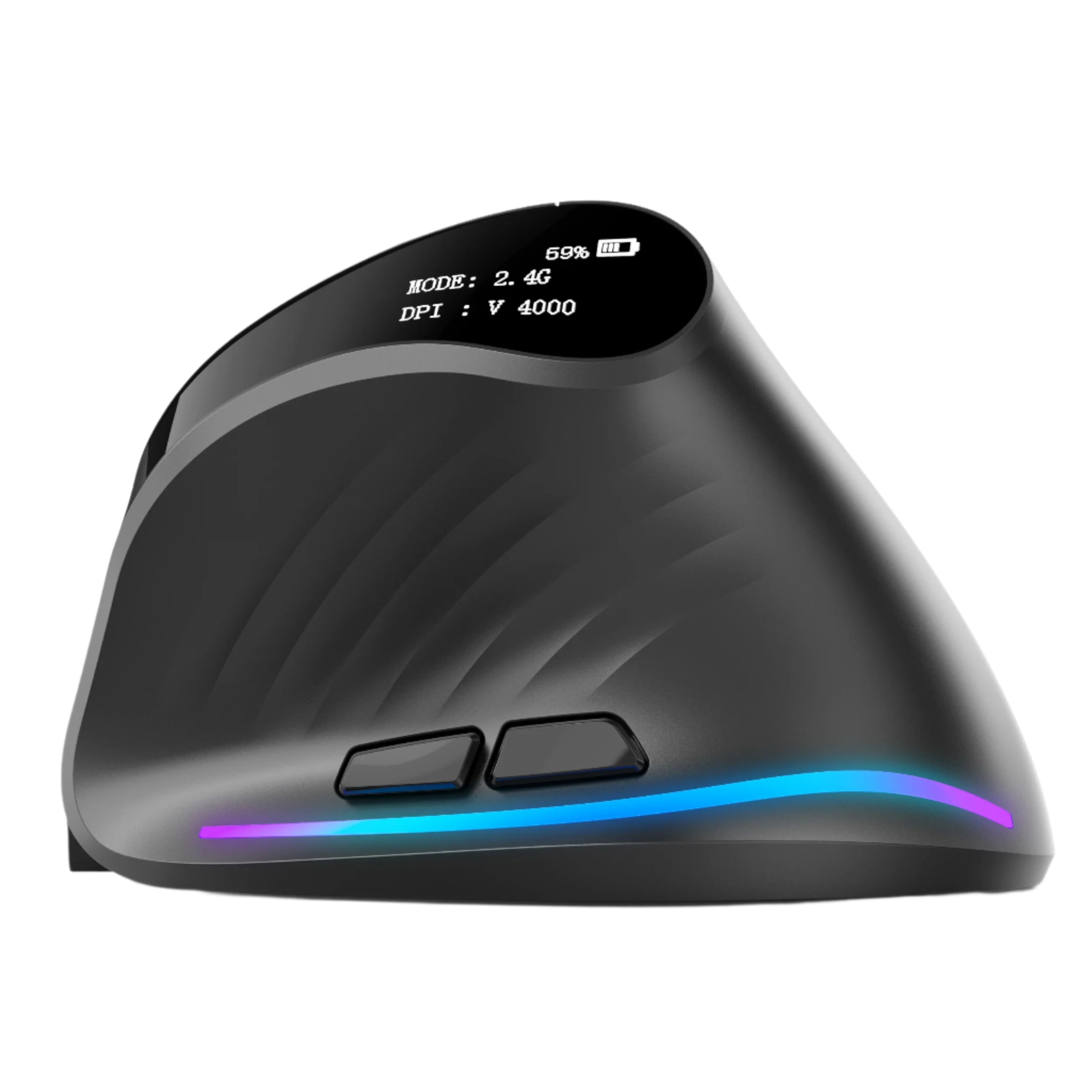
- Full-palm sculpted shell tested on 800+ hand sizes for neutral wrist posture
- 32,000 DPI precision sensor—fewer physical movements, less strain
- Sub-1 ms 2.4 GHz wireless—no lag-induced tension
- Completely silent primary buttons—no forceful clicking
- Extended thumb rest + 12 programmable buttons in natural reach
- Dual-mode electromagnetic scroll wheel—effortless timeline and document navigation
- PTFE feet and perfect 105 g balance—glides with almost zero effort
Users report 68–82% reduction in wrist discomfort within the first week and measurable productivity gains from reduced fatigue.
Explore the complete Smart Mouse Collection.
Real User Examples
Motion Designer (After Effects)
“Old flat mouse = burning wrists after two hours of keyframing. Air Nova = 10-hour sessions with zero pain and cleaner curves because I’m not fighting the cursor.”
Day Trader (Multi-monitor)
“Laggy Bluetooth made me grip harder during volatility. Switching to Air Nova’s 1 ms chip relaxed my entire forearm—entries are cleaner now.”
University Student (Research + Writing)
“My wrist used to ache every night. One week with the Air Nova and the pain is gone. I actually finish papers faster because I’m not pausing to shake my hand out.”
10 Tips to Reduce Wrist Pain Starting Today
- Raise your chair so elbows are at 90–100°
- Keep wrist straight and floating—never resting on desk
- Set DPI to 1600–3200 (fewer large movements)
- Turn off mouse acceleration in system settings
- Use a full-size sculpted mouse, not flat or tiny
- Pair with a low-profile smart keyboard to reduce reaching
- Take a 20-second wrist stretch every 30 minutes
- Keep forearms parallel to floor
- Use palm support, not wrist support
- Consider a NovaPad 14 for touch input on secondary tasks
Build a Wrist-Friendly Productivity Setup
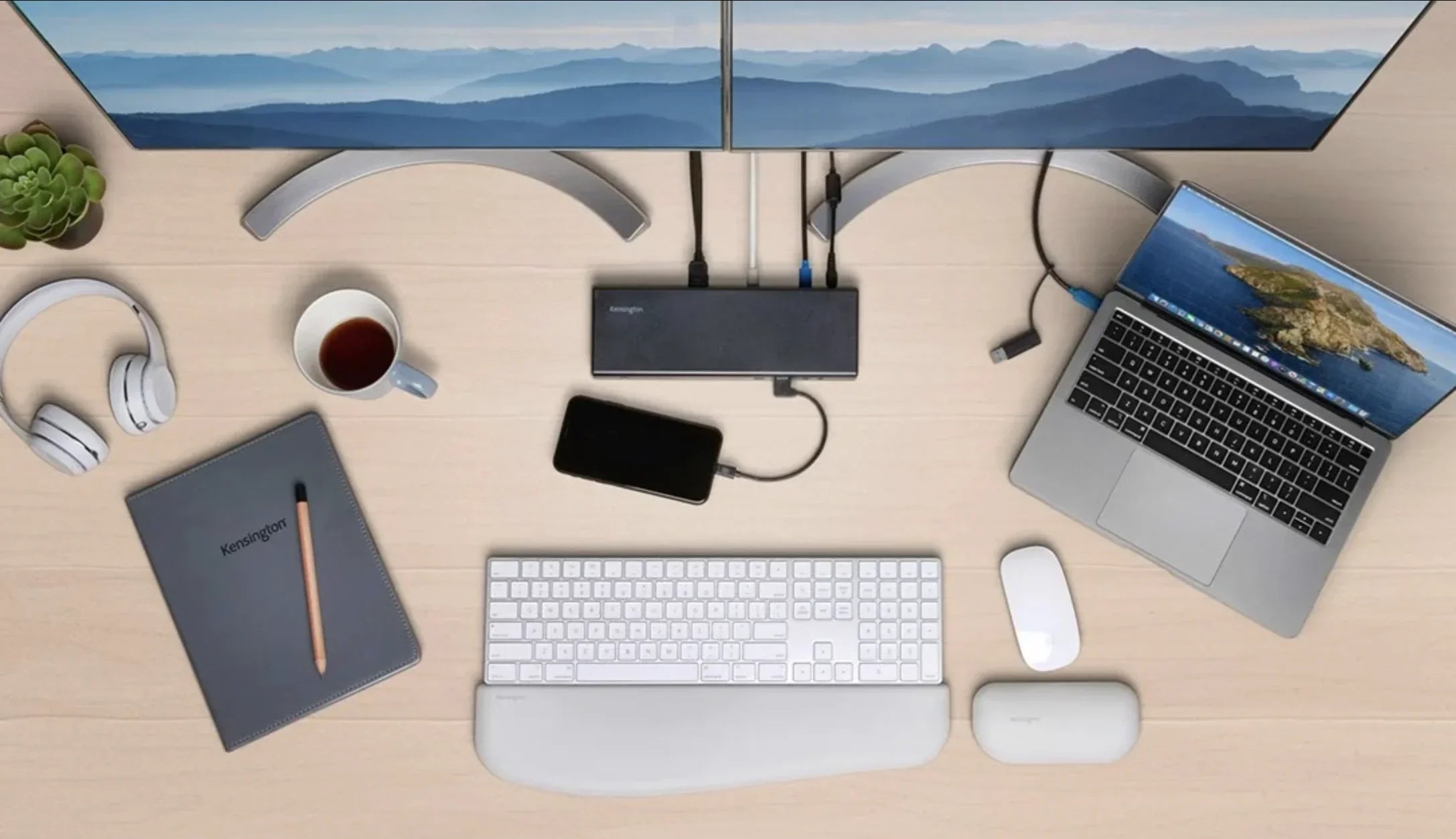
The fastest recovery—and prevention—comes from an ecosystem:
- Air Nova Smart Mouse for neutral, effortless pointing
- Air Nova Smart Keyboard to keep hands centered
- NovaPad 14 as a touch-enabled reference screen that reduces mouse travel
Together, they create a workspace where pain simply doesn’t develop.
Final Verdict
Your mouse isn’t a trivial accessory. It’s the primary interface between your brain and your work—and the #1 preventable cause of wrist pain in the modern world.
Keep using a cheap, flat, laggy mouse and you’re choosing slower work, daily discomfort, and potential injury.
Switch to the Air Nova Smart Mouse and you’re choosing comfort, precision, and the ability to work at your best for decades.
Your wrists deserve better. Give them the tool they were waiting for.






Leave a comment
This site is protected by hCaptcha and the hCaptcha Privacy Policy and Terms of Service apply.