
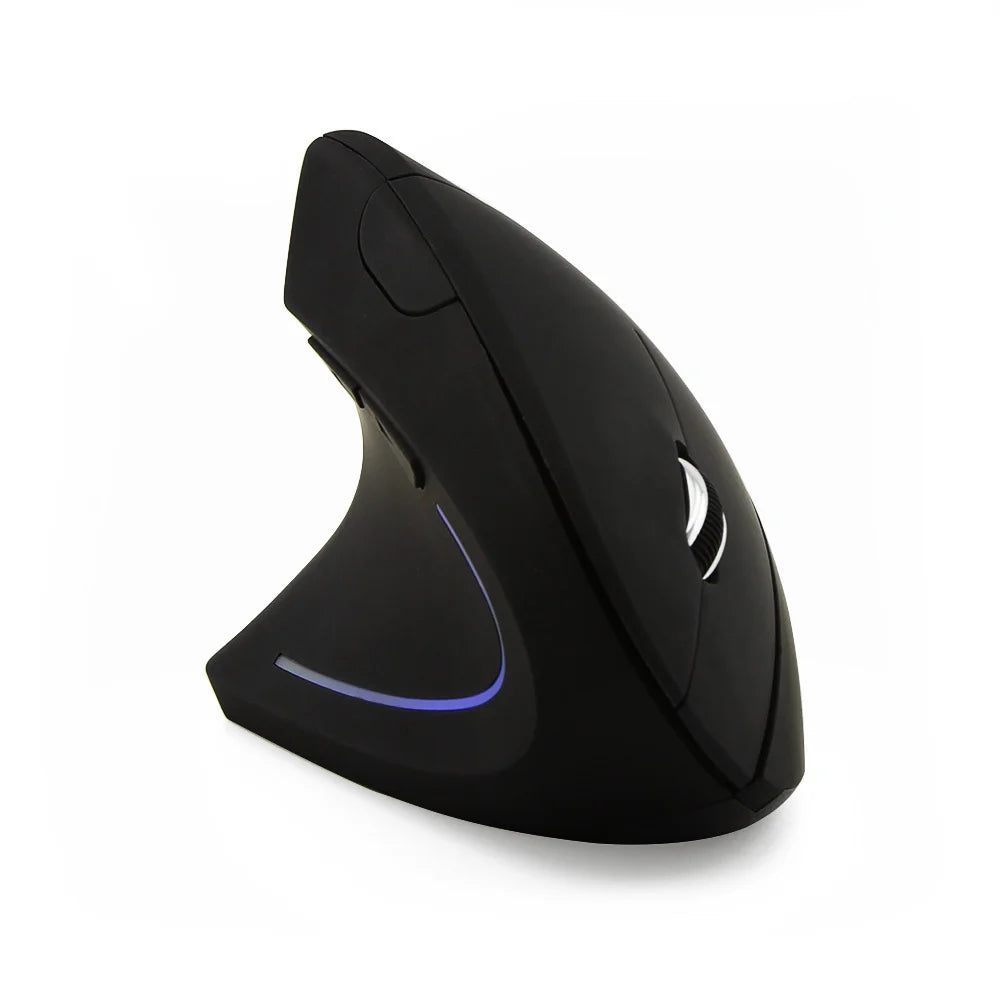
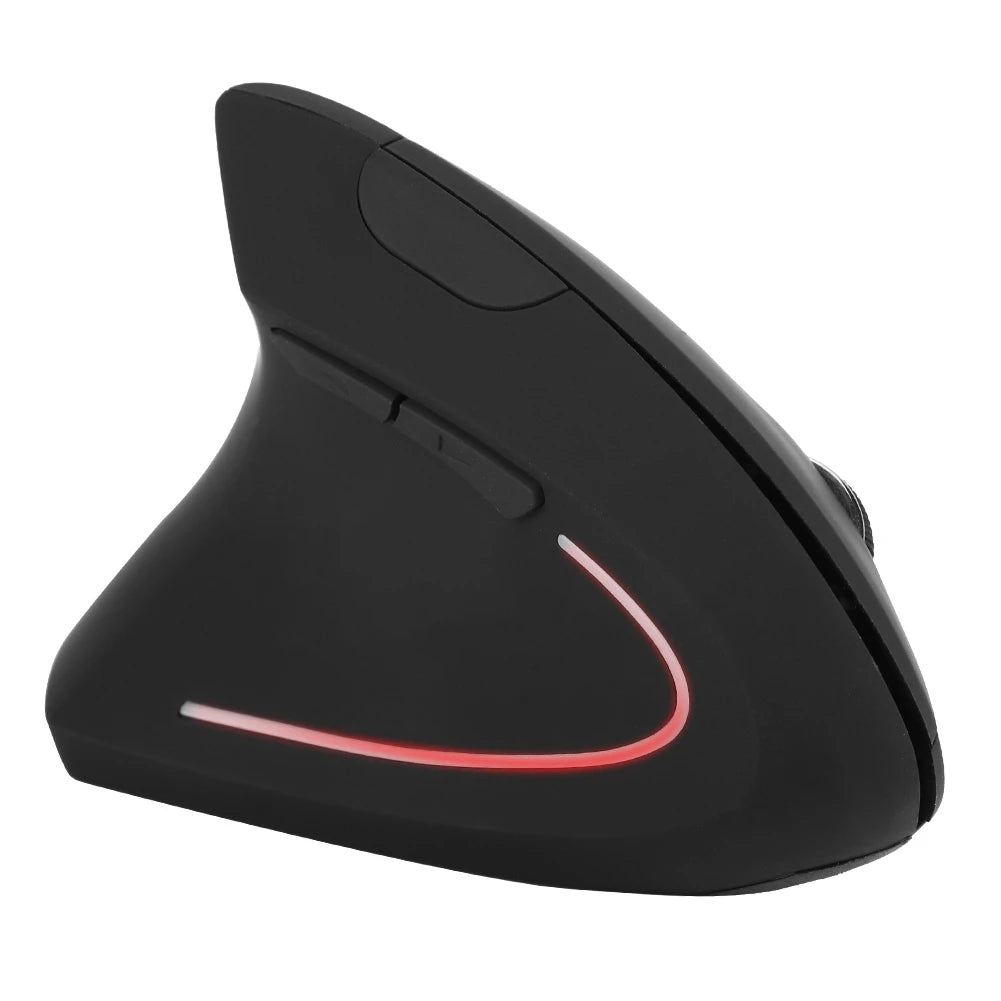
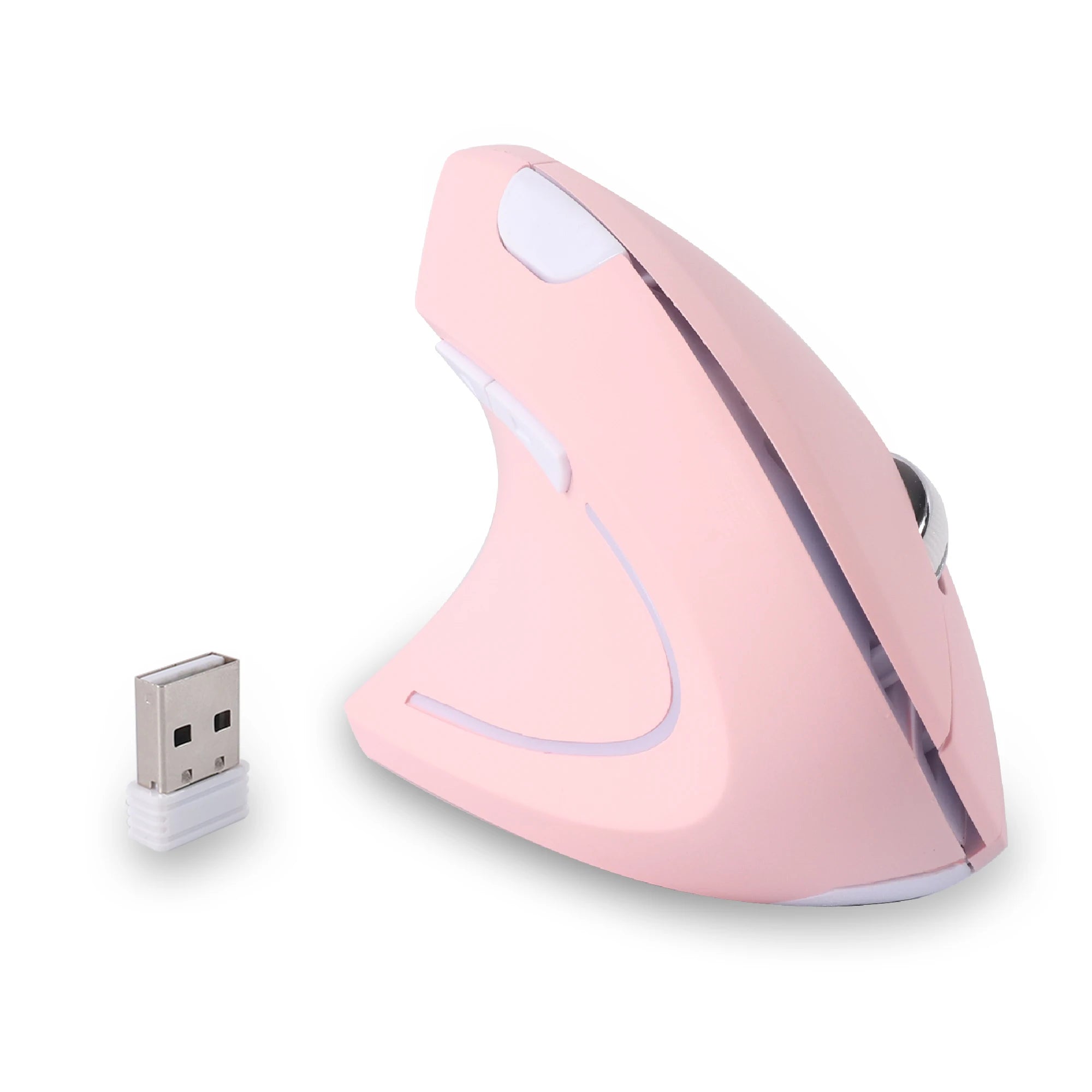
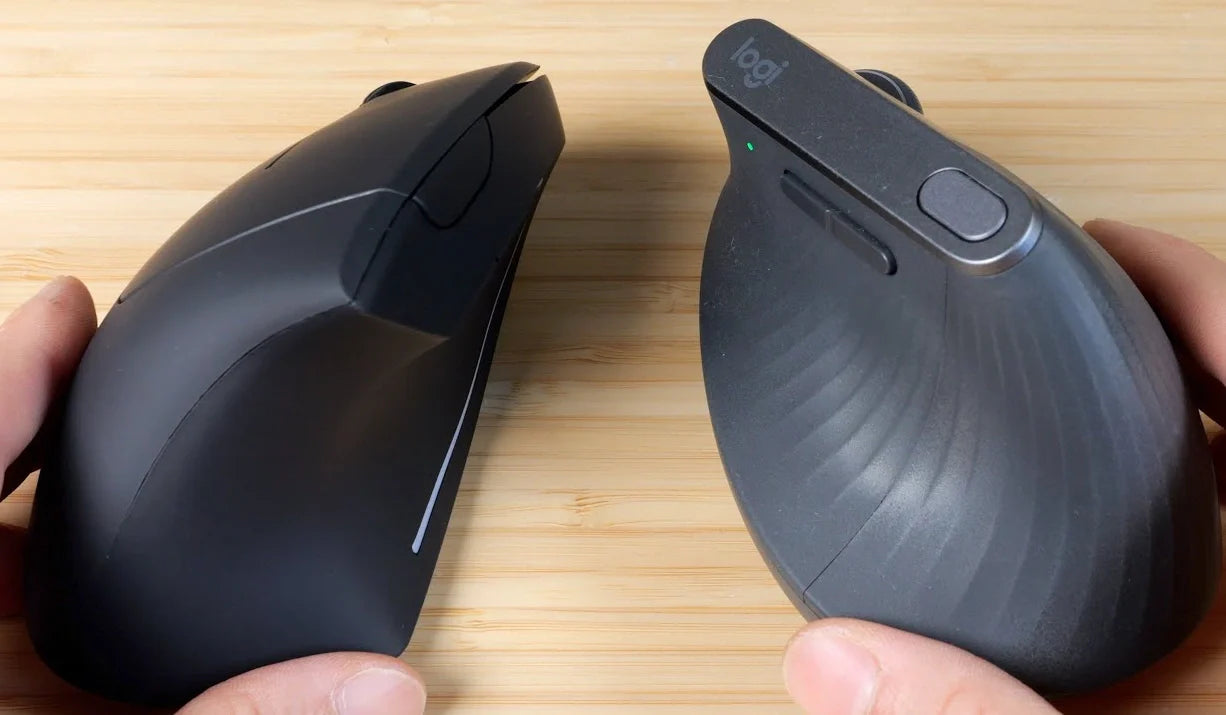
A left handed vertical mouse reorients your hand to a more upright position, resembling a handshake grip rather than the flat palm-down hold of traditional mice. This design aims to make computer use feel more intuitive for left-handers, who often adapt to right-handed tools. If you're considering a switch, this guide provides a balanced look at benefits, drawbacks, and selection tips to help you decide if a vertical left handed mouse fits your setup.
Vertical mice have gained popularity among desk workers seeking alternatives to standard designs. For left-handed users, dedicated versions ensure proper button placement and contours. We'll explore the logic behind them, real-world pros and cons, and practical advice, all without hype or unsubstantiated promises.
Whether you're in an office, working remotely, or handling creative tasks, understanding these mice can lead to a more tailored choice. Let's break it down step by step.
What Is a Vertical Left Hand Mouse?
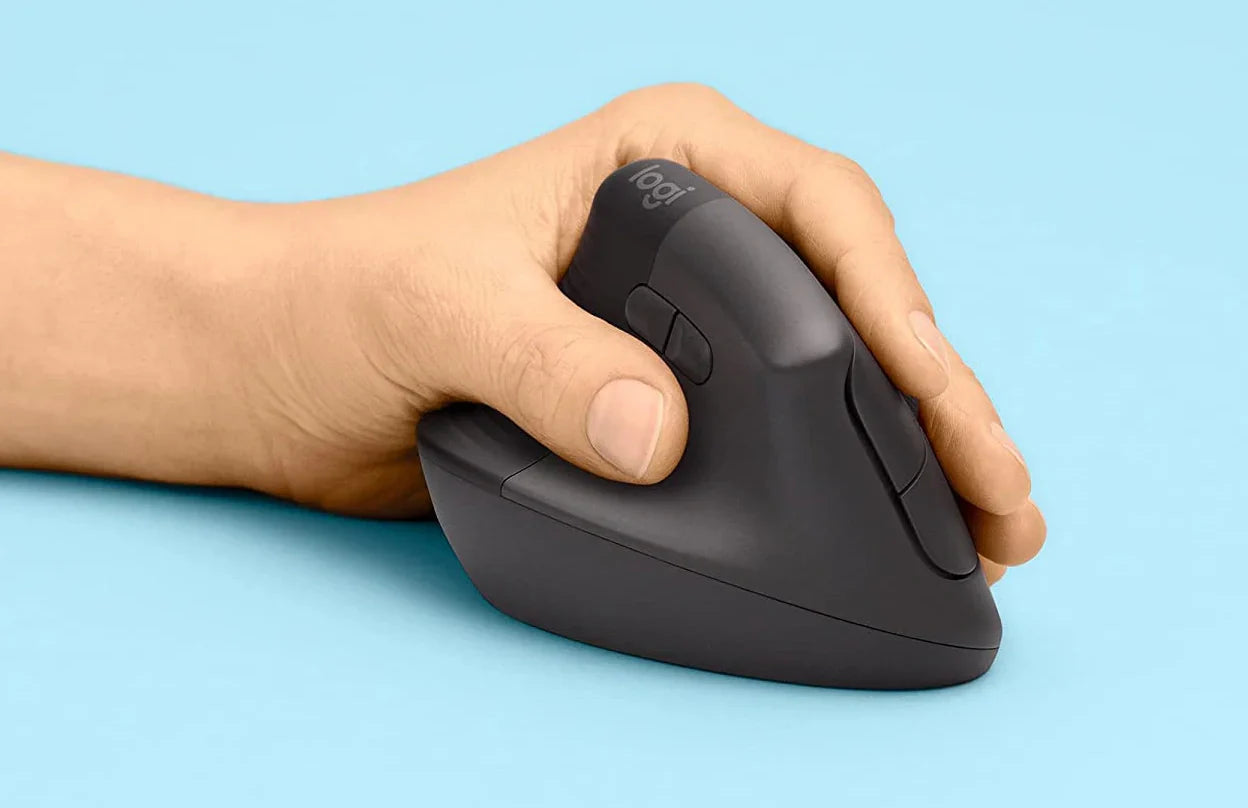
A vertical left hand mouse is a pointing device shaped to hold the hand in an upright orientation, with the thumb on one side and fingers on the buttons. Unlike flat mice, it tilts the hand 60-90 degrees, aligning the wrist more neutrally.
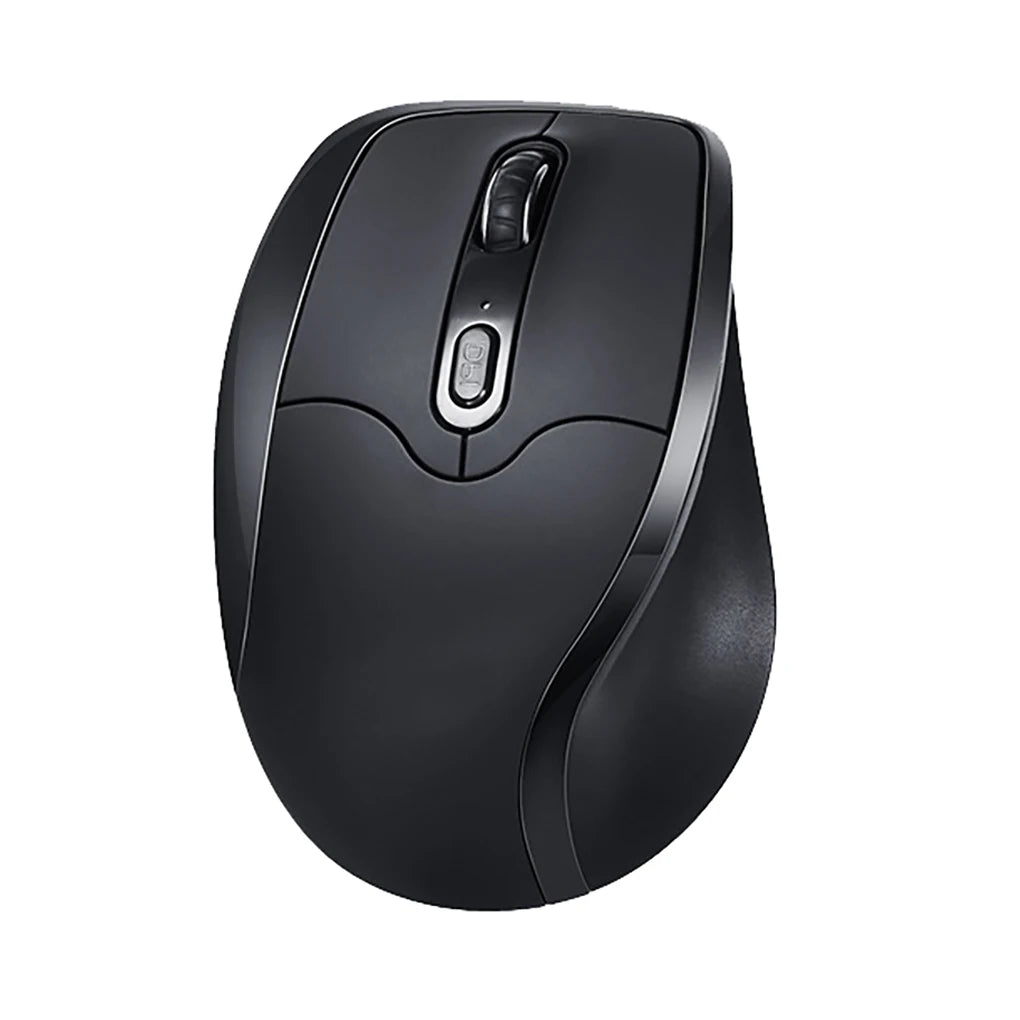
Compared to a traditional flat mouse, where the hand lies pronated with palm facing down, a vertical model reduces that rotation. This shift can make movements feel different initially but more aligned with everyday hand positions.
For left-handed users, vertical designs are particularly relevant because standard mice rarely cater to left-hand dominance. Dedicated left versions mirror contours and buttons for the left hand, avoiding the compromises of ambidextrous models. This ensures intuitive access during tasks like scrolling or clicking, fitting seamlessly into left-oriented desk layouts.
The core logic is usability: by supporting a hand position closer to rest, it encourages smoother desk interactions without forced adjustments.
Benefits of Using a Left Handed Vertical Mouse
Switching to a left handed vertical mouse offers several practical advantages, especially for routine computer use. Here's a closer look at key benefits.
More Natural Hand Position
A vertical design promotes a hand position similar to shaking hands, which can feel more instinctive. For left-handers editing photos or coding, this alignment means less awkward angling when reaching for buttons, allowing fluid cursor control.
Reduced Wrist Twisting During Everyday Use
Traditional mice often involve wrist twisting to grip flat surfaces, but vertical models minimize that. In scenarios like browsing reports or managing emails, this can lead to fewer repositioning breaks, keeping workflows steady.
Comfort During Long Work Sessions
For extended desk time, such as analyzing data or drafting documents, the upright hold distributes weight differently across the hand. Users often report sustained usability without constant grip changes, supporting productivity in marathon sessions.
Better Grip for Some Users
The contoured shape provides a fuller grip, beneficial for those with larger hands or preferring palm support. In creative work like graphic design, this stability aids precise movements over hours.
Drawbacks of a Left Handed Vertical Mouse

While appealing, a left handed vertical mouse isn't perfect for everyone. Honesty about limitations helps set realistic expectations.
The learning curve stands out: adapting to the upright grip can take days or weeks, with initial clumsiness in tasks like precise clicking. New users might find simple navigation temporarily slower.
Size matters too—vertical mice are often bulkier, requiring more desk space. In compact setups, like small home offices, this could crowd keyboards or limit movement.
Not every gaming style suits them. Fast-paced games demanding quick flicks might feel less responsive compared to low-profile traditional mice. Casual gamers may adjust, but competitive players often stick with flats.
Those preferring lightweight, portable options might find vertical designs heavier or less travel-friendly. If your work involves frequent setup changes, this could be a factor.
Left Handed Vertical Mouse vs Traditional Mouse
Comparing a left handed vertical mouse to a traditional one highlights key differences in design and application.
Vertical pros include the upright posture for potentially smoother long-term use, with cons like adaptation time and size. Traditional mice excel in familiarity and compactness, but may require more wrist adjustment for left-handers.
In office work, vertical shines for repetitive tasks like spreadsheet navigation, offering sustained hold. Traditional suits quick bursts, like casual emailing.
For creative work, vertical provides stability in detailed editing, while traditional allows finer, habitual control. Gaming favors traditional for speed, though vertical works for strategy games. Everyday use depends on preference—vertical for desk-bound routines, traditional for versatility.
Who Should Consider a Vertical Left Hand Mouse?
A vertical left hand mouse appeals to specific users whose routines align with its design strengths.
Office workers handling documents or meetings for hours often appreciate the upright grip's consistency. Remote workers in home setups benefit from the flexibility, especially with wireless models reducing clutter.
Designers and developers, focused on precision over extended periods, find the shape supportive for tools like Adobe suites or IDEs. Analysts poring over data sets value the reduced need for grip shifts.
Essentially, if you spend long hours at a desk with repetitive mouse actions, it's worth exploring. Casual users or those with minimal computer time might not notice as much difference.
How to Choose the Right Left Handed Vertical Mouse
Choosing the right left handed vertical mouse involves evaluating your needs step by step.
Start with hand size and grip style: measure from wrist to fingertip, opting for models that match—larger for palm grips, compact for claw. This ensures comfortable hold without slippage.
Consider vertical angle preference: some tilt at 57 degrees for milder transitions, others at 90 for full upright. Test if possible to find what feels balanced.
Decide on wireless vs wired: wireless offers desk freedom, ideal for minimal setups, while wired provides reliability without charging.
Check side button placement: ensure they're thumb-accessible for left-hand workflows, useful for shortcuts in software.
Factor in use case: work-focused need durability for hours, gaming requires responsive sensors, mixed demands versatility. Prioritize features aligning with your daily tasks.
Recommended Left Handed Vertical Mouse Options
When selecting a left handed vertical mouse, consider options emphasizing ergonomic vertical shapes for left-hand use. These often include wireless connectivity for tidy desks.
For productivity-driven users, a wireless vertical model with side buttons suits long sessions. It provides intuitive controls for tasks like document scrolling. Explore examples like the Vertical Ergonomic Left Handed Mouse, designed for seamless left-hand integration.
Remote workers benefit from compact vertical designs balancing size and functionality. These support mixed workflows without overwhelming small spaces.
For everyday desk use, focus on durable builds with adjustable features. Collections dedicated to ergonomic mice for left-handed users offer varied angles and wireless options to match profiles.
FAQ – Left Handed Vertical Mouse
Is a vertical mouse hard to get used to?
A vertical mouse can feel unfamiliar at first, but most adapt within a week of regular use.
Are vertical mice good for everyday work?
Vertical mice work well for everyday tasks like browsing or editing, especially if you prefer an upright grip.
Can left-handed users use any vertical mouse?
Not all vertical mice are left-handed specific; dedicated versions ensure proper button and contour placement.
Is a vertical mouse good for gaming?
A vertical mouse suits casual gaming but may not match traditional ones for fast-paced action.
How long does it take to adapt to a vertical mouse?
Adaptation to a vertical mouse usually takes 3-7 days, depending on usage frequency.
Conclusion – Is a Left Handed Vertical Mouse Worth It?
A left handed vertical mouse offers notable benefits like natural positioning and sustained usability, balanced against drawbacks such as adaptation time and size. It suits desk-heavy routines but requires testing for personal fit.
Weighing pros against cons helps make an informed decision, focusing on your specific tasks and preferences.
If intrigued, browsing options in a vertical ergonomic mouse for left hand collection can reveal tailored designs. Start small to see if it enhances your setup.











Leave a comment
This site is protected by hCaptcha and the hCaptcha Privacy Policy and Terms of Service apply.