

Left hand mouse gaming has been an afterthought in the peripheral industry for decades. Walk into any gaming accessories section — physical or digital and you will find hundreds of mice shaped, weighted, and buttoned for right-handed players. The left-handed options?
A handful of ambidextrous models and maybe one or two genuinely left-handed designs buried behind pages of right-handed alternatives. For left-handed gamers, the message has always been clear: adapt or go without.
That gap matters more than most people realize. Gaming is not casual pointing and clicking. It is rapid, precise, high-stakes input where every millisecond and every micro-movement counts. Using a mouse that fights your grip, hides side buttons from your thumb, and tilts your wrist in the wrong direction is not just uncomfortable — it is a competitive disadvantage. And in 2026, where gaming spans everything from ranked FPS lobbies to marathon MMO raids to streaming sessions that run six hours or more, left-handed players deserve hardware that works with their hand, not against it.
This guide covers what to look for in a left-handed gaming mouse, how to choose the right model based on your genre and play style, and where the market actually stands for left-handed players who want performance without compromise.
Why Most Gaming Mice Don't Work Well for Left-Handed Players
The core issue is physical design. Gaming mice are built around right-handed ergonomics: the thumb groove sits on the left side, the flare supports right-hand pinky placement, and side buttons are positioned for right-thumb access. When a left-handed player holds one of these mice, every ergonomic feature works in reverse. The thumb groove presses against the wrong finger. The side buttons end up under the pinky where they are functionally unusable. The grip curve actively fights the natural shape of a left hand.
This matters most in gameplay that demands precision and speed. In FPS games, accurate tracking and fast flick shots depend on a stable, natural grip. A mouse that does not fit your hand introduces micro-instability — tiny grip adjustments that throw off aim consistency. In MMOs and MOBAs, side buttons are mapped to abilities, macros, and quick-use items. If those buttons are on the wrong side of the mouse, you lose access to inputs that right-handed players use instinctively.
Ambidextrous mice solve part of the problem by offering a symmetrical shape, and some include swappable side buttons. But symmetrical means compromised for both hands rather than optimized for either. The flat, neutral profile of an ambidextrous mouse lacks the ergonomic contouring that makes a purpose-built mouse comfortable over long sessions. It is a workaround, not a solution.
What Makes a Great Left Hand Mouse for Gaming
Sensor Accuracy and DPI Control
The sensor is the foundation of any gaming mouse. For left-handed players, sensor quality is just as important as it is for anyone else — but the mouse it sits in needs to deliver that performance through a left-hand-optimized body. Look for mice with adjustable DPI settings that let you switch between high sensitivity for everyday navigation and low sensitivity for precision aiming. On-the-fly DPI switching via a button accessible to the left hand is essential for players who adjust sensitivity between game phases.
Button Placement and Macro Usability
Side buttons need to sit under the left thumb in a position that allows fast, confident presses without shifting your grip. This is the single biggest differentiator between a mouse that is actually left-handed and one that is merely symmetrical. For MMO and MOBA players, macro-capable side buttons are non-negotiable. For FPS players, at least two accessible side buttons for weapon swap, grenade, or push-to-talk cover the essentials.
Wireless vs Wired for Competitive Play
In 2026, wireless gaming mice have closed the latency gap almost entirely. Modern 2.4GHz wireless connections deliver polling rates and response times that match wired mice in all but the most extreme competitive scenarios. For the vast majority of players — including ranked and competitive players — wireless offers a cleaner setup, more freedom of movement, and no cable drag pulling on the mouse during fast swipes. If you are not competing at a professional esports level, wireless is the practical choice.
Grip Style Compatibility
Your grip style determines which mouse shape works best. Palm grip players need a mouse large enough to fill the hand with full contact. Claw grip players prefer a shorter body with a pronounced rear hump for the base of the palm while the fingers arch over the buttons. Fingertip grip users want a lighter, smaller mouse they can move with minimal hand contact. A good left-handed gaming mouse should match your grip style while keeping the ergonomic orientation correct for a left hand.
Long-Session Comfort
Gaming sessions are not thirty-minute bursts. Raids run for hours. Ranked grinds stretch across an evening. Streaming sessions can last half a day. A mouse that feels fine for the first hour but causes hand fatigue by the third is a liability. Weight, balance, surface texture, and shape all contribute to how sustainable a grip feels over time. Left-handed players need all of those elements tuned for their hand, not adapted from a right-handed design.
Best Left Hand Mouse Gaming Picks for 2026

Best Left Hand Mouse for FPS Players
FPS demands speed, accuracy, and a grip that stays locked during fast, aggressive mouse movements. The ideal left-handed FPS mouse is lightweight, tracks flawlessly at low DPI, and has a shape that supports fast wrist flicks without slipping. Side buttons should be limited to two or three — enough for critical binds, not so many that accidental presses become an issue during intense fights.
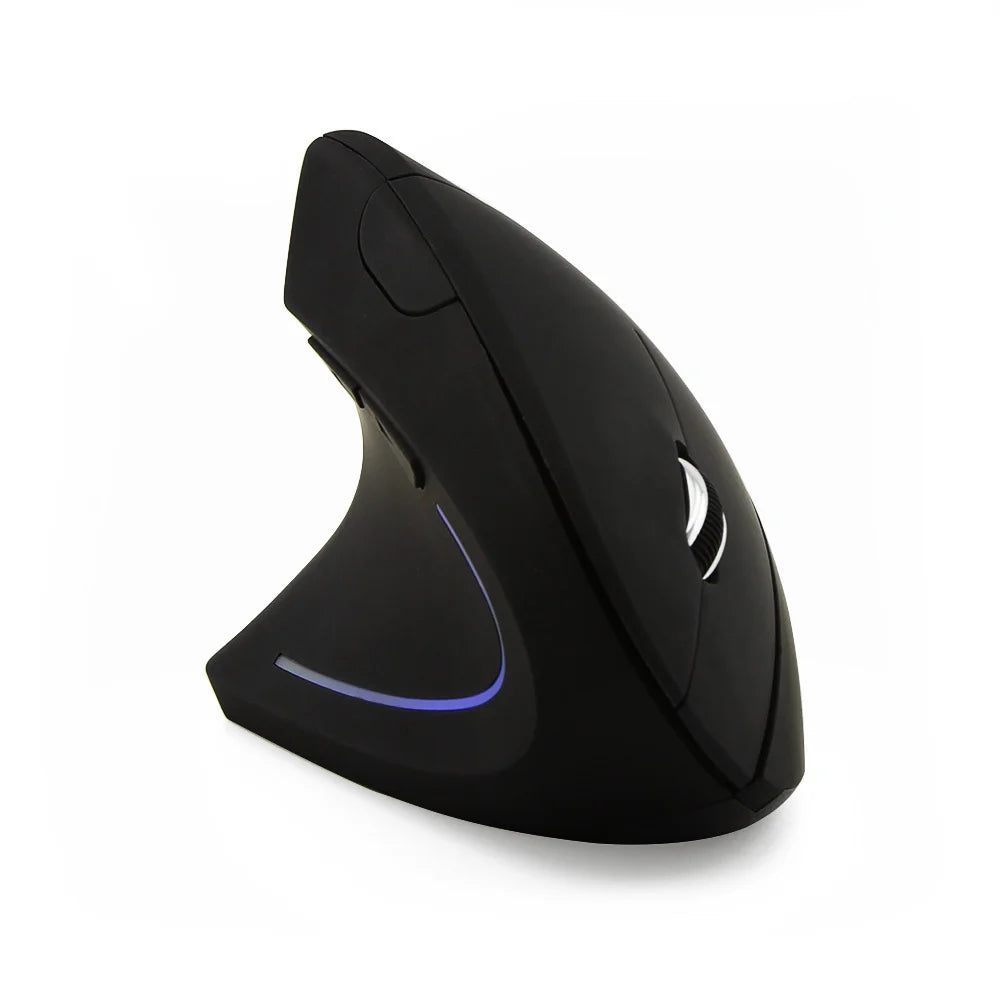
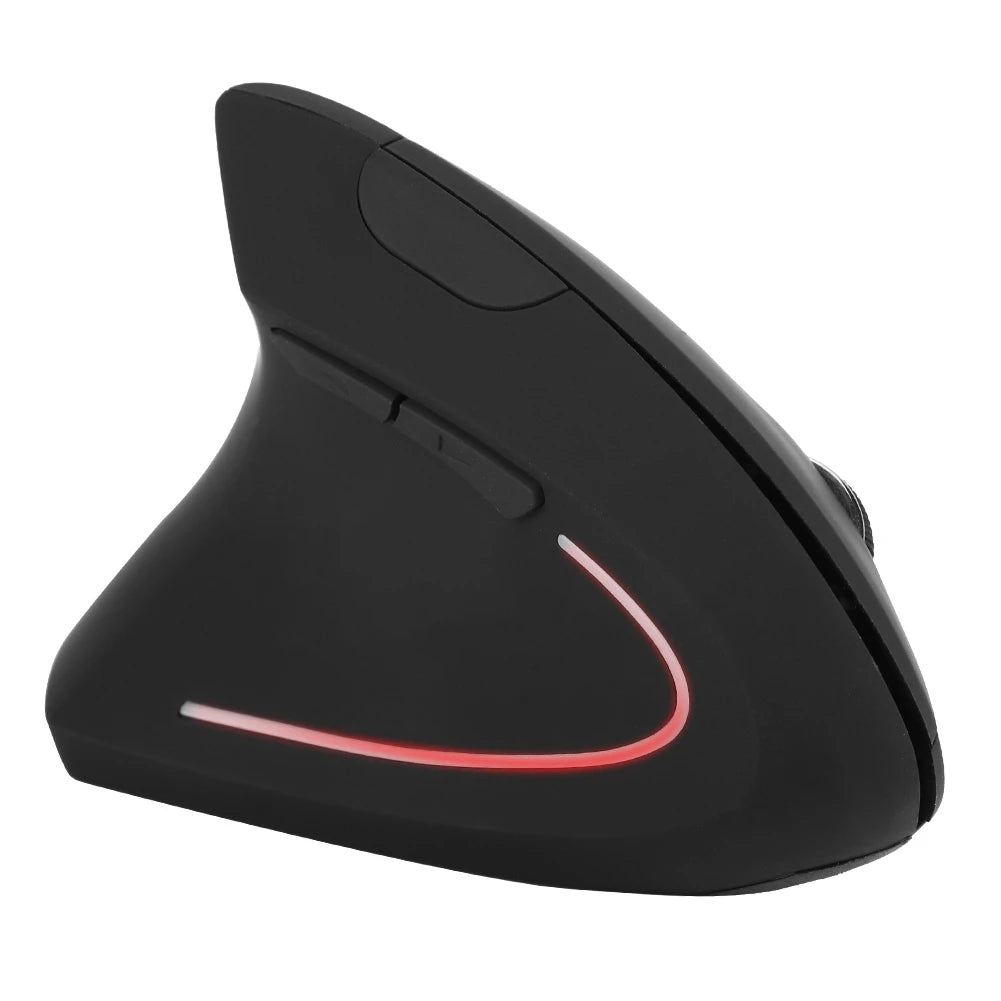
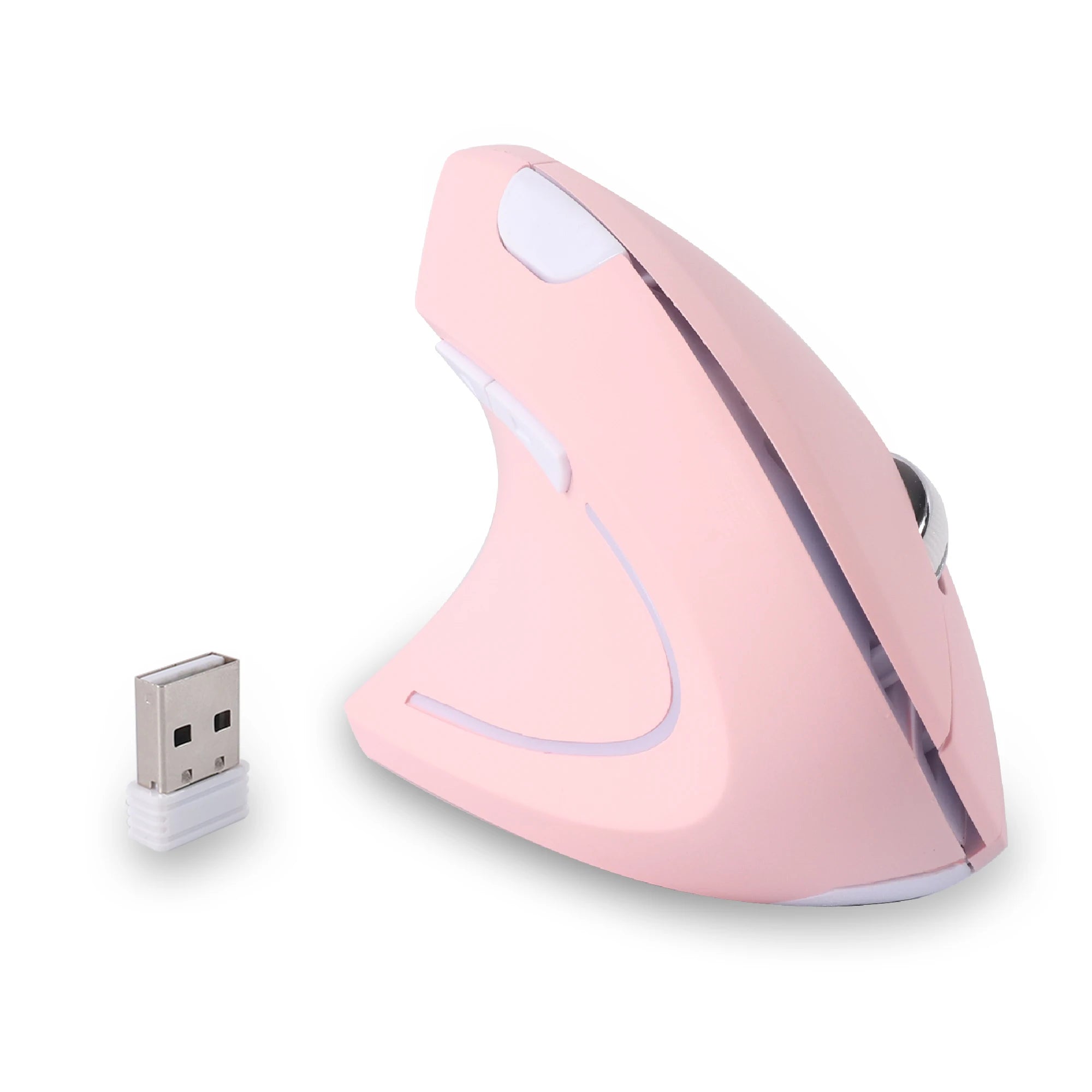
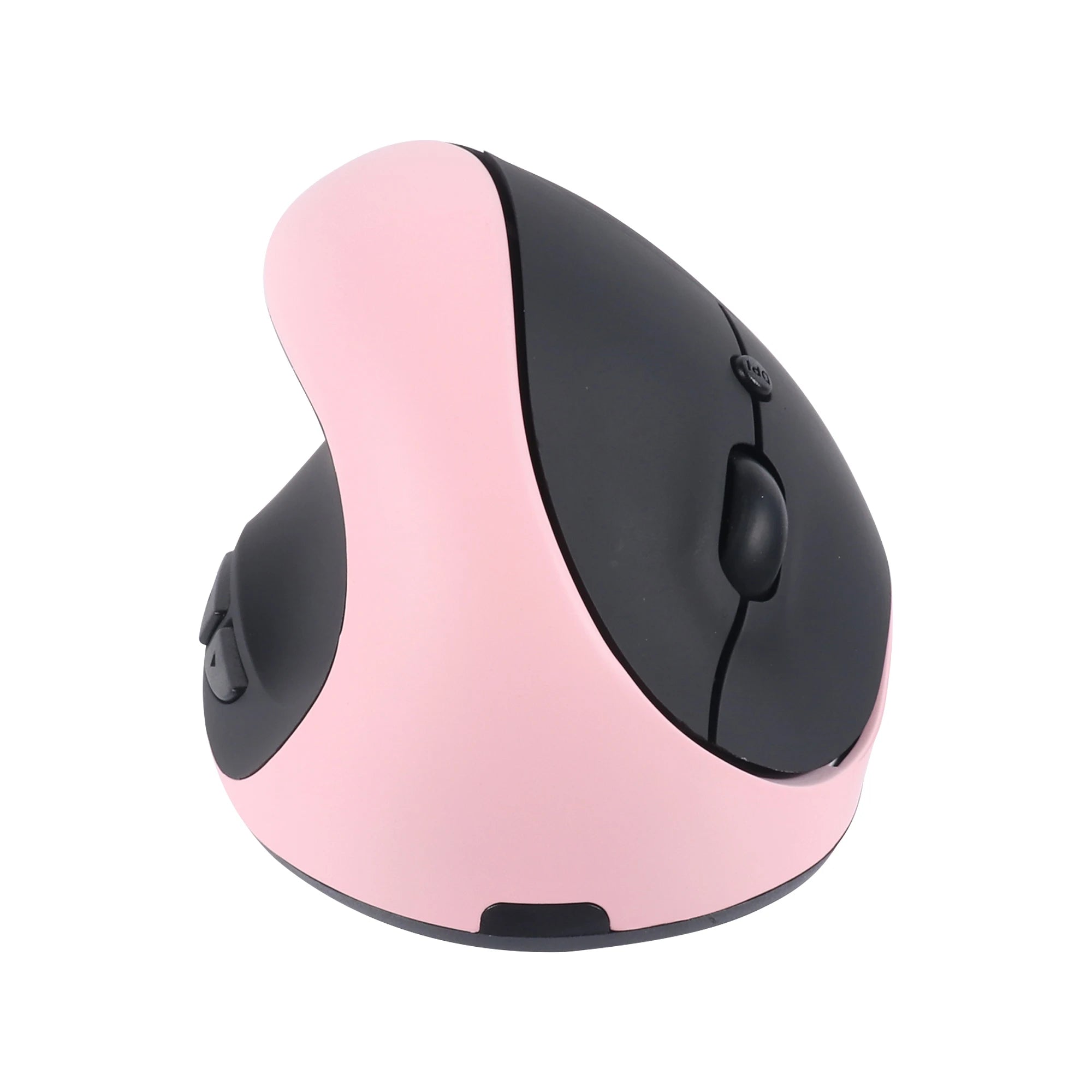
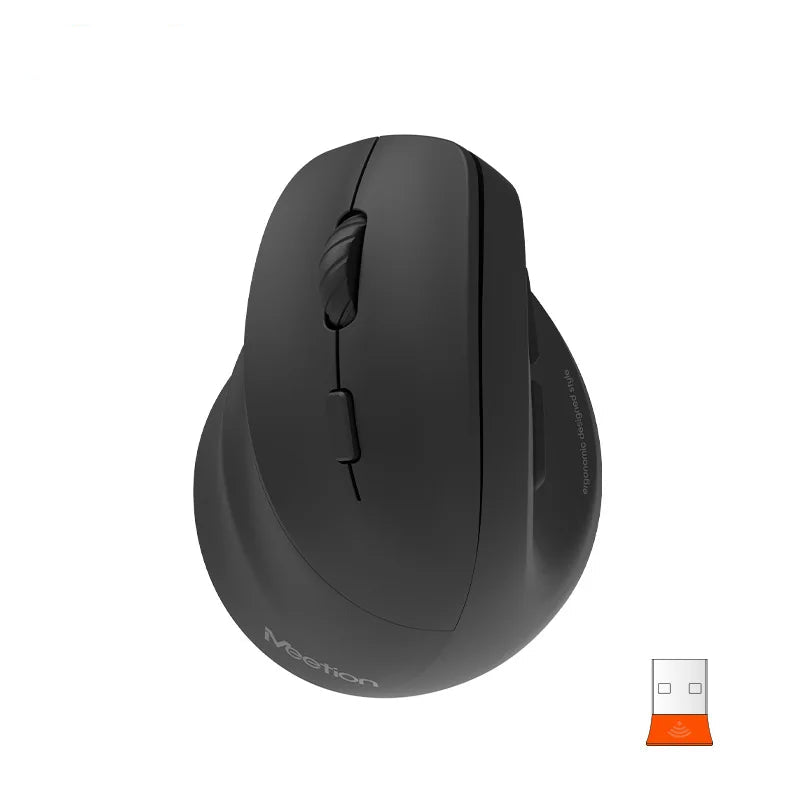
A wireless left-handed mouse with a clean, contoured body and responsive side buttons covers this use case well. The Left Hand Ergonomic Vertical Mouse – Wireless 2.4G with Side Buttons offers the wireless freedom and left-hand-specific button layout that FPS players need, with enough side button access for weapon swap and communication binds without overloading the shell.
Best Left Hand Mouse for MMO and Macro-Heavy Games
MMO, MOBA, and strategy games rely heavily on side button access. You need multiple programmable buttons within thumb reach for ability rotations, item use, and macro execution. For left-handed players, this means those buttons must be on the right side of the mouse body where the left thumb actually rests. Most gaming mice marketed as "multi-button" place their entire button cluster on the left side — completely inaccessible to a left-handed player.
A dedicated left-handed mouse with well-spaced, tactile side buttons and a comfortable grip for extended sessions is the right fit here. Look for models where the buttons are differentiated by shape or position so you can identify them by feel mid-game. The Left Hand Ergonomic Vertical Mouse with Side Buttons places its auxiliary buttons on the correct side for left-thumb access, which is the baseline requirement that most mainstream gaming mice fail to meet.
Best Left Hand Mouse for Casual and Everyday Play
Not every gamer plays ranked or runs mythic raids. A lot of gaming is casual — indie titles, story-driven games, couch-to-desk play, browser games, simulation games. For these players, the priority is comfort, wireless convenience, and a shape that feels good during a relaxed evening session. Sensor performance and button count matter less than grip quality and ease of use.
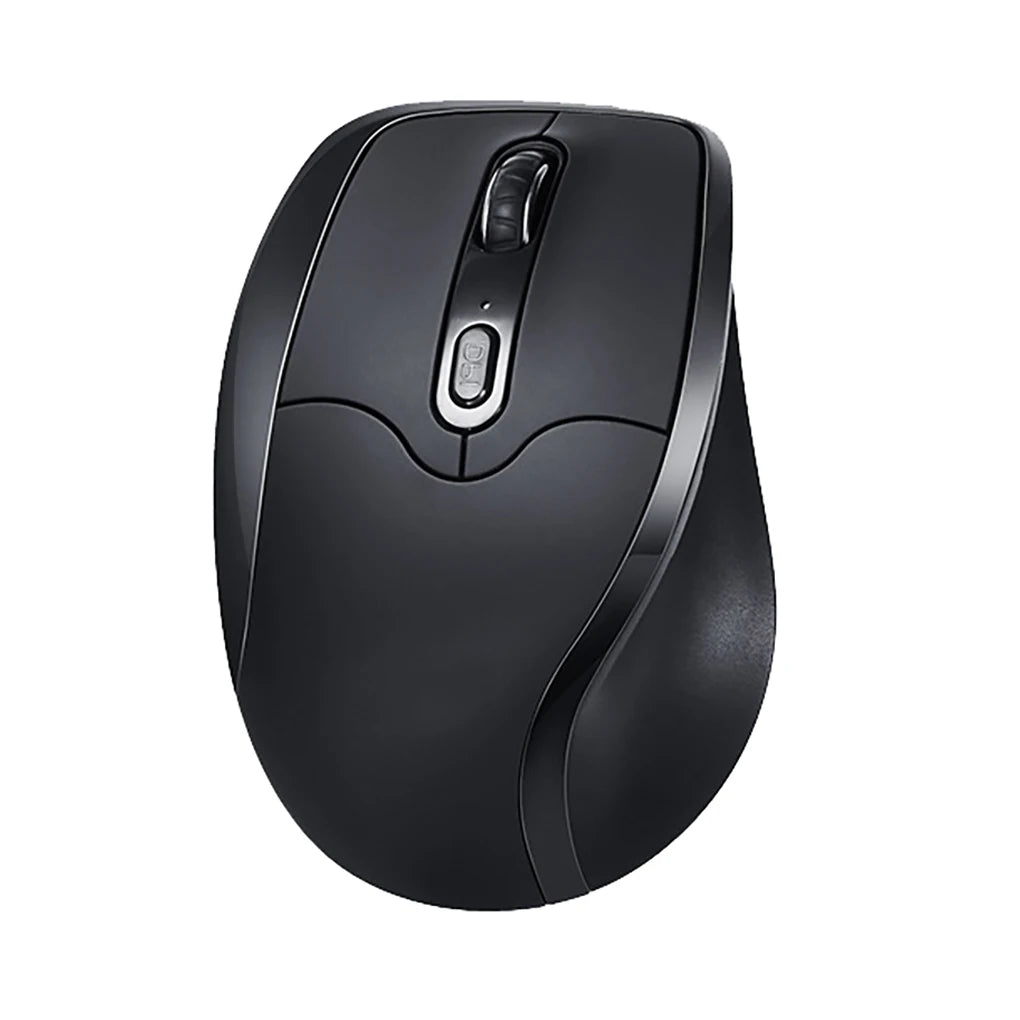
A wireless left-handed ergonomic mouse that doubles as a productivity tool during the day and a casual gaming mouse in the evening is the most practical choice for this player profile. You can explore the full range of left handed ergonomic mouse options to find models that balance everyday usability with enough gaming-ready features for casual play.
Vertical Left Hand Gaming Mouse – Worth It?
Vertical mice have earned a strong reputation in the productivity world for reducing wrist strain during long work sessions. The question for gamers is whether that same benefit translates to competitive and casual play — and where the trade-offs appear.
The clear advantage of a vertical left-handed gaming mouse is comfort over time. The handshake grip position keeps the wrist neutral, which means less fatigue during long sessions. For MMO players logging four-plus-hour raids, casual players who game for relaxation in the evening, or streamers who are on their mouse for the better part of a day, that comfort advantage is significant and cumulative.
The trade-off appears in fast, precision-dependent games. Vertical mice change the axis of wrist movement. Horizontal flicks — the bread and butter of FPS aiming — require a different muscle pattern with a vertical grip. Some players adapt to this quickly. Others find that fast lateral tracking feels less natural than with a traditional flat mouse. For competitive FPS players who rely on low-sensitivity wrist flicks, a traditional left-handed shape may offer better raw precision.
The practical recommendation: if you primarily play MMOs, strategy games, MOBAs, or casual titles, a vertical left-handed gaming mouse is an excellent choice that gives you both comfort and performance. If you play competitive FPS games seriously and rely on fast, wide aim adjustments, a traditional-shaped left-handed mouse may serve you better for that specific use case. Many players keep both — vertical for long sessions and daily use, traditional for ranked FPS play.
How to Choose the Right Left Hand Gaming Mouse
Start with your genre. FPS players should prioritize sensor accuracy, low weight, and a stable grip. MMO and MOBA players should prioritize side button count and placement. Casual players should prioritize comfort and wireless convenience. Your primary game type determines which features matter most.
Consider your session length. If you game for an hour or two at a time, most well-shaped left-handed mice will be comfortable enough. If your sessions regularly exceed three or four hours, invest in ergonomic shaping — vertical or contoured — that prevents fatigue from building up.
Check your desk setup. A large mousepad with plenty of room suits low-DPI FPS play. A smaller desk or a laptop gaming setup favors a higher DPI and a mouse with a compact footprint. Wireless is almost always the better choice for clean desk aesthetics and freedom of movement.
Think about side button needs. Two side buttons cover most FPS requirements. Four to six cover MMO ability rotations. More than six starts to create accidental press risk during fast gameplay. Choose based on what you actually bind, not the maximum button count on the spec sheet.
Evaluate wireless vs wired. For online ranked play, streaming, and general gaming, modern 2.4GHz wireless performs at parity with wired connections. If you attend LAN events or compete at a level where every microsecond is scrutinized, wired remains the safest bet. For everyone else, wireless is the right move.
Factor in travel or LAN portability. If you bring your mouse to LAN parties, tournaments, or gaming cafés, weight and size matter. A compact wireless left-handed mouse that travels well and sets up fast gives you a consistent experience regardless of venue.
FAQ – Left Hand Mouse Gaming
Are there good left-handed gaming mice?
Yes. The selection is smaller than the right-handed market, but dedicated ergonomic mice for left-handed users now include models with gaming-capable sensors, programmable side buttons, wireless connectivity, and ergonomic shapes optimized for left-hand grip. The quality gap that existed a few years ago has narrowed significantly.
Is wireless good enough for FPS gaming?
For the vast majority of players, yes. Modern 2.4GHz wireless mice offer response times and polling rates that are functionally identical to wired connections. Unless you are competing at the top tier of professional esports, wireless performance is not a limiting factor.
Can vertical mice be used for gaming?
Yes. Vertical mice work well for MMOs, MOBAs, strategy games, casual titles, and long streaming sessions. The vertical grip is less conventional for fast FPS flick aiming, but many players adapt to it. For genres that prioritize sustained comfort over rapid lateral movement, vertical is an excellent choice.
Do ambidextrous mice work for left-handed gamers?
They can function, but they are a compromise. Ambidextrous mice are symmetrical, which means they lack the ergonomic contouring that supports a left hand properly. Some models include swappable side buttons, which helps with functionality. But the flat, neutral shape does not provide the same comfort or grip stability as a purpose-built left-handed mouse during long sessions.
What DPI is best for left-handed players?
DPI preference is not hand-dependent — it is play-style-dependent. Most FPS players perform best between 400 and 1600 DPI with low in-game sensitivity. MMO and casual players often prefer higher DPI for faster cursor movement. The important thing for left-handed players is that the DPI switch button is accessible from a left-hand grip, which many right-handed mice do not accommodate.
Do left-handed gaming mice cost more?
Not inherently. Dedicated left-handed mice from specialist brands are typically priced in line with comparable right-handed models. The premium, if any, comes from buying high-end models with advanced sensors and materials, not from the left-handed orientation itself.
Conclusion – Upgrade Your Setup with the Right Left Hand Gaming Mouse
Left-handed gamers have spent years adapting to hardware that was not designed for them. The grip is off, the buttons are on the wrong side, and the shape works against the hand instead of with it. That was a necessary compromise when left-handed options barely existed. In 2026, it is no longer necessary.
A dedicated left-handed gaming mouse gives you what right-handed players have always had: a tool that fits your hand, puts every button within reach, and supports your grip through hours of play. Whether you are pushing rank in competitive FPS, grinding through an MMO expansion, or just unwinding with a few hours of casual gaming, the right mouse makes the experience better.
The upgrade is straightforward. Choose a model that matches your genre, your grip style, and your session length. Give your hand a few days to adjust if you are coming from a right-handed mouse. And stop settling for hardware that was built for someone else.
Stop Gaming with the Wrong Mouse
Purpose-built left-handed gaming mice — designed for the hand you actually play with.
- ✓ Ergonomic left-hand grip with thumb-side buttons
- ✓ Wireless 2.4GHz — no cable drag, no delay
- ✓ Vertical & traditional shapes for every play style
- ✓ Built for sessions that run past midnight
Browse Left-Handed Gaming Mice











Leave a comment
This site is protected by hCaptcha and the hCaptcha Privacy Policy and Terms of Service apply.