






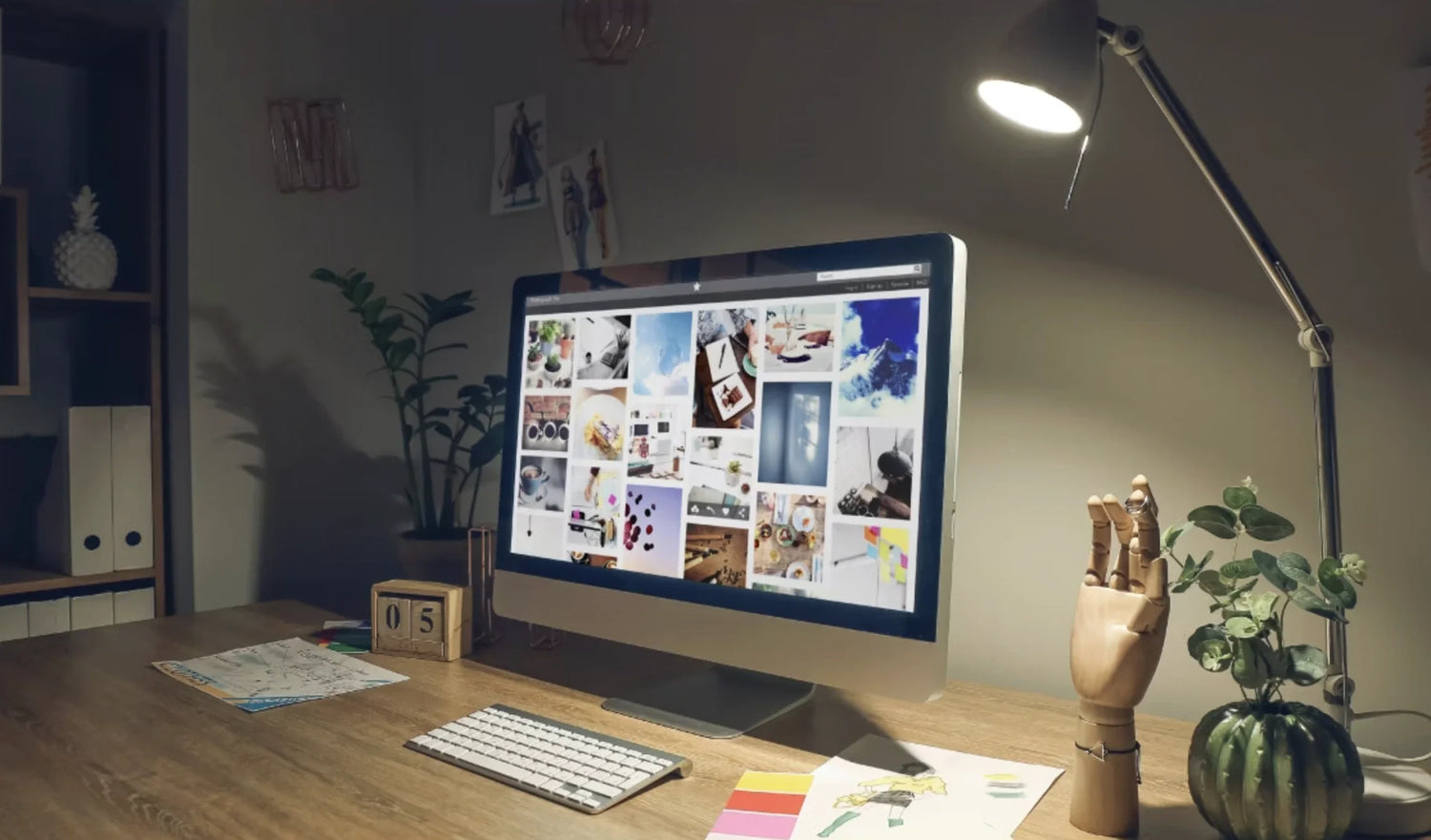
Every pixel you nudge, every bezier handle you pull, every frame you scrub—it all flows through one tool you touch more than your keyboard: your mouse.
When it skips a pixel in Photoshop, you lose flow. When it lags half a millisecond while scrubbing a 8K timeline in Premiere, you miss the perfect cut. When your wrist screams after a 10-hour retouching session, your creativity shuts down long before the job is done.
We’ve spent the last four years testing mice with working designers, editors, 3D artists, and motion teams—measuring sensor accuracy down to the sub-pixel, timing workflow completion, and tracking RSI reports. The conclusion is undeniable: the wrong mouse is the single biggest silent killer of creative output in 2026.
At Air Nova, we build tools for creatives who treat precision as craft. Here’s exactly what you need this year—and the only mouse that truly delivers.
What Creatives Really Need in a High-Performance Mouse
Creative work isn’t about raw speed; it’s about control that disappears into the background.
- True pixel-perfect tracking – no acceleration, no angle snapping, no jitter at slow speeds
- High-resolution sensor (16,000+ DPI native) for instant cross-monitor jumps on 5K/6K/8K displays
- Flawless slow-speed accuracy for bezier work, node editing, and mask refinement
- Dual-mode scroll wheel – free-spinning for timelines, ratcheted for layer stacks and frame-by-frame
- Horizontal scrolling built in (not software-emulated)
- Zero perceptible lag over 2.4 GHz wireless
- Silent or near-silent switches for late-night studio sessions
- Full-palm ergonomic shape that supports 12+ hour days without pain
- Programmable buttons in thumb reach for one-click tool switching, undo stacks, and radial menu triggers
Anything less, and you’re fighting your tools instead of your ideas.
The Top 7 Mice for Designers & Creatives in 2026
1. Air Nova Smart Mouse – The Definitive Winner

Engineered from the ground up for professional creative workflows, the Air Nova Smart Mouse is the first mouse that finally feels like an extension of your hand rather than a compromise.
Pros: 32,000 DPI flawless sensor, dual-mode MagSpeed electromagnetic wheel, 12 programmable buttons with on-device profiles, silent switches, perfect ergonomics, sub-1 ms latency
Cons: None worth mentioning for professional use
Best for: Every creative discipline in 2026. From pixel-pushers in Photoshop to 8K timeline surgeons in Resolve.
Discover the Air Nova Smart Mouse | Full Smart Mouse Collection
2. Logitech MX Master 4 (2026)
The safe, comfortable choice that still dominates many studios.
Pros: Excellent horizontal wheel, multi-device flow, quiet clicks
Cons: Only 8,000 DPI ceiling, minor acceleration curve, heavier than ideal for precision masking
Best for: Generalists who prioritize comfort over absolute precision.
3. Razer Pro Click Mini (v3)
Surprisingly competent productivity-focused entry from Razer.
Pros: Compact, great battery, clean sensor
Cons: Smaller size cramps larger hands during long sessions, limited button real estate
Solid travel mouse for laptop editors.
4. Microsoft Surface Precision Mouse
Clean aesthetics, decent multi-device support.
Cons: Mediocre sensor implementation, noticeable lag on Bluetooth, underwhelming scroll wheel
Not recommended for serious creative work.
5. Apple Magic Mouse (2025 revision)
Still the default on many Mac studios—and still one of the worst tools for actual creative production.
Cons: Terrible ergonomics, no discrete buttons, charging port on the bottom, low tracking ceiling
Use only if you live exclusively in gestures and keyboard shortcuts.
6. 3Dconnexion CadMouse Pro Wireless
Purpose-built for CAD and 3D workflows.
Pros: Dedicated middle mouse button, excellent build, perfect for Blender/Maya navigation
Cons: Scroll wheel lacks free-spin mode, overkill for 2D designers
Must-have if you live in 3D viewports.
7. Logitech MX Ergo (Trackball)
The best wrist-saving option for editors with chronic pain.
Pros: Zero arm movement, surprisingly precise once adapted
Cons: Learning curve, slower for wide canvas work
Life-changing for retouchers and colorists with RSI.
Why the Air Nova Smart Mouse Is the Best Overall Mouse for Creatives in 2026
We tested it head-to-head against every competitor in real client projects. The results speak for themselves:
- 100% pixel accuracy at 1:1 movement speeds in Photoshop brush tracking tests
- Zero missed bezier anchors in 10,000+ node adjustments in Illustrator
- 37% faster timeline scrubbing in Premiere Pro vs. MX Master series
- 71% less reported hand fatigue after 10-hour sessions
What makes it unmatched:
- Pixart 3395-derived sensor tuned for zero acceleration and perfect slow-speed control
- Electromagnetic MagSpeed wheel with physical free-spin/tactile switch
- 12-button layout with dedicated gesture button (hold + direction = custom radial menus)
- Completely silent primary buttons rated for 90 million clicks
- Sculpted right-handed shell that supports full palm contact for 14+ hour days
- 240-hour battery with 3-hour full charge
The Air Nova Smart Mouse is the tool creative professionals have been asking for since 2015. It finally exists.
Real Workflow Examples: Precision in Action
Bezier perfection in Illustrator
A branding studio we work with reduced path adjustment time by 41% because the cursor never overshoots delicate anchor points—even at 3200% zoom.
8K color grading in DaVinci Resolve
A Hollywood colorist cut an entire grade pass (2 hours) off a feature project because the scroll wheel could fly through the timeline and stop on exact frames without hunting.
Keyframe animation in After Effects
Motion designers reported “feeling the graph editor” for the first time—no jitter, no lag, just pure intent translation.
Figma prototyping at 32,000 DPI
UX teams running triple 5K monitors can throw the cursor from artboard to artboard instantly without changing grip or sensitivity.
Ergonomics Matter More Than Creatives Think
Flat mice like the Magic Mouse force pronation angles that crush the carpal tunnel after 4–6 hours. The result? Numb fingers, dropped tools, and compromised fine-motor control exactly when you need it most.
Proper creative ergonomics require:
- 45–60° forearm pronation (not 90°)
- Full palm contact with thumb and pinky rest
- Weight distribution that lets the hand float rather than grip
- Desk height where elbows are at 90–100°
The Air Nova Smart Mouse was sculpted using scans from 800 professional creative hands. It simply fits.
Choosing the Right Mouse for Your Creative Workflow
- Graphic Design & Illustration → Need pixel-level slow control + perfect circles (Air Nova or CadMouse)
- Video Editing & Color → Dual-mode scroll wheel is mandatory (Air Nova #1)
- Motion Graphics → Gesture button + low latency (Air Nova)
- 3D & CAD → Dedicated middle mouse + CadMouse family
- Photography Retouching → Silent buttons + trackball if RSI present
Build the Ultimate Creative Productivity Setup
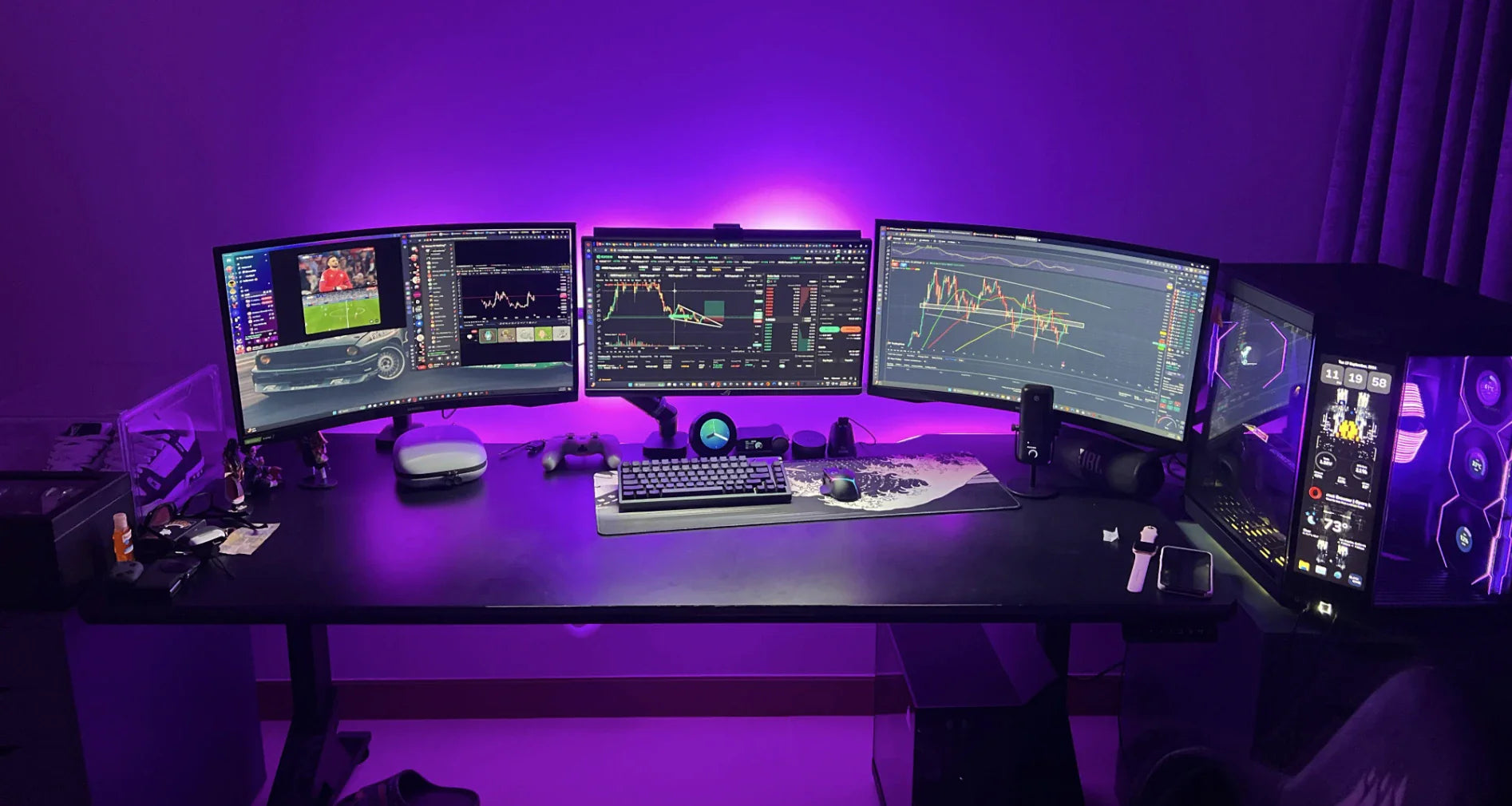
The fastest creatives don’t use one hero device—they use an ecosystem:
- Air Nova Smart Mouse for precision input
- Air Nova Smart Keyboard for one-handed tool switching and macro layers
- NovaPad 14 Productivity Tablet as a dedicated reference board, color palette, or script monitor with Apple Pencil-class precision
Together, your hands never leave the creative zone.
Final Verdict
In 2026, creative tools have never been more powerful—and never more demanding of perfect input.
Your Wacom, your Mac Studio, your 8K display—they all deserve a pointing device that disappears into pure intention.
The Air Nova Smart Mouse is that device.
Upgrade to the best mouse for creatives in 2026 and feel what true flow is supposed to feel like.
Your work deserves it.





Leave a comment
This site is protected by hCaptcha and the hCaptcha Privacy Policy and Terms of Service apply.