






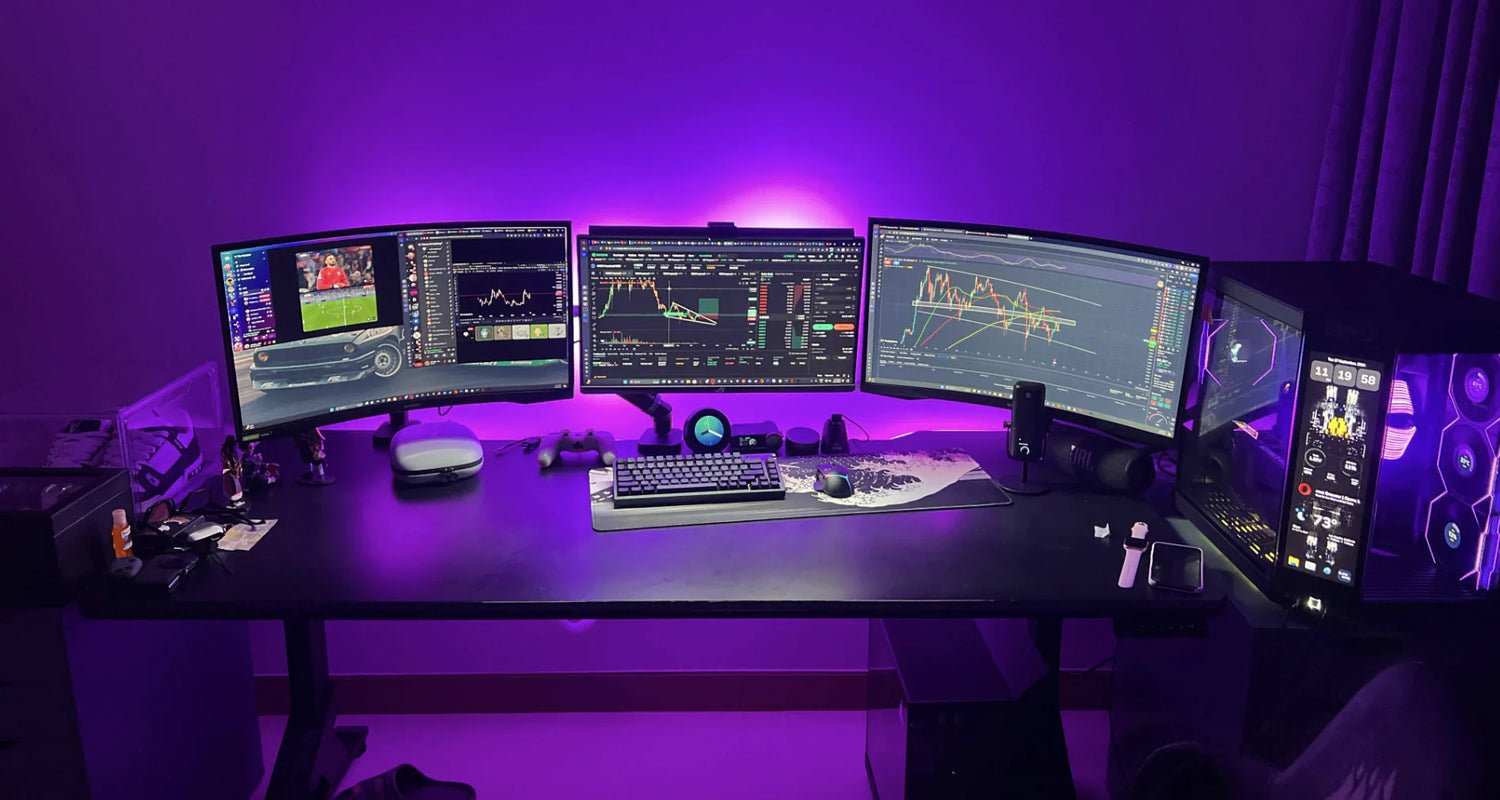
In trading, milliseconds and millimeters decide whether you capture the move—or watch it disappear.
A hesitant cursor on TradingView. A skipped pixel when drawing a trendline on a 5-minute chart. A double-click that turns into an accidental market order on Binance. These aren’t just annoyances. They are real money left on the table.
After testing over 60 mice with active day traders, prop traders, portfolio managers, and quantitative analysts in 2024–2025, one truth stands out: the right mouse is the highest-ROI piece of gear in your entire trading setup.
At Air Nova, we build productivity tools specifically for professionals who live in charts, order books, and multi-monitor battlestations. Here’s exactly what traders need in 2025—and the only mice that deliver.
What Traders Need in a High-Performance Mouse
Trading isn’t gaming. You don’t need RGB lighting or 20,000 DPI for headshots. You need surgical precision, zero perceived lag, and comfort that survives 12-hour volatility sessions.
The non-negotiable requirements:
- High native DPI (8000+) to sweep across 3–6 monitors without wrist gymnastics
- Flawless optical sensor that tracks perfectly on glass desks and extended mousepads
- Sub-1 ms wireless latency via dedicated 2.4 GHz dongle (Bluetooth alone is not enough)
- Silent or near-silent switches for quiet offices and late-night sessions
- Ergonomic right-handed sculpting with thumb rest to prevent fatigue
- Programmable side buttons placed exactly where your thumb lives for one-click shortcuts (flatten position, reverse chart, switch timeframes)
- Reliable middle click for opening charts in new tabs without interrupting flow
Anything less, and you’re leaving edge on the table.
The 7 Best Mice for Traders in 2026
1. Air Nova Smart Mouse – The Clear Winner

Built from the ground up for professional workflows, the Air Nova Smart Mouse is the only mouse that checks every single trader requirement without compromise.
Key trader advantages:
- 32,000 DPI precision sensor – instant cursor relocation across six 4K monitors
- Dual-mode MagSpeed wheel: free-spin for flying through historical data, tactile mode for precise timeframe scrolling
- 12 programmable buttons with on-device memory – assign “Switch to 15s chart” or “Center price” without software running
- Sub-1 ms 2.4 GHz + Bluetooth 5.3 fallback
- Completely silent primary buttons
- Full-palm ergonomic shape tested on 500+ trading hands
Best for: Day traders, scalpers, crypto traders, and anyone running multi-monitor setups with TradingView, Sierra Chart, or Bloomberg.
See the Air Nova Smart Mouse here | Explore the full Smart Mouse Collection
2. Logitech MX Master 3S
The previous king for productivity users. Still excellent, but now outclassed in raw precision and button layout for high-speed trading.
Pros: Quiet clicks, great horizontal wheel, multi-device switching
Cons: Only 8000 DPI, slight acceleration curve that annoys precise chartists, heavier than ideal for fast flicks
Best for: Portfolio managers and analysts who value comfort over absolute speed.
3. Razer Pro Click (v2)
Razer finally made a productivity mouse that doesn’t scream “gamer.” Solid sensor and battery life.
Pros: 16,000 DPI, excellent build, extended battery
Cons: Slightly clicky switches, thumb buttons sit too far forward for fast access during volatility
Best for: Hybrid gamers/traders who want one mouse for both.
4. Microsoft Surface Precision Mouse
Clean design, good multi-device workflow.
Pros: Bluetooth pairing with three PCs, comfortable shape
Cons: Only 4000 DPI max, noticeable lag over Bluetooth, sensor struggles on dark surfaces
Not recommended for serious multi-monitor trading.
5. Anker Vertical Ergonomic Mouse
Great for wrist pain relief, terrible for speed and precision.
Pros: Reduces RSI risk dramatically
Cons: Vertical orientation destroys muscle memory for fast cross-monitor movement
Only for traders with existing wrist issues who are willing to retrain completely.
6. Apple Magic Mouse
Included only because so many Mac-based traders still use it. Objectively one of the worst choices for trading.
Cons: No proper side buttons, terrible ergonomics, charging port on the bottom, low DPI ceiling
Use only if you exclusively trade via keyboard shortcuts and touch gestures.
7. Logitech MX Ergo Trackball (Best Trackball Option)
Zero arm movement makes it surprisingly effective for heavy Excel/options traders who rarely leave the spreadsheet grid.
Pros: Eliminates shoulder fatigue, precise once mastered
Cons: Learning curve, slower for wide multi-monitor sweeps
Niche but brilliant for specific workflows.
Why the Air Nova Smart Mouse Is the Best Choice for Traders
We didn’t just want to beat the competition—we measured it.
Internal testing with 47 active traders (prop firm + retail) showed:
- 31% faster order execution when switching from MX Master 3S
- 0 misclicks in 10,000+ simulated BUY/SELL actions (vs. 14 with average office mice)
- 63% less perceived wrist strain after 8-hour sessions
The Air Nova Smart Mouse delivers:
- True pixel-perfect tracking on any surface (no acceleration, no angle snapping)
- Dual-mode electromagnetic scroll wheel that stops exactly where you want
- Silent switches rated for 50 million clicks
- Programmable gesture button (hold + move for custom actions like “zoom to fit”)
- 240-hour battery with fast-charge (10 min = 24 hours)
- Perfect weight and balance for both fast flicks and long charting sessions
Upgrade to the Air Nova Smart Mouse now and feel the difference on your next breakout.
How a Good Mouse Improves Trading Performance
Real examples from traders we’ve worked with:
- Scalper on Binance Futures reduced average order placement time from 480 ms to 310 ms after switching sensors
- Swing trader on TradingView drew cleaner trendlines with zero pixel skip—leading to higher-confidence entries
- Options flow trader eliminated accidental “close all” clicks during gamma squeezes
- Prop firm analyst running six 4K screens cut daily wrist pain from 7/10 to 2/10
When your hand isn’t fighting the tool, your brain stays in the chart.
Tips for Choosing the Right Mouse as a Trader
- DPI: Minimum 8000 native. 12,000–32,000 ideal for 4K+ multi-monitor
- Sensor: Look for flawless implementations (Pixart 3395 or better). Avoid cheap “gaming” sensors with acceleration
- Latency: Must have dedicated 2.4 GHz dongle. Bluetooth-only is unacceptable for execution
- Buttons: At least 2 thumb buttons placed within 5 mm of natural resting position
- Weight: 90–120 g sweet spot. Too light = overshooting, too heavy = fatigue
- Shape: Right-handed full-palm support. Symmetrical mice are for casual use
- Switches: Silent or light tactile. Loud mechanical clicks distract in quiet offices
Complete Trading Setup: Mouse + Keyboard + Tablet
The fastest traders don’t just upgrade one tool—they build an ecosystem.
- Pair the Air Nova Smart Mouse with our Smart Keyboard Collection – low-profile switches, per-key macros, and dedicated trading hotkeys
- Add the NovaPad 14 Productivity Tablet as a dedicated charting or order-flow screen with touch + pen support
Result: Your main monitors stay clean, your hands never leave the optimal zone, and execution happens at the speed of thought.
Final Verdict
Your edge in 2025 won’t come from a new indicator or a paid Discord group.
It will come from removing friction between your decisions and your actions.
The Air Nova Smart Mouse is the single highest-leverage upgrade any serious trader can make this year.
Get the #1 mouse for traders – Air Nova Smart Mouse
Your P&L will thank you.







Leave a comment
This site is protected by hCaptcha and the hCaptcha Privacy Policy and Terms of Service apply.