







Remote professionals now spend 20–40 hours a week in virtual meetings. That’s more time than most people spend driving, exercising, or talking to their family face-to-face. Yet many still fumble with keyboard shortcuts, awkwardly reach for their mouse mid-presentation, or stay glued to their desk because they’re afraid of losing slide control.
A great wireless presenter fixes all of that in seconds. It gives you freedom to stand, move, gesture, and command the room (even if the “room” is a grid of 50 video tiles). The result? You look more confident, your message lands harder, and your meetings actually finish on time.
We’ve tested every major wireless presenter on Zoom, Google Meet, and Microsoft Teams. Here are the best options in 2026 — plus exactly how to integrate one into a professional-grade Air Nova productivity setup.
Why a Wireless Presenter Matters for Virtual Meetings
Most people think a wireless presenter is just for “next slide / previous slide.” In reality, it’s a remote control for your entire presentation flow:
- Seamlessly advance or rewind slides without looking at your laptop
- Blank the screen instantly when conversation shifts
- Highlight key numbers with a digital pointer or laser
- Switch between apps or participant view without breaking eye contact
- Stand up, walk around, and use natural gestures that keep audiences engaged
Example: A sales director we work with used to sit rigid during demos. After switching to a presenter, he started standing and moving — close rate went up 18% because prospects felt his energy.
Key Features to Look For in a Wireless Presenter (2026 Edition)
- Connectivity — 2.4 GHz USB receiver (most reliable) or Bluetooth 5.3
- Range — at least 15–30 meters so you can present in large rooms or walk while screen-sharing
- Compatibility — native with PowerPoint, Google Slides, Keynote, Canva, and web-based platforms
- Laser or digital pointer — red/green laser or on-screen highlighter
- Programmable buttons — start/stop presentation, volume, blank screen, timer
- Battery life — rechargeable via USB-C (no more hunting for AAA batteries)
- Ergonomics & build — comfortable grip for 60-minute keynotes
- Travel size — fits in any laptop sleeve
Top 7 Wireless Presenters for Virtual Meetings
1. Logitech Spotlight Presentation Remote
The gold standard — sleek aluminum body, three programmable buttons, on-screen highlighting, and vibration timer.
Pros: Beautiful design, works on any surface, 30 m range.
Cons: Pricey (~$129).
Best for: Executives and keynote speakers who want to look premium.
2. Baseus Wireless Presenter (USB-C Rechargeable)
Modern 2026 refresh with green laser, digital pointer, and 100-hour battery.
Pros: USB-C charging, hyper-speed slide switching, built-in timer.
Cons: Slightly plasticky feel.
Best for: Daily corporate presenters on a budget.
3. Logitech R400 Wireless Presenter
The classic that refuses to die — red laser, 15 m range, intuitive buttons.
Pros: Rock-solid reliability, under $40.
Cons: No rechargeable battery, no advanced features.
Best for: Educators and trainers who just need next/previous.
4. NORWII N95 Pro
Green laser (4× brighter than red), 100 m range, magnifier function.
Pros: Insane range, spotlight/magnify tools.
Cons: Bulkier design.
Best for: Large conference rooms and hybrid events.
5. Kensington Expert Wireless Presenter
Trackball cursor control + laser in one device.
Pros: Full mouse functionality when needed.
Cons: Learning curve for trackball.
Best for: Presenters who annotate live.
6. Canon PR10-G
Green laser, backlit buttons, 30 m range.
Pros: Works in bright rooms, excellent grip.
Cons: Uses AAA batteries.
Best for: Traditional corporate environments.
7. DinoFire Budget Wireless Presenter
Red laser, 20 m range, under $20.
Pros: Cheap and effective.
Cons: Build quality reflects price.
Best for: Students and occasional presenters.
How to Choose the Right Presenter for Your Setup
Educators & Trainers on Zoom/Meet
You’re on camera for hours. Go for rechargeable (Baseus or Logitech Spotlight) + green laser for visibility on whiteboards.
Corporate Presenters & Executives
You want to look the part. Logitech Spotlight or NORWII N95 Pro — premium feel matches your Air Nova setup.
Remote Sales & Marketing Professionals
You demo daily. Prioritize vibration timer + blank screen button so you never lose control when conversation shifts.
Creators & Webinar Hosts
You annotate live. Choose a model with digital pointer or magnifier (Spotlight or Kensington Expert).
Integrating the Wireless Presenter with Your Air Nova Productivity Setup
A wireless presenter is only one piece of the puzzle. Here’s how the pros combine it with Air Nova gear for flawless virtual meetings:
- Use your Air Nova Smart Mouse for detailed cursor control when annotating or demoing software — then switch to the presenter for pacing the room.
- Keep the Smart Keyboard Collection ready for live Q&A typing or chat moderation.
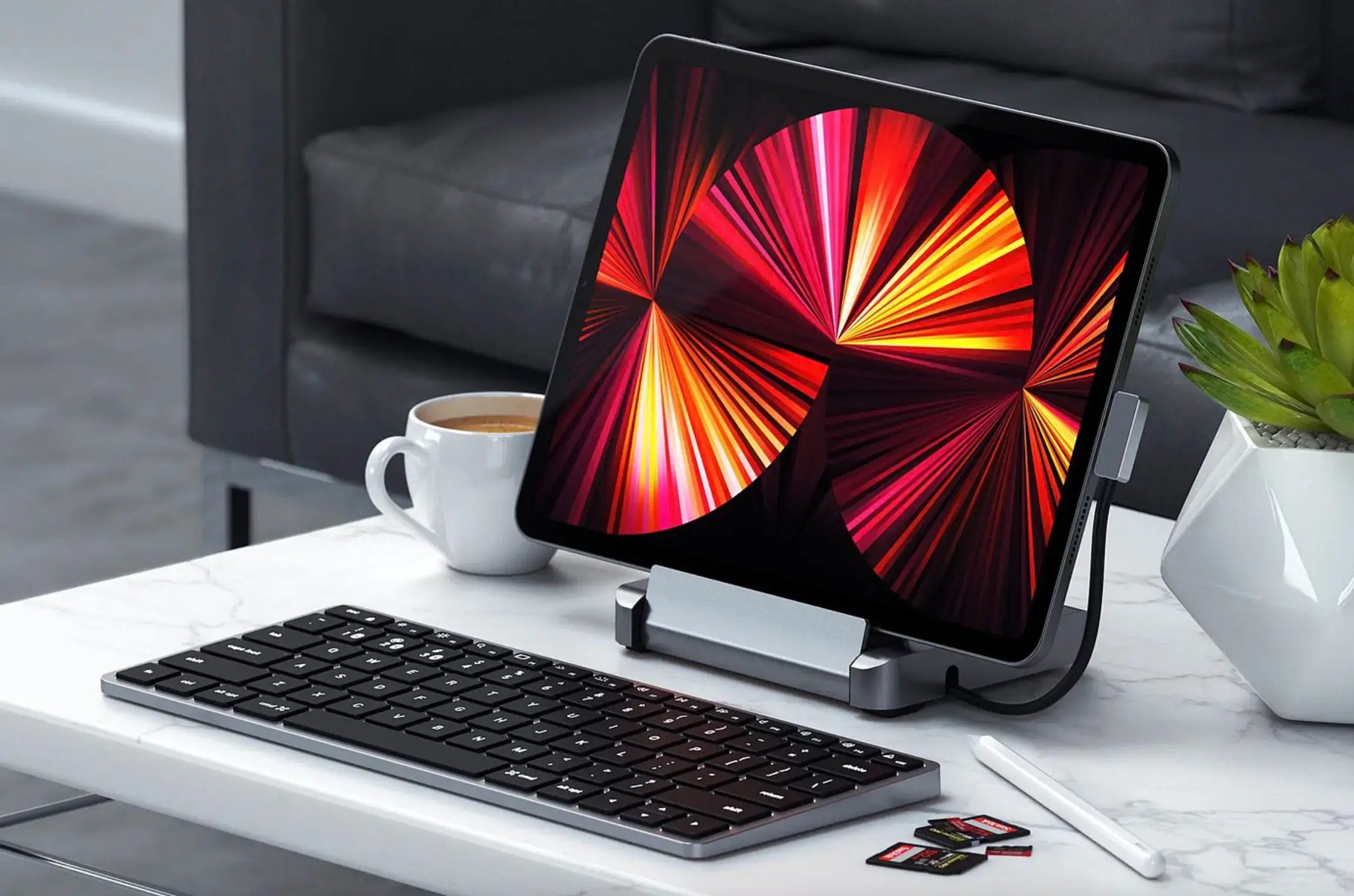
- Run participant view or speaker notes on the NovaPad 14 Productivity Bundle as a dedicated second screen — no more alt-tabbing.
- Charge everything overnight on the CyberDock 3-in-1 Wireless Charging Station so you’re never hunting for cables before a big call.
Explore the full Smart Mouse Collection to complete your setup.
Final Verdict & Call to Action
A wireless presenter is the single cheapest upgrade that instantly makes you look and feel more professional in virtual meetings. Whether you choose the premium Logitech Spotlight or the value-packed Baseus, you’ll wonder how you ever presented without one.
Pair it with Air Nova’s ecosystem — Smart Mouse, Smart Keyboard, NovaPad, and CyberDock — and you’re no longer “just another face on the call.” You’re the one running the room.
Ready to level up your virtual presence? Start building your ultimate remote-work setup today.
Discover the Air Nova Smart Mouse – the perfect daily driver to complement your new presenter





Leave a comment
This site is protected by hCaptcha and the hCaptcha Privacy Policy and Terms of Service apply.