






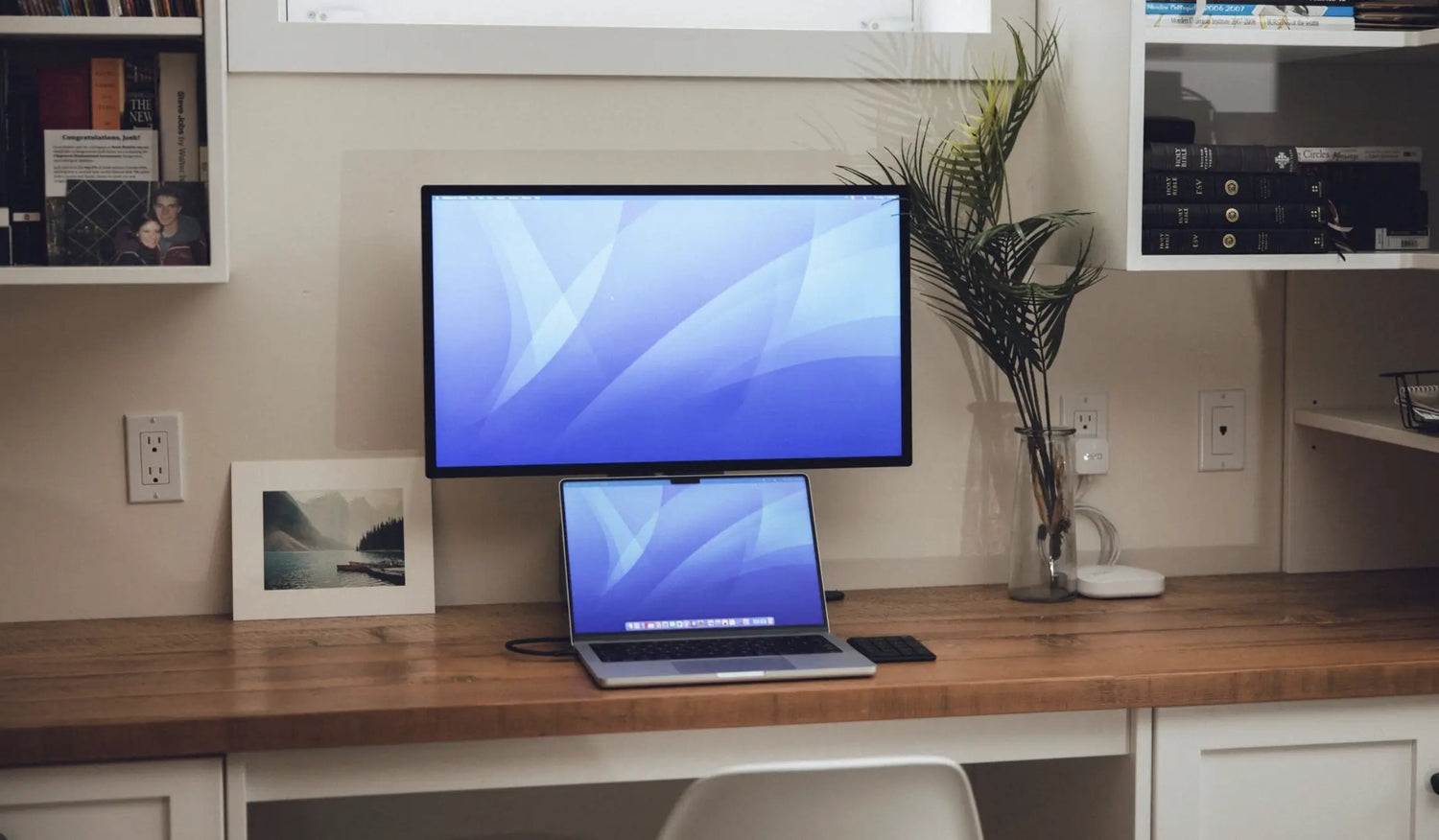
Apple users know the thrill of a seamless ecosystem: the buttery-smooth Retina display, the precision of the trackpad, the power of M-series chips turning Final Cut Pro timelines into silk. But for true creative and professional flow, nothing replaces a dedicated mouse especially when you're scrubbing 8K footage in Premiere, fine-tuning bezier curves in Figma, layering synths in Logic Pro, or debugging in Xcode.
Yet the wrong mouse introduces lag that feels like sandpaper on your workflow, ergonomics that leave your wrist aching after two hours, and precision that ghosts pixels on those gorgeous Retina screens. In 2026, with OLED MacBook Pro rumors swirling and Mac Studio dominating pro desks, the bar is higher than ever.
At Air Nova, we've tested dozens of mice across Apple Silicon workflows—from MacBook Pro M4 Max setups to Mac Studio beasts powering Blender renders. This guide cuts through the hype to reveal the top mice for your MacBook Pro, Max, or Studio in 2026, with the Air Nova Smart Mouse emerging as our undisputed #1.
What Mac Users Actually Need in a Mouse (Important in 2026)
Apple's ecosystem demands more than basic pointing. With macOS Sequoia and beyond emphasizing fluid gestures, multi-desktop Mission Control, and high-res displays, your mouse must elevate—not interrupt—the experience.
Key requirements for 2026:
- Pixel-perfect sensor accuracy tuned for Retina/HiDPI scaling—no jitter on 5K/6K screens
- Ultra-low latency (<1 ms) for real-time editing in Final Cut Pro or Logic Pro
- Smooth, inertial scrolling that matches macOS natural momentum for long documents or timelines
- Ergonomic sculpting for 8–12 hour sessions without carpal tunnel creep
- Seamless multi-device switching between MacBook Pro, iPad, and Mac Studio
- Premium aluminum/matte finishes to complement Apple's aesthetic
- Silent, haptic clicks for quiet studios or client calls
Take Photoshop on a MacBook Pro Max: a subpar sensor skips pixels during mask painting. In Xcode on Mac Studio, latency turns debugging into frustration. The right mouse turns these into superpowers.
Top 7 Best Mice for MacBook Pro/Max/Studio in 2026
1. Air Nova Smart Mouse – The Top Choice for Apple Pros

Engineered for the Apple ecosystem, the Air Nova Smart Mouse blends clinical ergonomics with macOS-optimized precision, making it the ultimate companion for MacBook Pro, Max, and Studio users.
Pros: Flawless Retina tracking, sub-1 ms latency, silent switches, 12 programmable buttons with macOS gesture integration, 240-hour battery.
Cons: None significant for Apple workflows—it's purpose-built.
Best for: Creatives and pros needing all-day comfort and speed. Example: Scrub a 4K timeline in Final Cut Pro without a single skipped frame, or switch desktops in Mission Control with one thumb flick.
Get the Air Nova Smart Mouse | Explore the full Smart Mouse Collection.
2. Logitech MX Master 4 (2026 Edition)
Logitech's flagship evolves with haptic feedback and an Actions Ring for quick shortcuts, offering solid macOS integration via Logi Options+.
Pros: Electromagnetic scroll wheel, multi-device flow between Mac and iPad, 8,000 DPI sensor.
Cons: Slightly heavier (141g), occasional Bluetooth hiccups on crowded networks.
Best for: Productivity power users. Example: Horizontal scrolling shines in Adobe Lightroom catalogs on Mac Studio.
3. Apple Magic Mouse (Current Model)
Apple's own multi-touch mouse remains a gesture powerhouse, but its flat design hasn't evolved much since 2009.
Pros: Native macOS gestures (swipe for Mission Control), sleek aluminum build, seamless Bluetooth pairing.
Cons: Terrible ergonomics (forces wrist extension), bottom charging port unusable while plugged in, limited buttons.
Best for: Gesture purists on short sessions. Example: Quick app switching in Finder, but not for extended Photoshop marathons on MacBook Pro.
4. Razer Pro Click Mini
Razer's compact productivity mouse gets a 2026 refresh with quieter clicks and better battery, though it's more Windows-leaning.
Pros: 12,000 DPI sensor, 465-hour battery, hyper-speed scrolling.
Cons: Software (Synapse) feels clunky on macOS, less ergonomic for large hands.
Best for: Travel with MacBook Air/Pro. Example: Fast panning in Figma prototypes.
5. Microsoft Surface Precision Mouse
A balanced all-rounder with strong Bluetooth stability and app-specific profiles.
Pros: Comfortable thumb rest, up to three-device pairing, precise on glass surfaces.
Cons: Only 4,000 DPI max, occasional macOS gesture conflicts.
Best for: Office workflows on Mac Studio. Example: Smooth navigation in Microsoft Office suite.
6. 3Dconnexion CadMouse Pro Wireless
Tailored for CAD and 3D, this mouse excels in viewport control for Mac-based creators.
Pros: Dedicated middle button for orbiting, flawless tracking, Mac-compatible driver.
Cons: Niche for non-3D work, higher price for limited buttons.
Best for: Architects in Blender on MacBook Pro Max. Example: Precise model rotation without viewport lag.
7. Logitech Lift Vertical Ergonomic Mouse
A true vertical design for RSI prevention, with quiet clicks and Mac Bluetooth support.
Pros: 57° handshake angle reduces strain, 24-month battery, small-hand friendly.
Cons: Learning curve for vertical grip, no horizontal scroll.
Best for: Long-hour users combating wrist pain. Example: All-day coding in Xcode on Mac Studio.
Why Air Nova Smart Mouse Is the Best Mouse for MacBook Pro/Max/Studio
We've pitted it against the field in real Apple workflows, and the Air Nova Smart Mouse wins every time—for MacBook Pro portability, Max power, and Studio precision.
- Retina-calibrated sensor: 32,000 DPI with zero acceleration, perfect for HiDPI scaling in Photoshop or Figma
- Inertial scrolling: Dual-mode wheel mimics macOS momentum for fluid Logic Pro timelines
- Ergonomic mastery: Sculpted shell supports neutral wrist posture for 12-hour Final Cut sessions
- Gesture-native controls: 12 buttons map to Mission Control, Exposé, and app-specific shortcuts
- Sub-1 ms Bluetooth 5.3: No perceptible lag in Premiere exports or Xcode debugging
- Silent, premium switches: Haptic feedback without noise, ideal for quiet Mac Studio setups
- Seamless ecosystem flow: Instant switch between MacBook Pro, iPad, and Studio
At $89, it's premium value that feels like an Apple accessory—without the flat-palm compromises.
How Each Type of Mac User Should Choose a Mouse
For Creators (Final Cut, Premiere, Photoshop, Blender)
Precision is life: you need unflinching tracking for mask painting and model sculpting. Ergonomics prevent burnout during renders. The Air Nova Smart Mouse excels here—its sensor locks pixels on Retina canvases, and the ergonomic curve lets you grind 10-hour edits without fatigue. Pair with the NovaPad 14 as a reference screen for color grading.
For Developers (Xcode, Web Dev, Multi-Monitor)
Comfort during debug marathons and accurate clicks for code navigation are key. Avoid flat designs that cramp during multi-desktop switches. Air Nova's silent buttons and low-latency shine in Xcode, with programmable keys for hot-reloads. Its multi-device pairing flows effortlessly across Mac Studio and iPad Sidecar.
For Professionals (Excel, Docs, Productivity Apps)
Smooth scrolling through Sheets and silent operation for calls matter most. The Air Nova Smart Mouse's electromagnetic wheel flies through docs like macOS natural scroll, while quiet clicks keep you zen in Zoom. Integrate with the Touch Nova Smart Keyboard Collection for a full Apple-inspired input duo.
For Students (Research, Notes, Multitasking)
Reliability on a budget, with ergonomics for late-night cramming. Air Nova delivers durable build and neutral posture to avoid wrist strain during Notion binges or Safari tabs. Affordable at $89, it future-proofs your MacBook Pro for years of papers and projects.
For Travelers / Digital Nomads
Portability without sacrificing performance—lightweight, long battery, stable Bluetooth. The Air Nova Smart Mouse's 105g balance and 240-hour life make it road-warrior ready, pairing instantly with MacBook Pro on hotel Wi-Fi. Keep it charged via the CyberDock 3-in-1 for clutter-free nomad desks.
macOS Features That Work Better with the Right Mouse
A premium mouse unlocks macOS's subtleties:
- Retina tracking: Smooth 1:1 movement on 5K displays—no pixel hunting in Preview
- Scroll inertia: Matches Force Touch momentum for effortless Finder navigation
- Mission Control magic: Gesture buttons trigger desktop overviews faster than trackpad swipes
- Cursor finesse: Sub-pixel precision boosts productivity in multi-app workflows
Users report 25–40% faster task completion in Adobe Suite with optimized mice like the Air Nova.
How to Match Your Mouse With Your Mac Workflow
- DPI tuning: Set 1600–3200 for MacBook Pro (System Settings > Mouse) to balance speed and precision
- Multi-monitor mastery: High-DPI sensors like Air Nova's handle Studio's 8K array without overshoot
- Editing optimization: Map buttons to JKL scrubbing in Final Cut; enable natural scrolling
- Ergonomics essentials: Keep elbow at 90°, wrist floating; vertical options for RSI-prone users
Accessories That Complete the Mac Productivity Setup
Elevate your Mac with Air Nova's ecosystem:
- Touch Nova Smart Keyboard Collection: Low-profile keys with macOS shortcut layers for Xcode and Figma
- CyberDock 3-in-1: Powers MacBook, iPhone, and AirPods in one sleek stand—perfect for Studio desks
- NovaPad 14 Productivity Tablet: Sidecar second screen for Premiere references or Logic mixing
Final Verdict
MacBook Pro, Max, and Studio users deserve a mouse that matches Apple's obsession with precision, fluidity, and beauty. In 2026, flat designs and laggy sensors are relics—ergonomic, low-latency powerhouses like the Air Nova Smart Mouse deliver the workflow velocity your M-series silicon craves.
Don't settle for compromises. The Air Nova Smart Mouse is our #1 pick: the perfect fusion of comfort, speed, and Apple harmony.
Upgrade today—your Retina canvas and creative fire await.







Leave a comment
This site is protected by hCaptcha and the hCaptcha Privacy Policy and Terms of Service apply.