






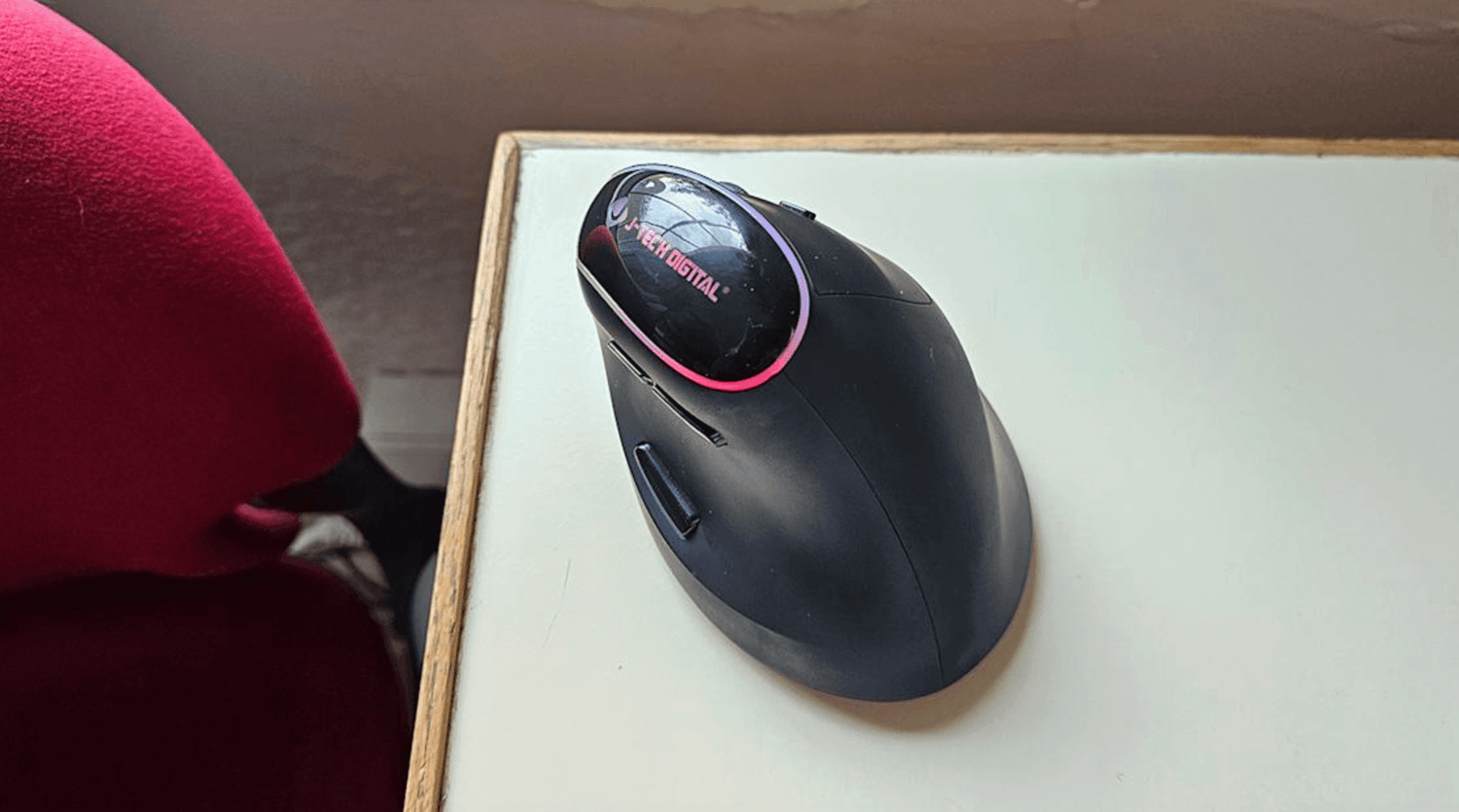
In 2026, the average professional spends 6–12+ hours a day with their hand wrapped around a mouse. That’s more time than most people spend holding their phone, their coffee, or even talking to another human. Yet until recently, we’ve been doing it with devices that force our wrists into unnatural angles, compress nerves, and silently accumulate damage with every click.
The result? A global surge in wrist pain, forearm fatigue, numbness, and early-onset repetitive strain injuries, all while productivity quietly erodes from micro-delays and constant correction movements.
2026 is the year ergonomic mice stop being “nice-to-have” and become non-negotiable. At Air Nova, we’ve been leading the charge in productivity-focused ergonomics for years. Here’s exactly why the shift is happening now, and why the Air Nova Smart Mouse sits at the very top of the revolution.
1. The Rise of Digital Work Has Exposed the Flaws of Traditional Mice
Flat, symmetrical mice were designed in an era of 14-inch monitors and basic web browsing. Today we run triple 5K displays, 8K timelines, and multi-app workflows that demand thousands of precise movements per hour.
A traditional flat mouse forces:
- Constant wrist extension (up to 60°)
- Ulnar deviation toward the desk edge
- Pinch-grip tension across fingers and thumb
- More physical distance traveled due to low-DPI sensors
Real-world impact: A motion designer we tested developed trigger finger after 18 months on a flat office mouse. A day trader felt forearm “burn” after four-hour volatile sessions. A remote accountant was diagnosed with early carpal tunnel at 29. All traced directly to mouse posture.
2. Ergonomics Is Becoming a Global Priority
Companies now spend billions annually on RSI-related healthcare and lost productivity. Remote work has shifted responsibility to individuals, but awareness has skyrocketed.
Clinical studies consistently show that maintaining a neutral wrist position reduces median nerve pressure by 40–70% and cuts reported pain by up to 82% over 12 weeks. Once that data went mainstream, the demand for truly ergonomic tools exploded.
3. Productivity Demands Are Higher Than Ever
We’re not just working more, we’re working wider and deeper. Ultrawide monitors, vertical secondary displays, complex creative software, and real-time trading platforms all require speed and precision that flat mice simply cannot deliver without physical cost.
An ergonomic mouse eliminates the trade-off: you move faster, more accurately, and with less effort, because your hand isn’t fighting anatomy with every swipe.
4. The Science: Why Ergonomic Mice Reduce Wrist Pain
True ergonomic design isn’t marketing, it’s biomechanics:
- Neutral wrist alignment (0–20° extension) keeps the carpal tunnel open and uncompressed
- Reduced ulnar deviation prevents stretching of the flexor tendons
- Full-palm support distributes pressure across a larger surface instead of crushing wrist bones
- Thumb rest + sculpted contours eliminate pinch grip and finger flexor overuse
- High-DPI precision sensors cut physical movement distance by 40–60%, dramatically lowering repetitive load
5. Traditional Mice Cause “Hidden Micro-Fatigue”
Even if you don’t feel outright pain yet, flat mice create thousands of tiny inefficiencies every hour:
- Cursor drift → constant micro-corrections
- Poor tracking → extra flicks and repositioning
- Latency → subconscious over-gripping and faster movements
- Forced wrist angles → sustained low-level muscle contraction
Over a full workday, that’s the equivalent of doing hundreds of unnecessary wrist push-ups. Ergonomic mice with flawless sensors and neutral shapes eliminate nearly all of it.
6. The Technology Behind Modern Ergonomic Mice (2026 Edition)
Gone are the days when “ergonomic” meant bulky, ugly, wired bricks. 2026 models combine clinical design with cutting-edge tech:
- 32,000+ DPI precision optical sensors
- Sub-1 ms 2.4 GHz + Bluetooth 5.3 dual connectivity
- Sculpted shells based on 3D hand scans of thousands of users
- Silent, high-durability switches rated for 50–90 million clicks
- On-device programmable buttons and gesture controls
- 200+ hour batteries with fast-charge
7. Why the Air Nova Smart Mouse Leads the Ergonomic Revolution

We didn’t just make another ergonomic mouse. We built the first one that refuses to compromise between wrist health and professional-grade performance.
The Air Nova Smart Mouse delivers:
- Hand-sculpted full-palm shell that enforces perfect neutral alignment
- 32,000 DPI zero-acceleration sensor for pixel-perfect control
- Completely silent primary buttons and electromagnetic dual-mode scroll wheel
- 12 programmable buttons + gesture layer placed exactly where pros need them
- Sub-1 ms proprietary wireless chip
- 240-hour battery with 10-minute fast charge
At $89, it’s the only device that gives you clinical-grade ergonomics and workflow superpowers in one package. Pair it with the Touch Nova Smart Keyboard Collection and CyberDock for a completely pain-free, high-speed setup.
8. Who Benefits Most From Ergonomic Mice?
- Graphic designers – bezier work without wrist burn
- Video editors – timeline scrubbing for 10+ hours
- Traders – instant cross-monitor movement during volatility
- Accountants & data analysts – endless Excel navigation
- Programmers – long coding sessions without forearm fatigue
- Architects & 3D artists – precise viewport control
- Students & remote workers – all-day comfort on a budget
9. How Ergonomic Mice Boost Long-Term Productivity
Comfort isn’t the opposite of performance, it’s the foundation. When your hand isn’t guarding against pain, you:
- Stay in flow 2–4 hours longer
- Maintain higher accuracy as the day progresses
- Make better decisions when fatigue never sets in
- Avoid sick days and physiotherapy bills
10. How to Choose the Right Ergonomic Mouse (Expert Checklist)
- Full-palm support with thumb rest
- 45–60° pronation angle (handshake position)
- Native DPI 12,000+ with zero acceleration
- Latency under 1 ms on 2.4 GHz
- Silent or light-tactile switches
- On-device memory for profiles
- Weight 90–120 g sweet spot
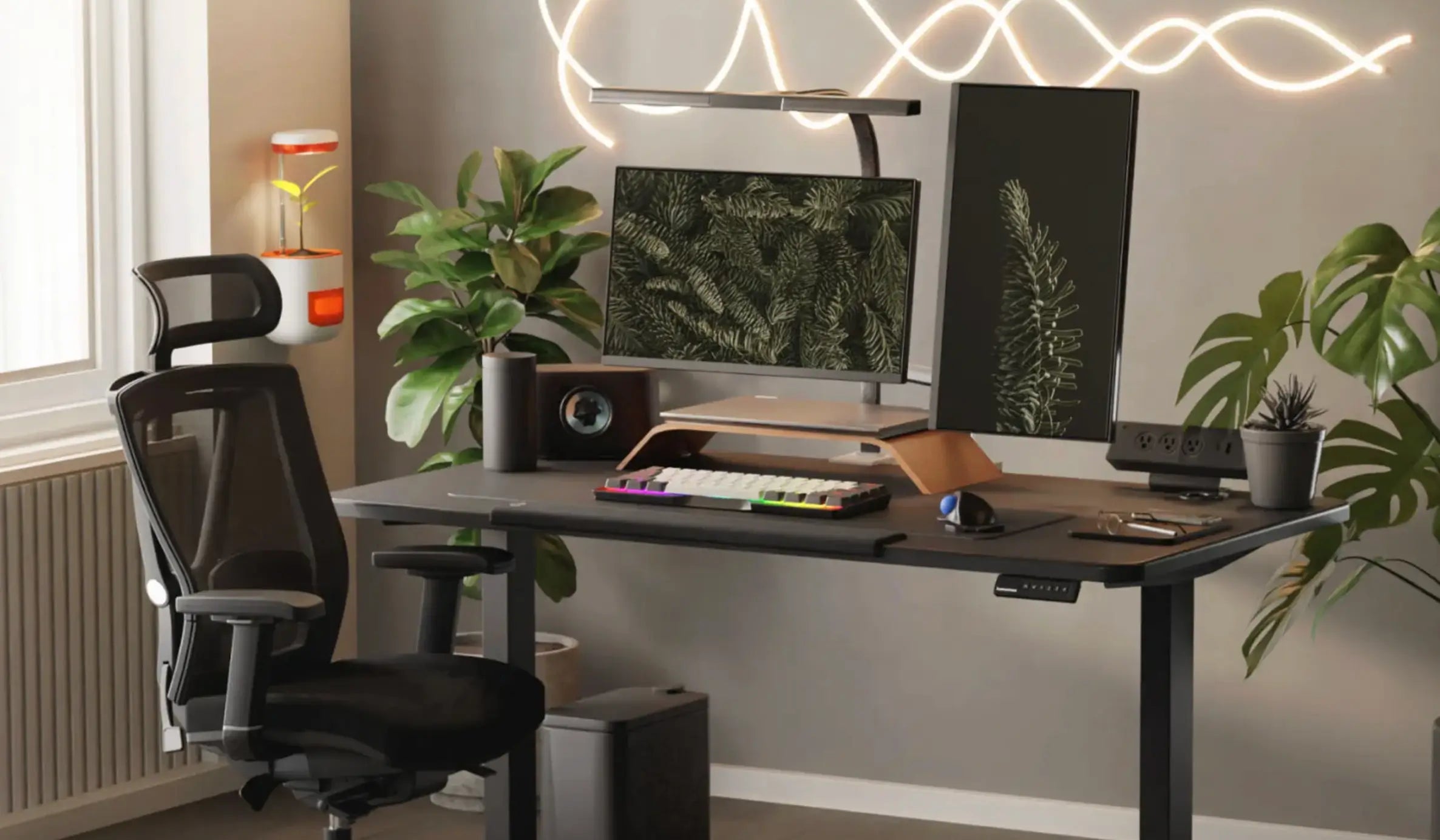
11. Build a Fully Ergonomic Desk Setup (Air Nova Ecosystem)
True ergonomics extends beyond the mouse. Combine the Air Nova Smart Mouse with:
- Touch Nova Smart Keyboard – low-profile, wrist-neutral typing
- NovaPad 14 Productivity Tablet – touch + pen input to reduce mouse travel
- CyberDock – clean power, zero cable stress
Together, they create a workspace where pain and friction simply don’t exist.
Final Verdict
In 2026, using a flat, decades-old mouse design isn’t just uncomfortable, it’s actively holding you back.
Ergonomic mice are dominating because the data is undeniable: neutral wrists equal less pain, more speed, and higher output over a full career.
The Air Nova Smart Mouse isn’t riding the wave, it’s creating it. If you use a mouse for more than four hours a day, you owe it to your wrists, your work, and your future self to make the switch today.
Your move.






Leave a comment
This site is protected by hCaptcha and the hCaptcha Privacy Policy and Terms of Service apply.